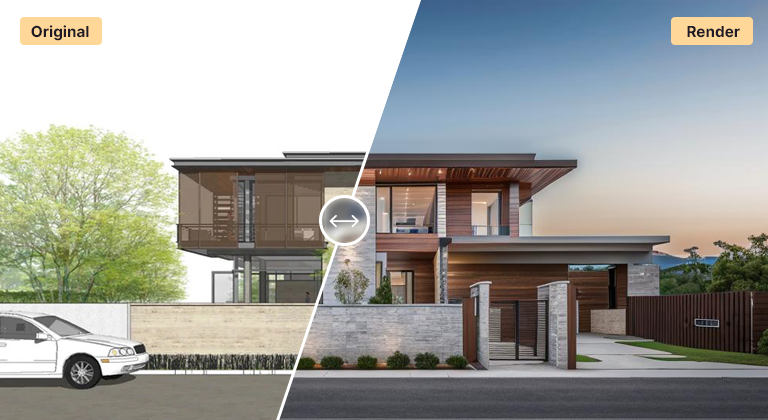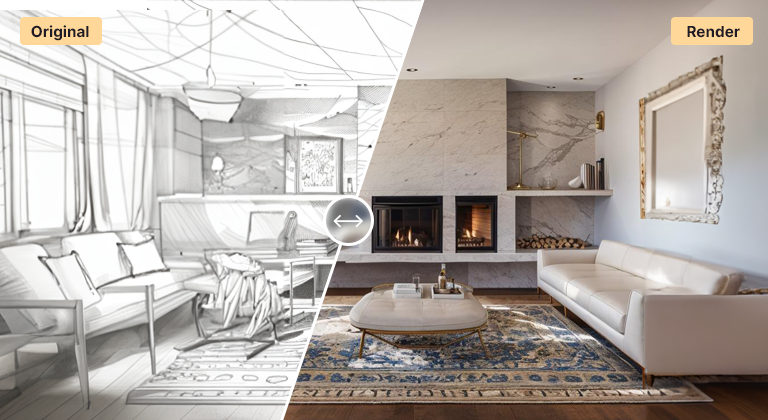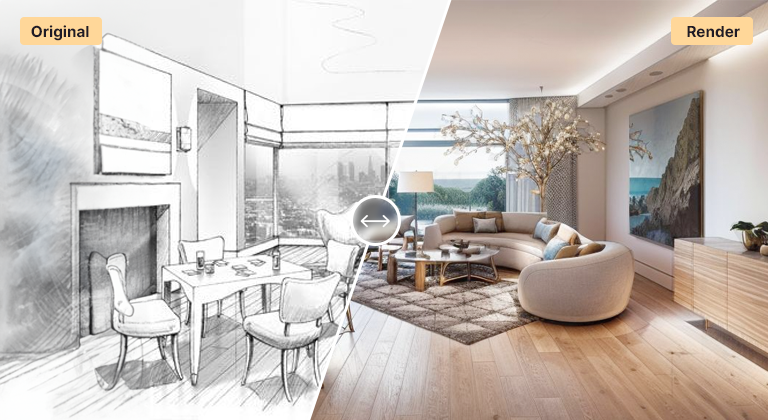
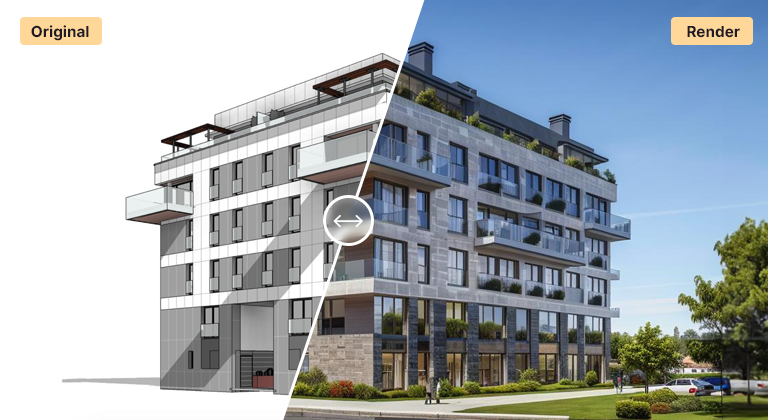
AI rendering is the fastest way to turn a design idea into a photorealistic image. Instead of setting up materials, lights, and cameras inside a traditional render engine, you upload your input — a sketch, a SketchUp viewport, a Revit perspective, a Rhino screenshot, or a CAD elevation — and AI Render Studio produces a finished rendering in under a minute.
This dramatically compresses the design feedback loop. Traditional rendering with V-Ray, Corona, or Lumion involves significant setup time, render queues, and post-production. AI rendering collapses that workflow into a single upload-and-generate step that runs entirely in the browser, with no GPU, no plugin, and no specialized rendering skills required.
AI rendering does not replace traditional rendering for every use case. Final marketing campaigns, hero film shots, and projects where pixel-level control matters still benefit from manual render engines. But for the 80% of visualization needs — concept presentations, design iteration, internal reviews, social posts, competition boards — AI rendering is faster, cheaper, and good enough to win the work and ship the project.