
The AI rendering studio
built for architects.
Photo, sketch, or floor plan in. Photoreal render out, in seconds.
3 free credits · No card required · Full commercial rights
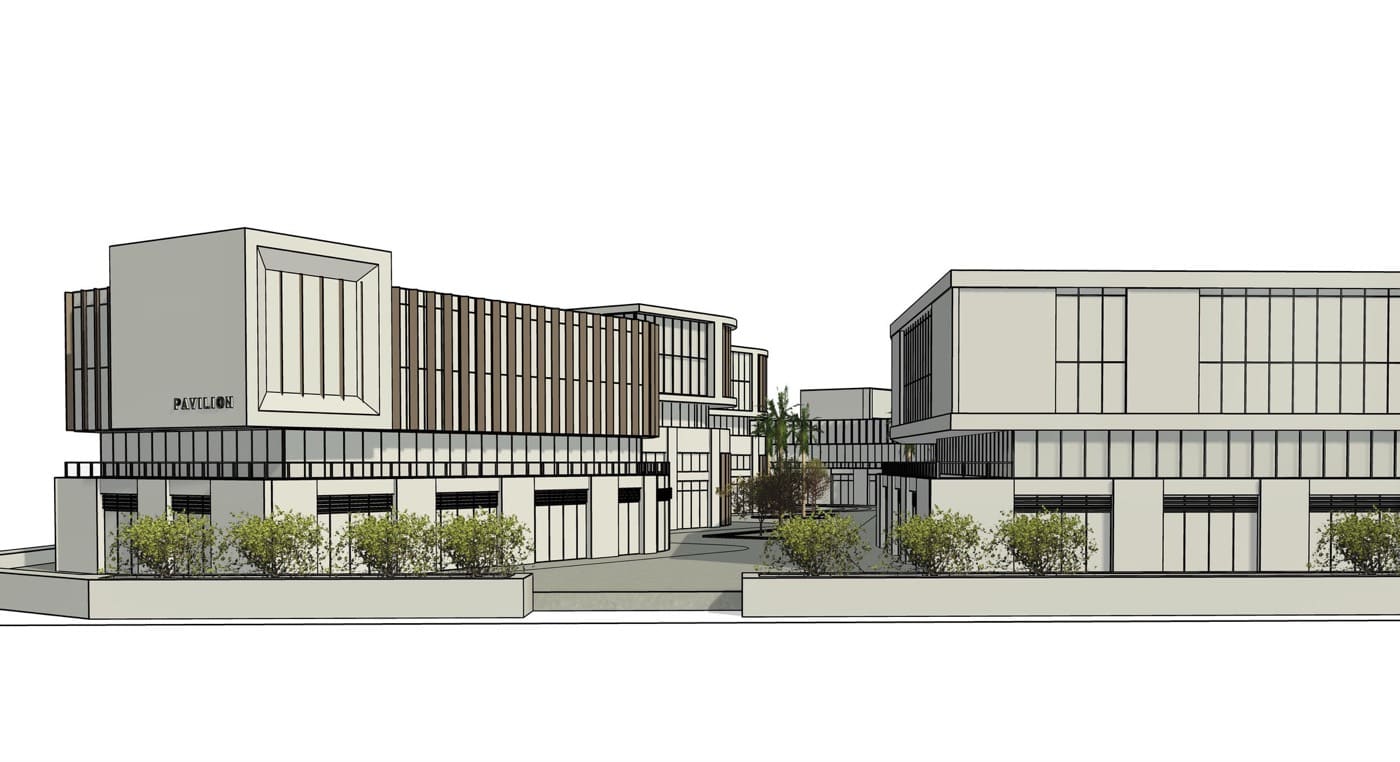
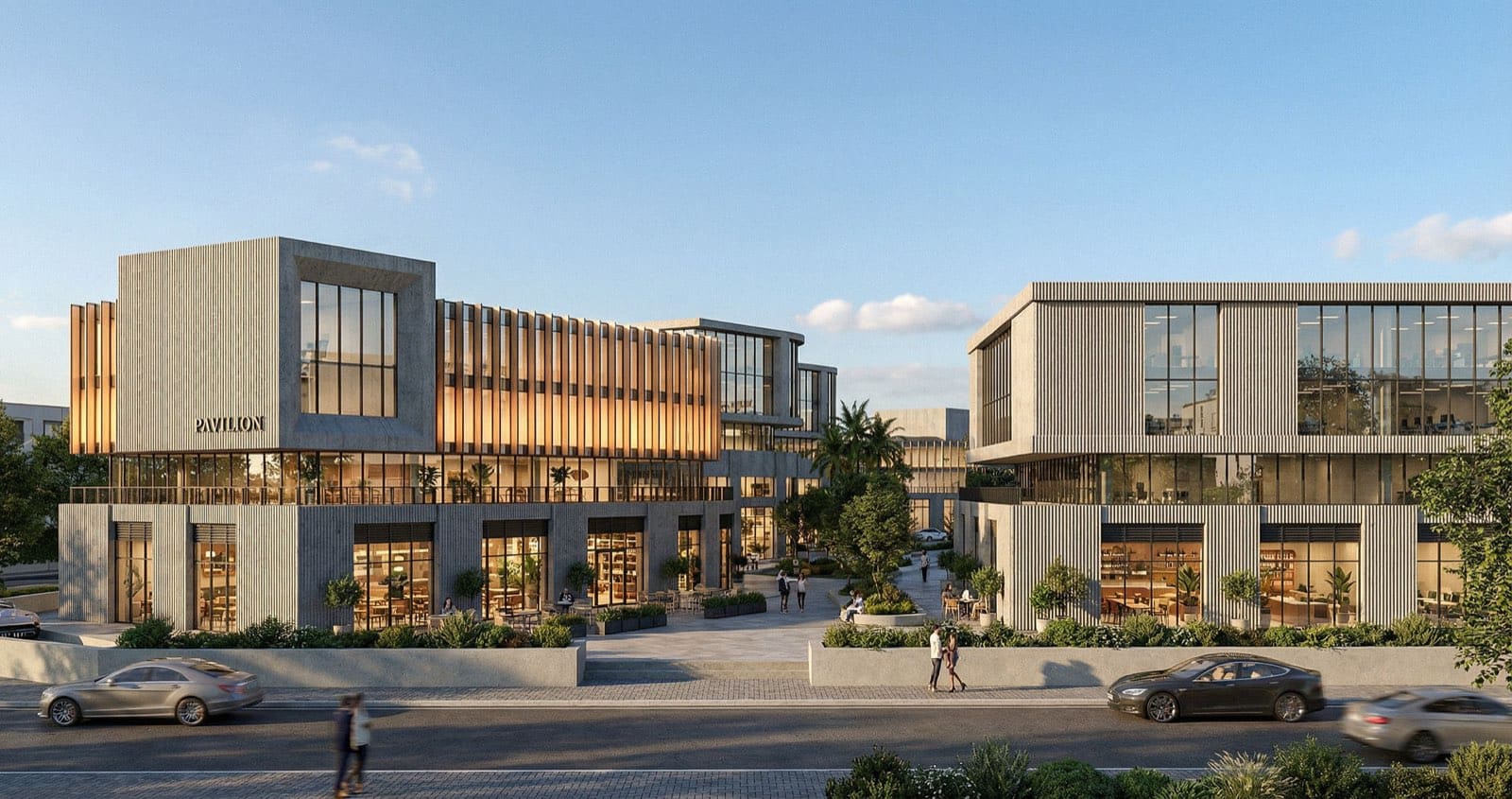
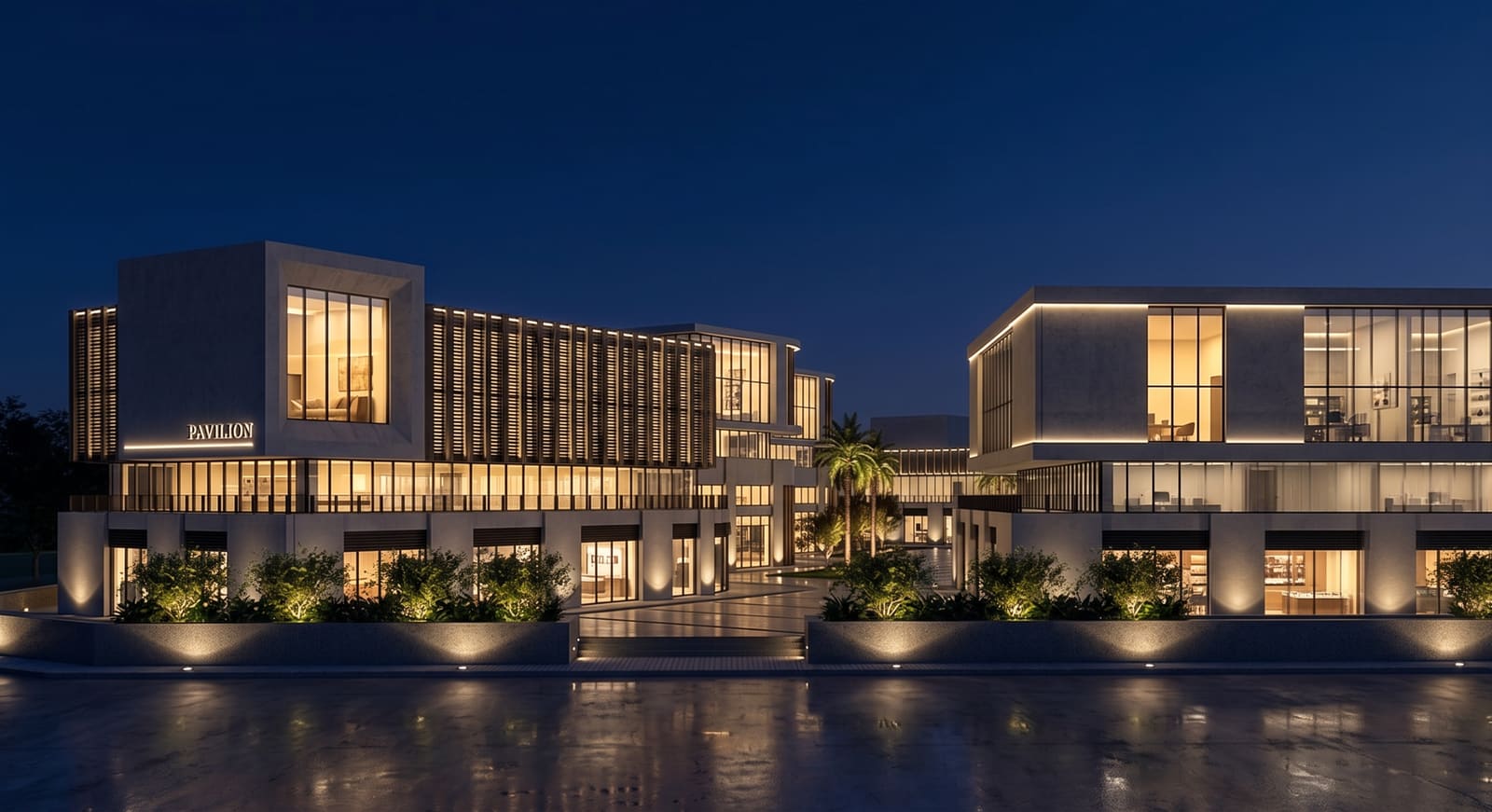
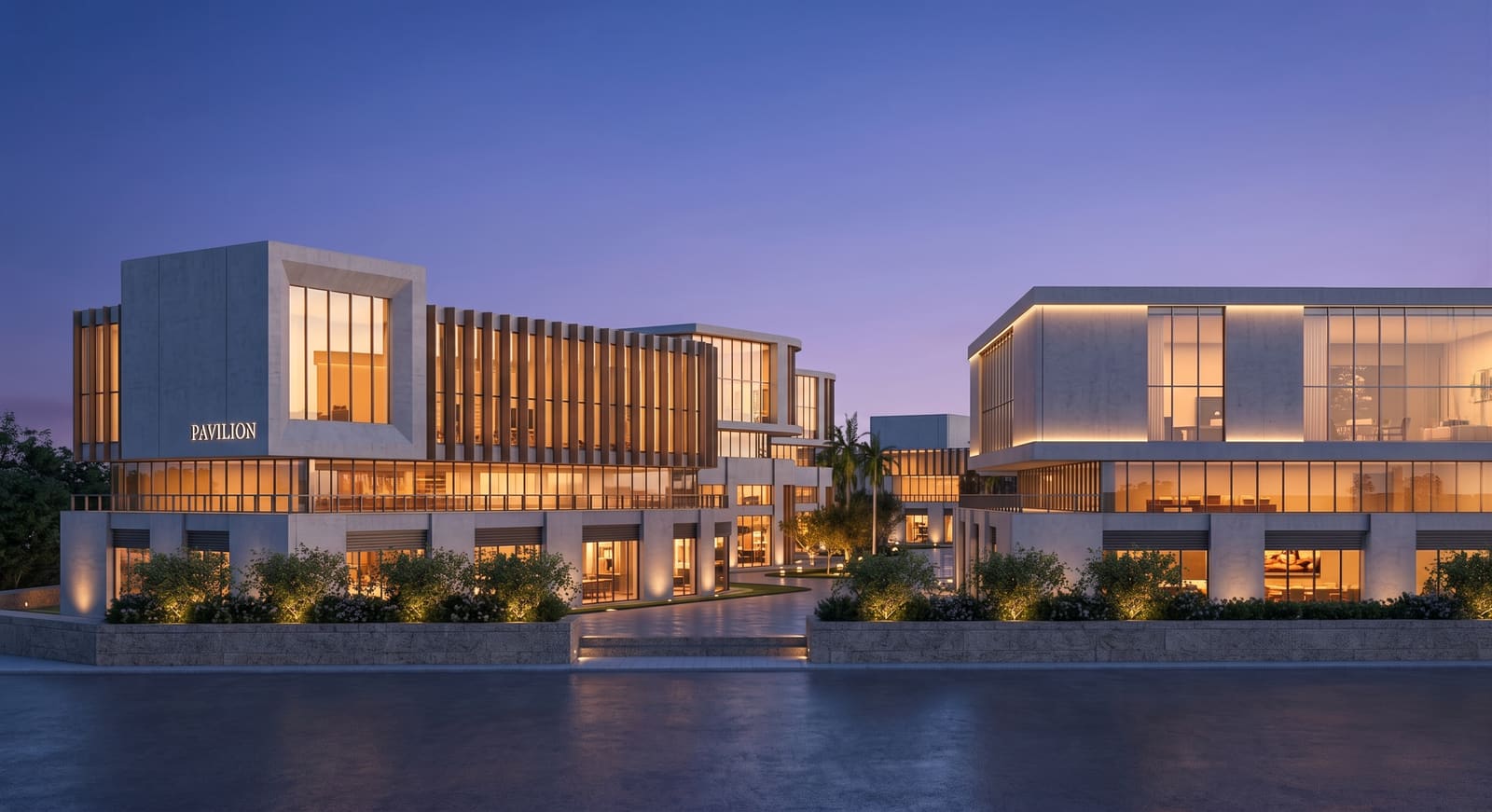
Render mode
Ready — 1 credit per render
~30s
avg. render
Overview
AI exterior, interior and masterplan rendering — without the wait.
| Comparison criteria | Traditional rendering | Hiring a render studio | AI Render Studio |
|---|---|---|---|
| Setup | 3D model, materials, lighting rig | Send files, wait for a quote | Upload a photo or sketch |
| Turnaround | Hours to days per image | 2–7 days per round | ~30 seconds per render |
| Cost per image | GPU rig + render farm time | $200–$2,000 per image | From 1 credit |
| A change request | Re-render the whole scene | Re-brief and wait again | Regenerate in seconds |
| Hardware | High-end GPU workstation | None — outsourced | Any browser, any device |
One AI render engine. Six specialized tools.
One workspace.
Every rendering task.
Not a general-purpose image AI — tuned on architecture and interior design.
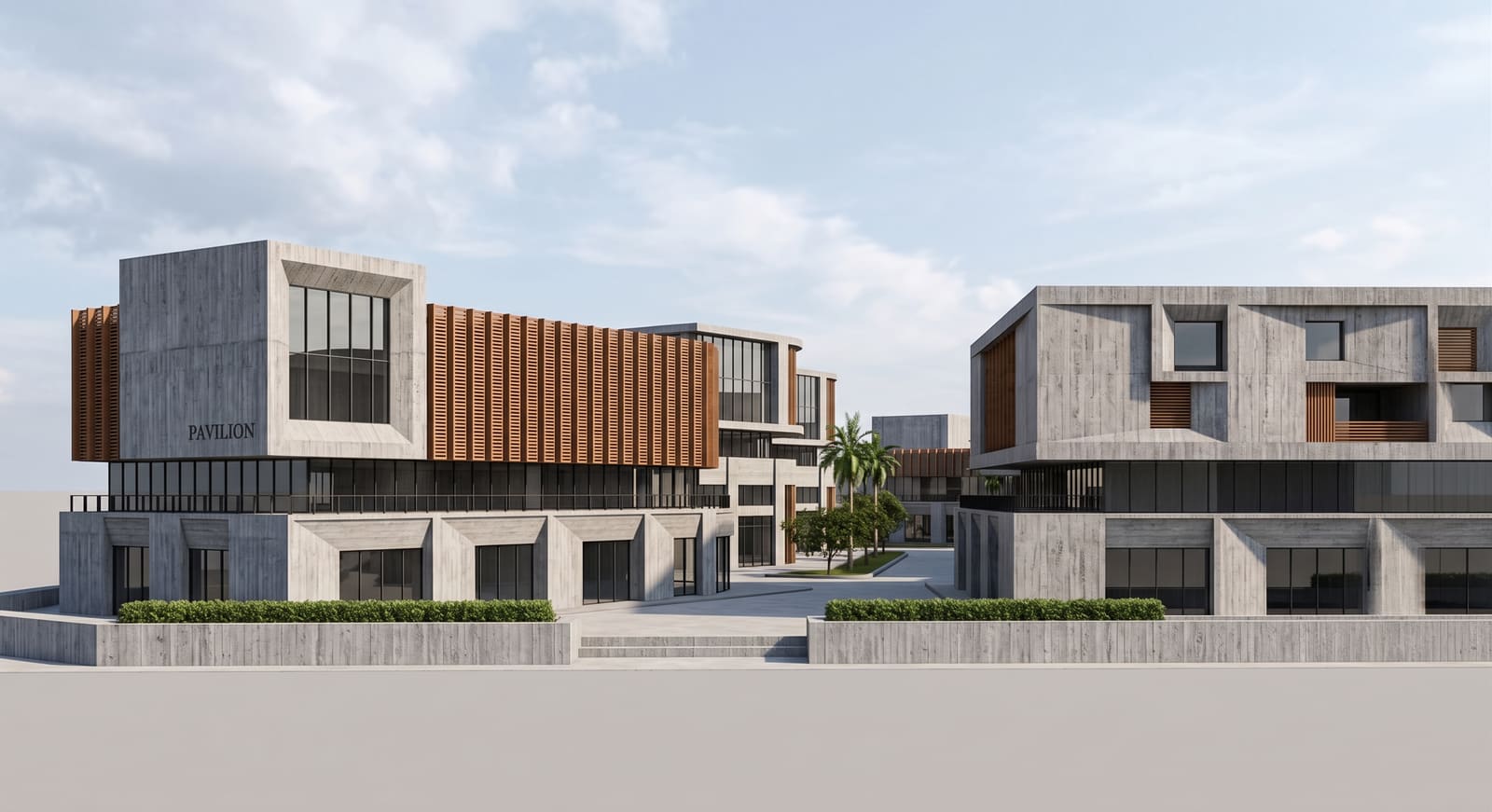
Exterior AI
Render buildings in 60+ AI-generated architectural styles.
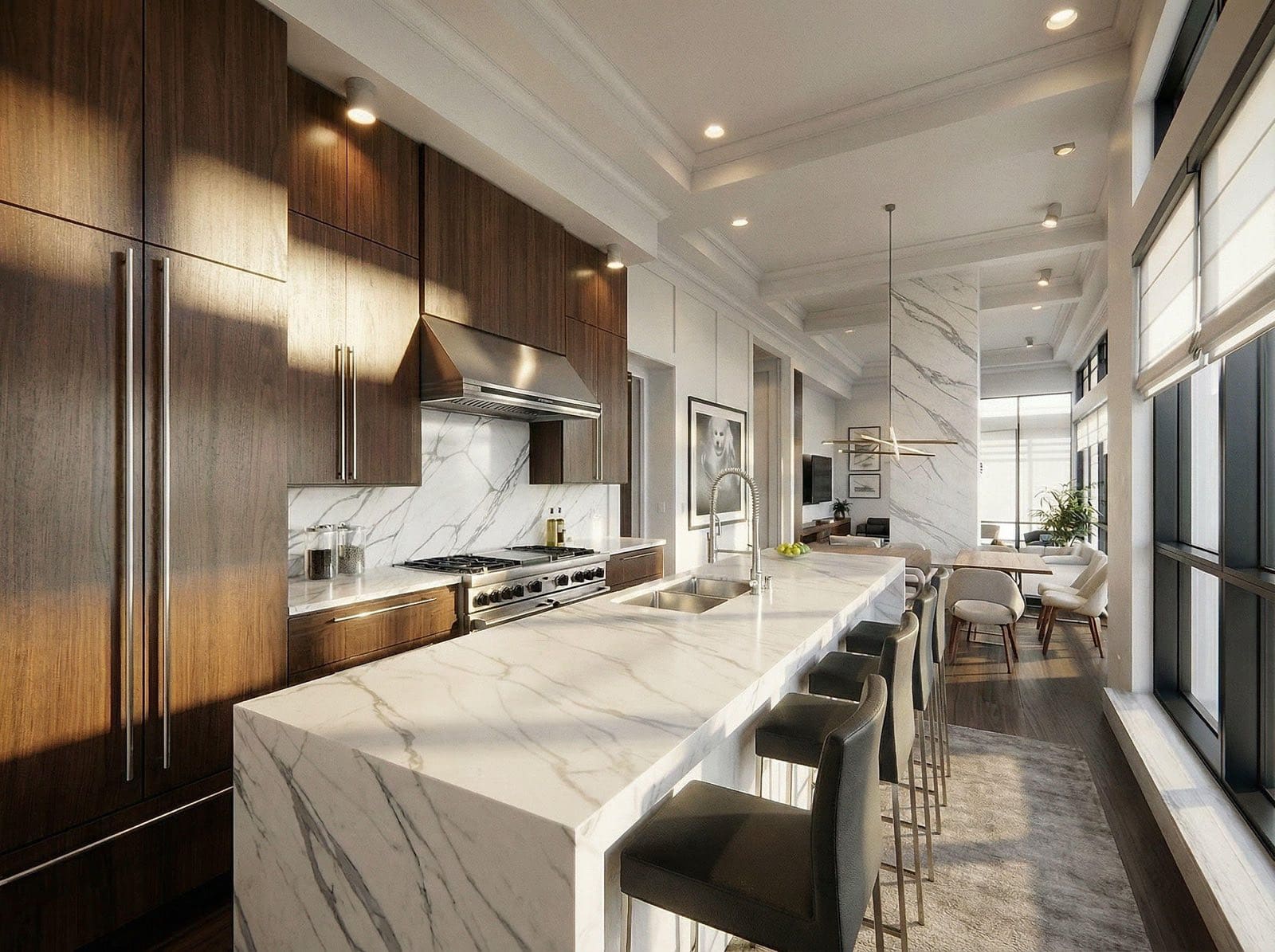
Interior AI
Restyle interior spaces with AI furnishing and materials.
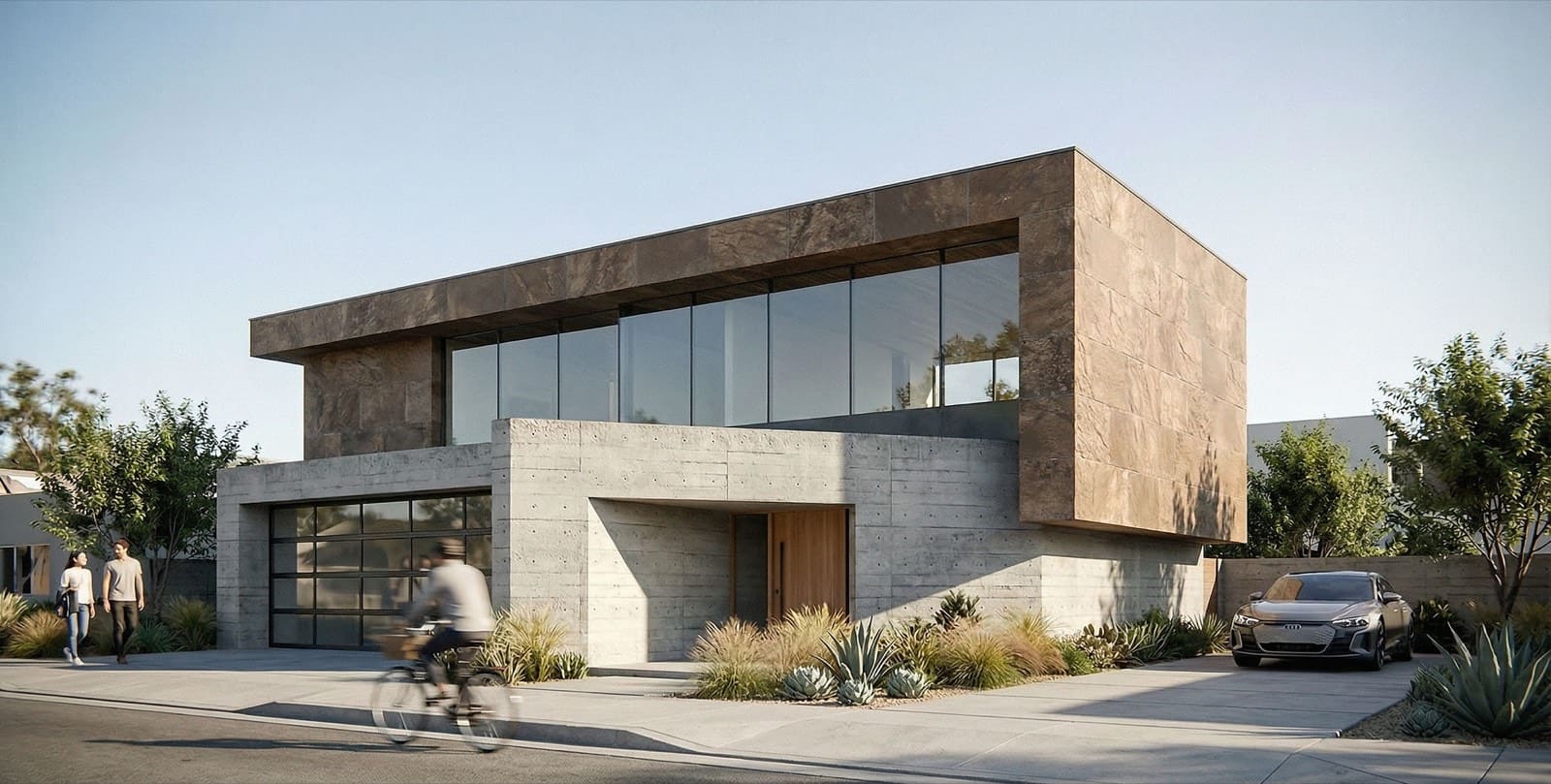
Sketch to Render
Pencil and CAD sketches become photoreal renders.
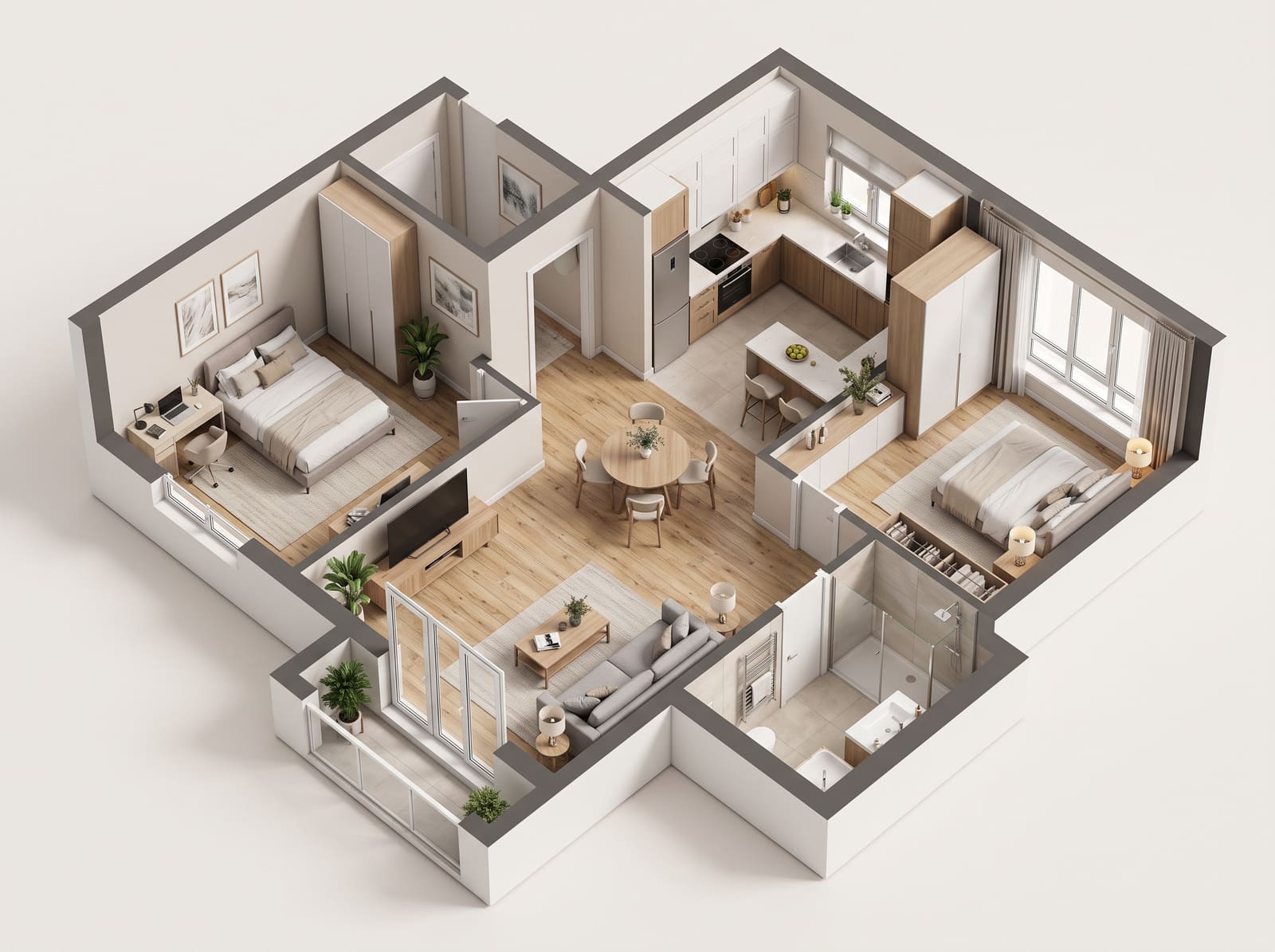
Floor Plan AI
Generate 3D views and isometric renders from 2D plans.
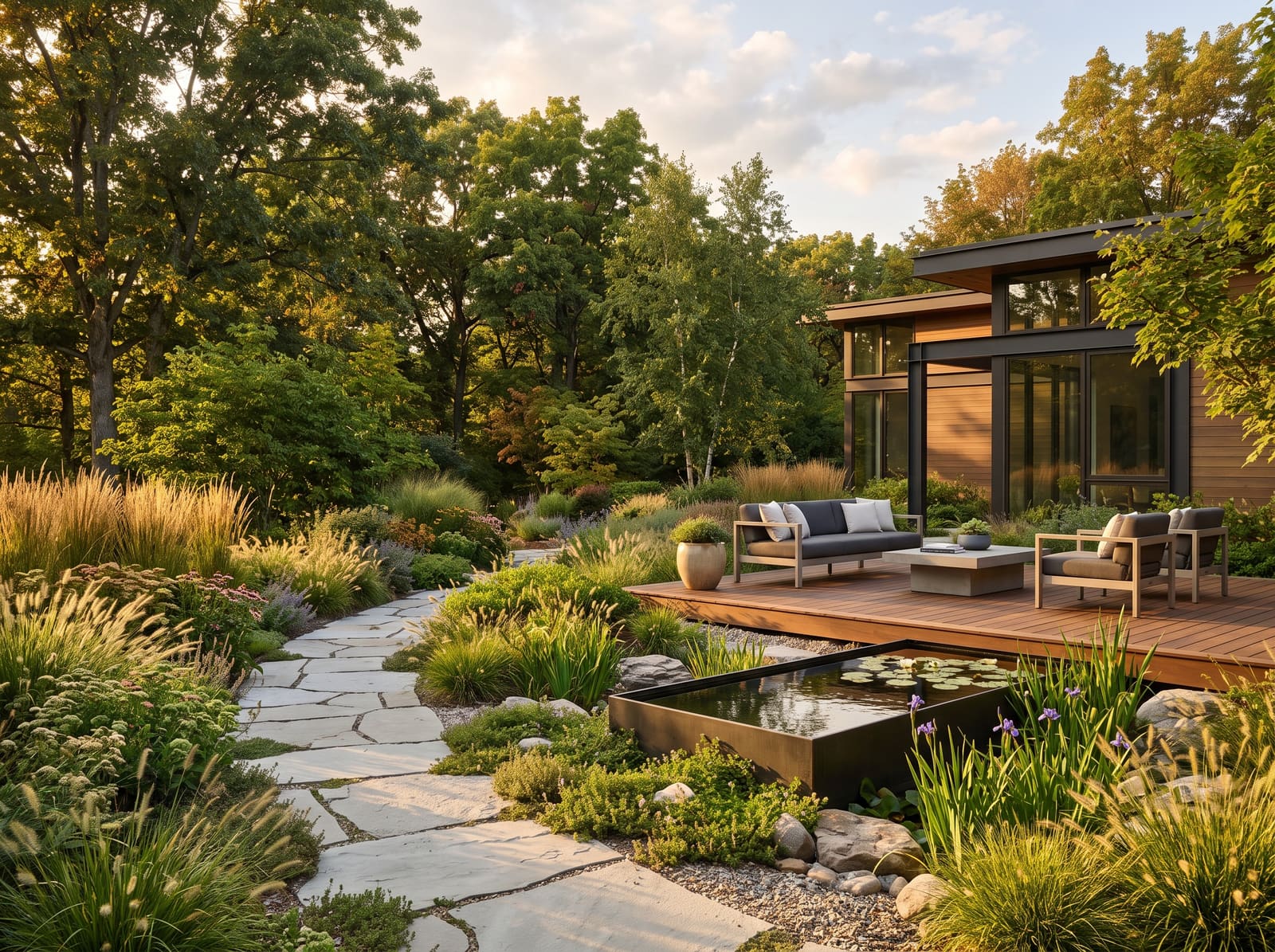
Landscape AI
Concept gardens and outdoor spaces with AI material engine.
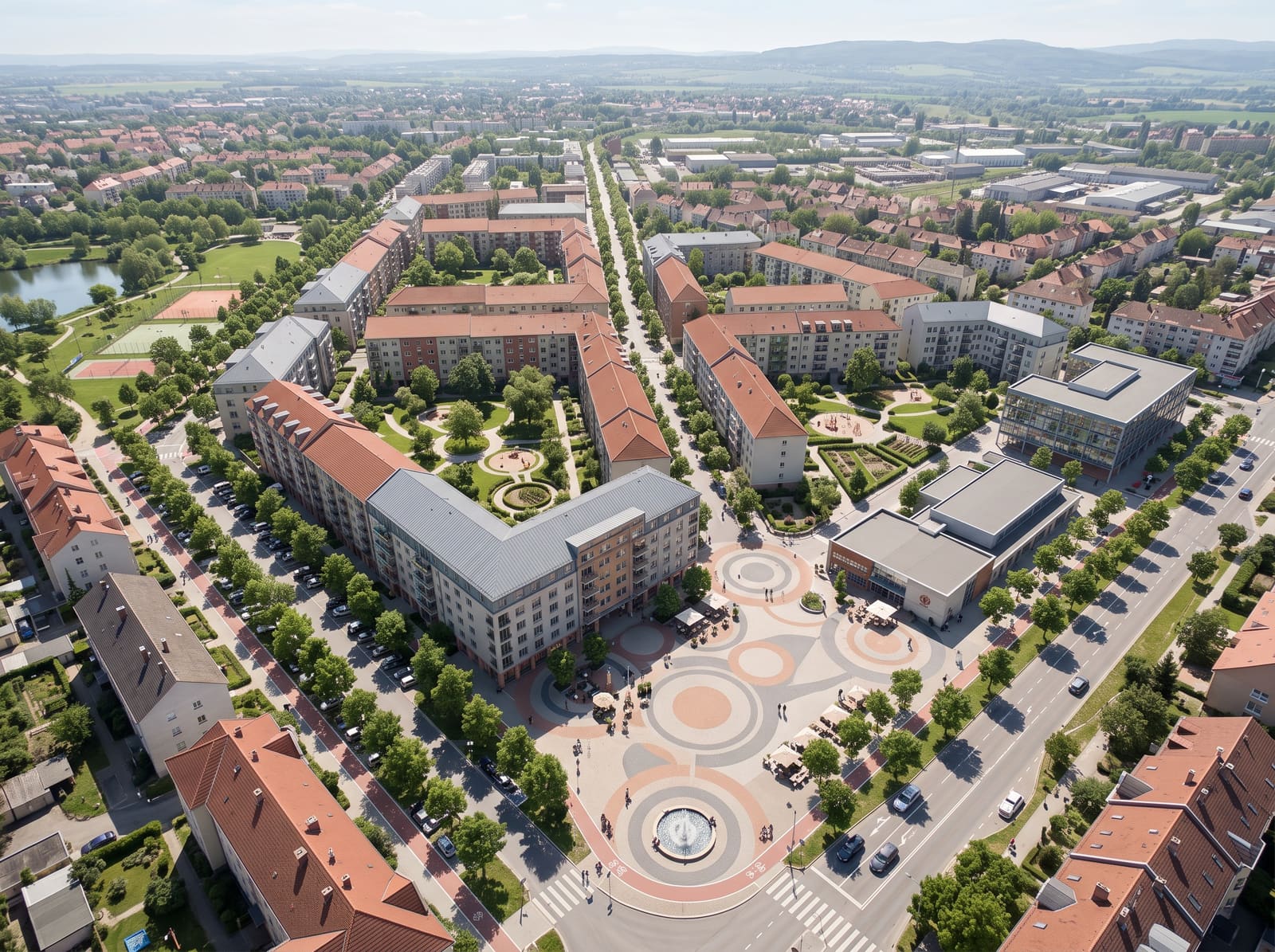
Masterplan AI
Visualize masterplans and site layouts in aerial views.
New to AI rendering? Read our guide to AI rendering for architecture, or see how we compare to Midjourney and other tools.
How it works
3 steps. No prompt-engineering required.
Drop your source
Photo, sketch, CAD viewport, or 2D plan.
30MB · JPG/PNGDirect the AI
Pick a style, write a prompt, lock the camera.
60+ AI stylesPick your winner
Compare, iterate, upscale to 4K.
~30s per renderThe style library
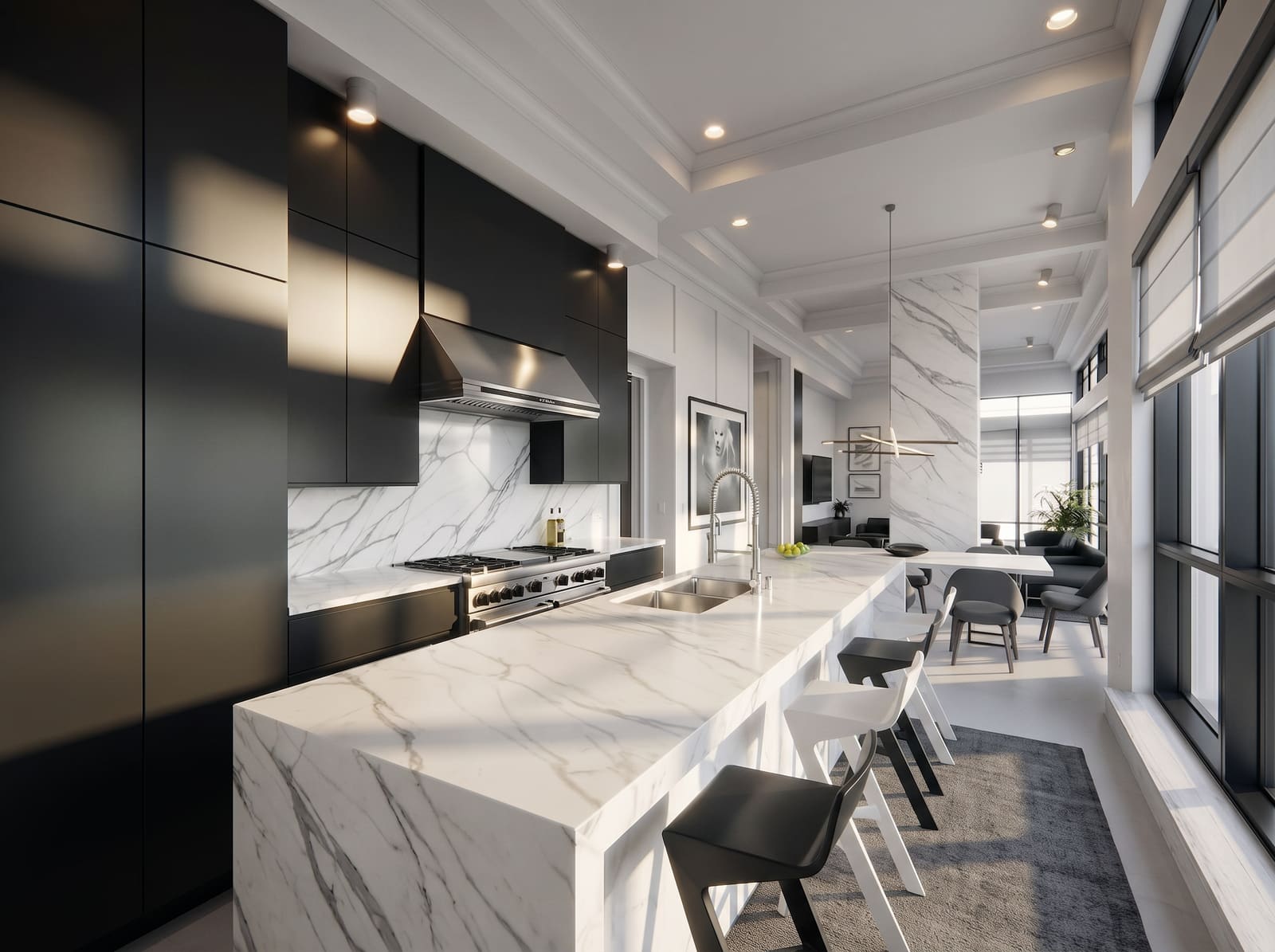
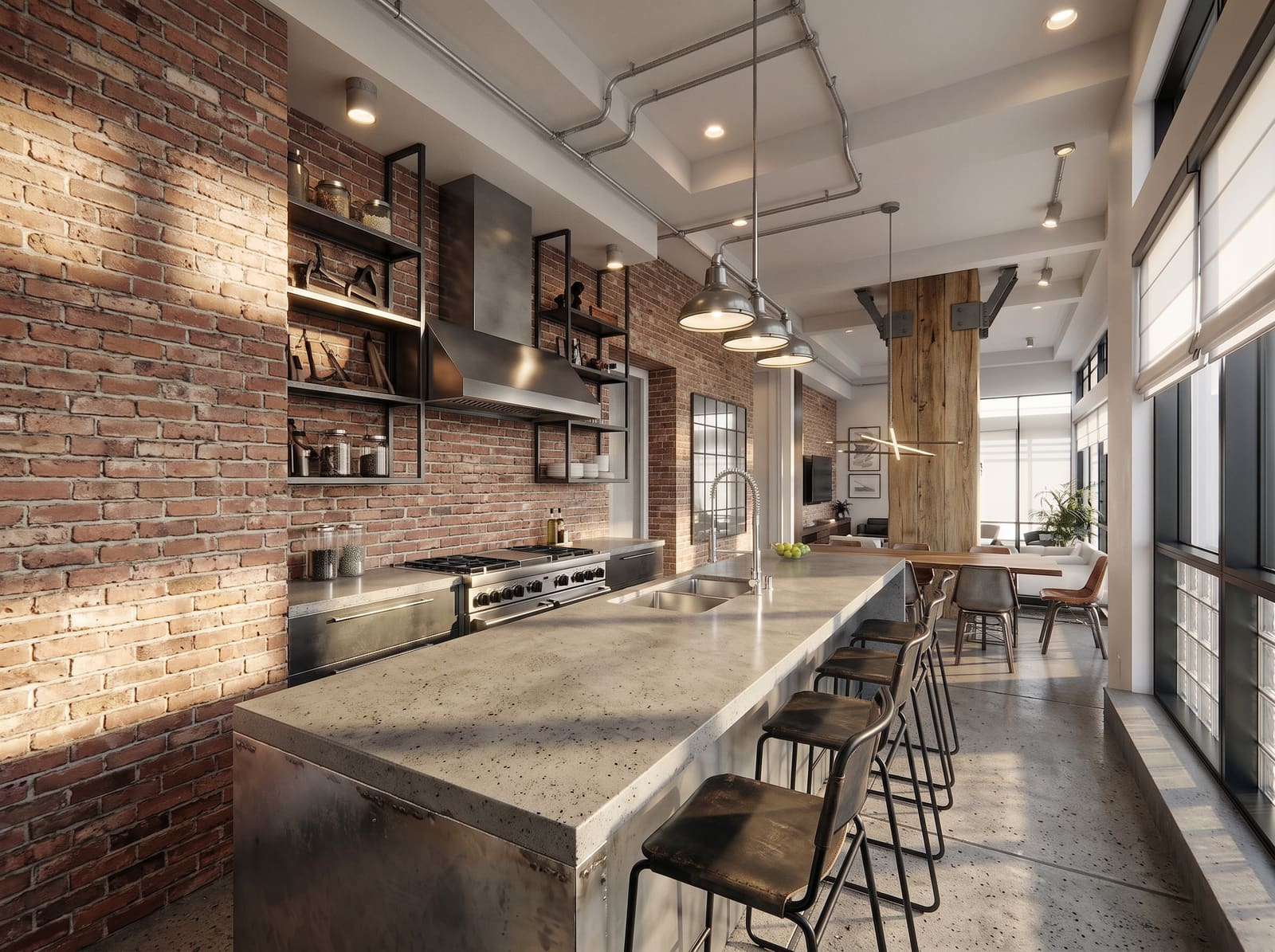
60+ AI styles, tuned for architecture and interior design.
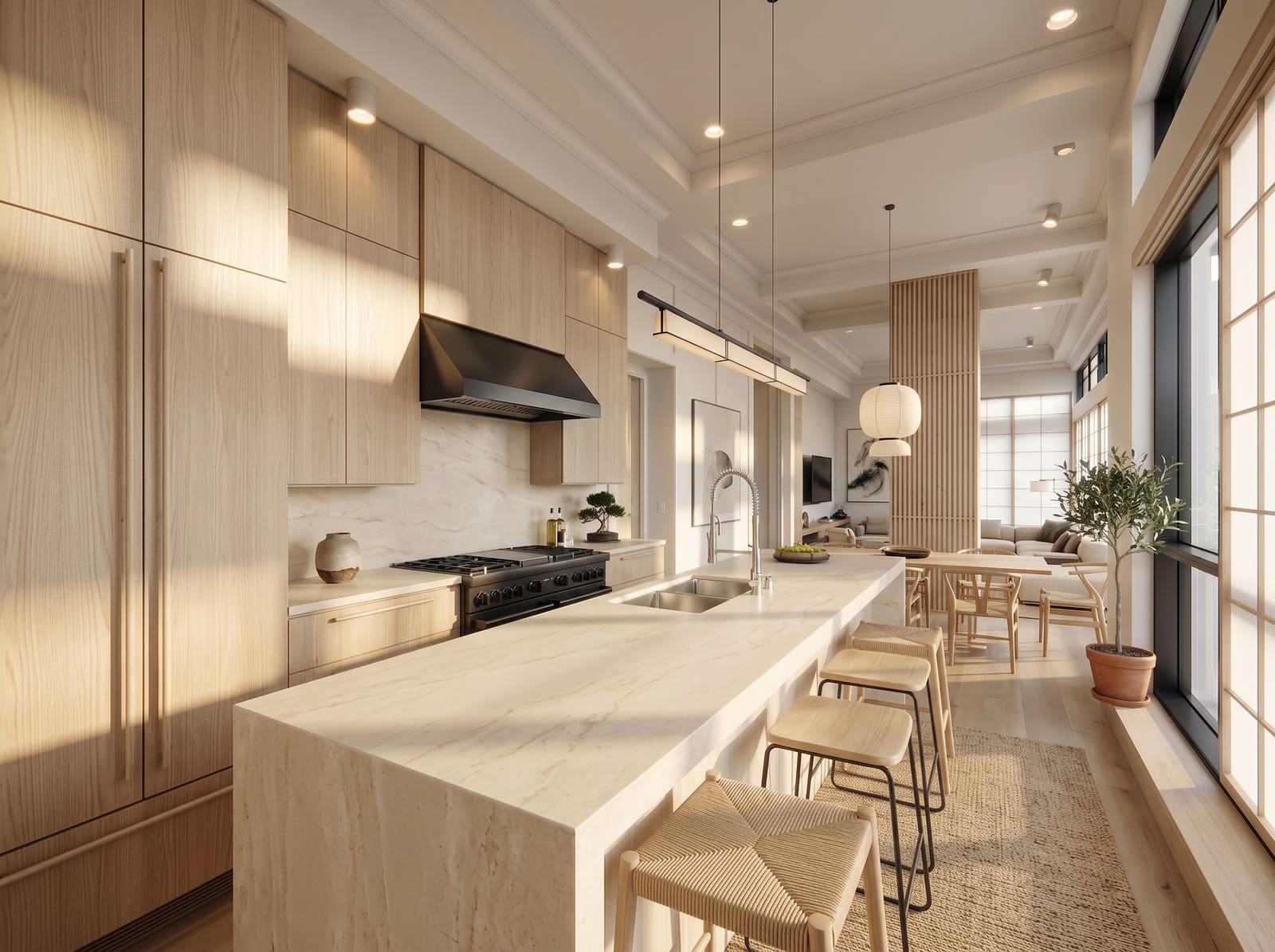
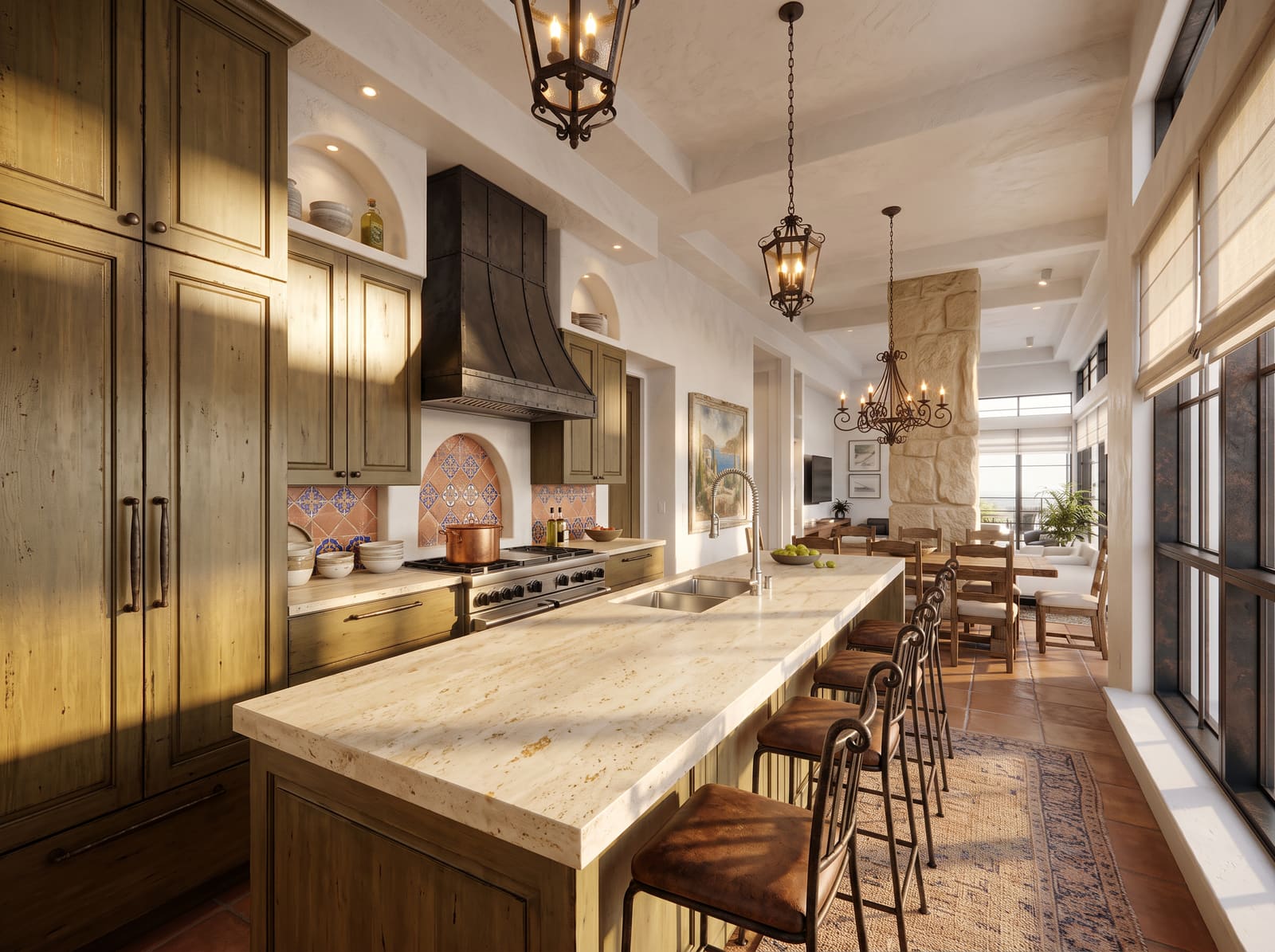
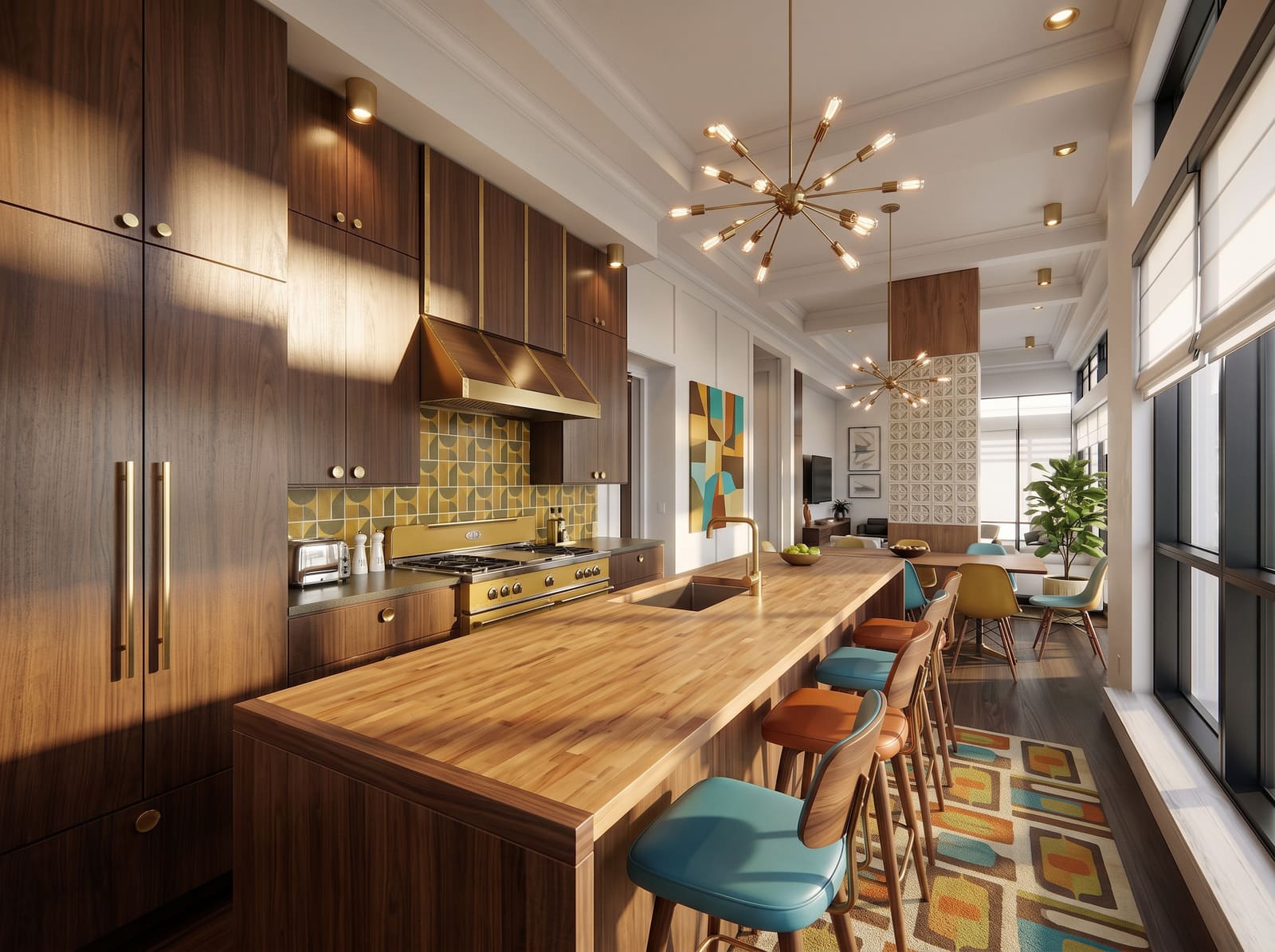
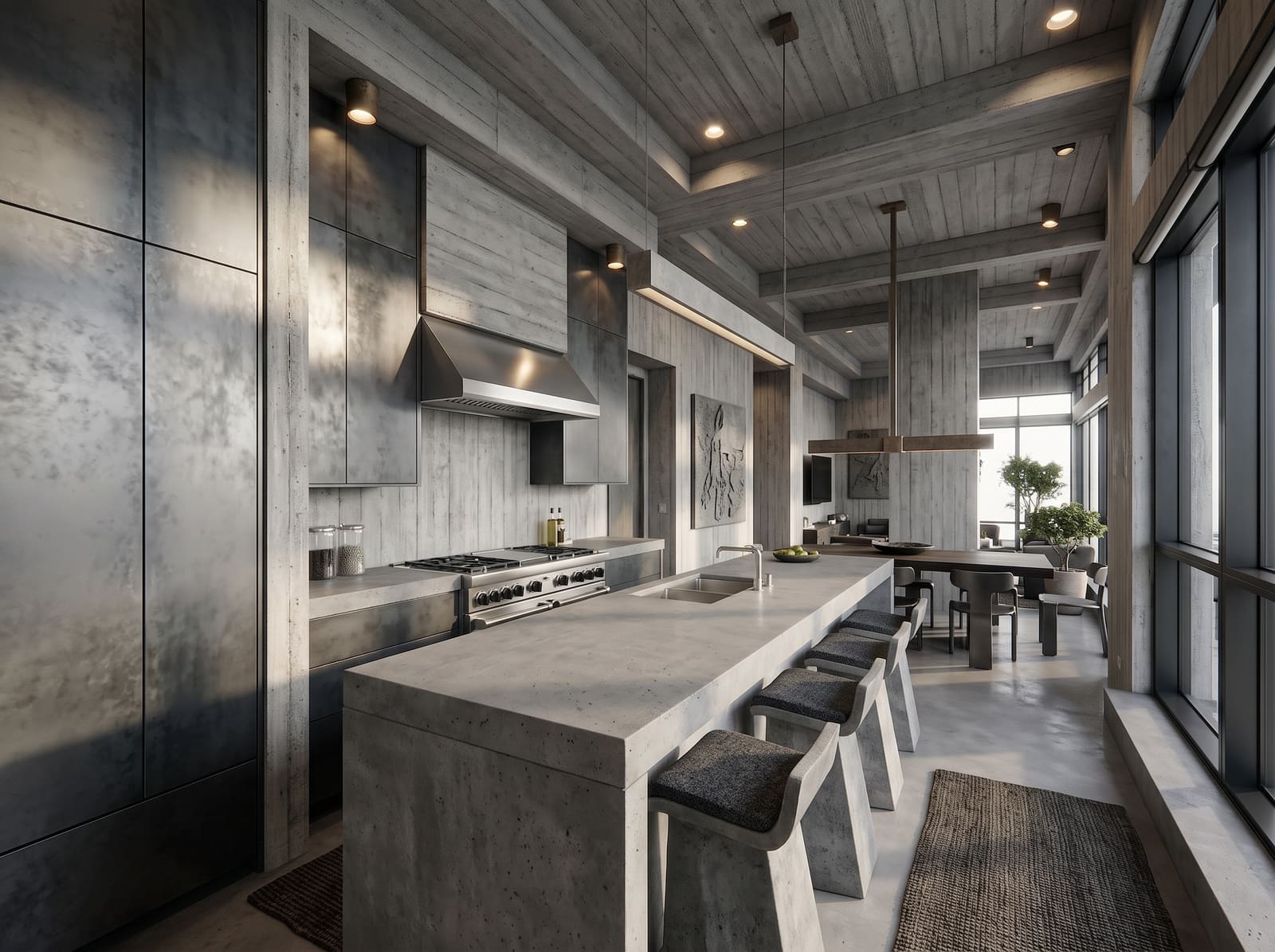
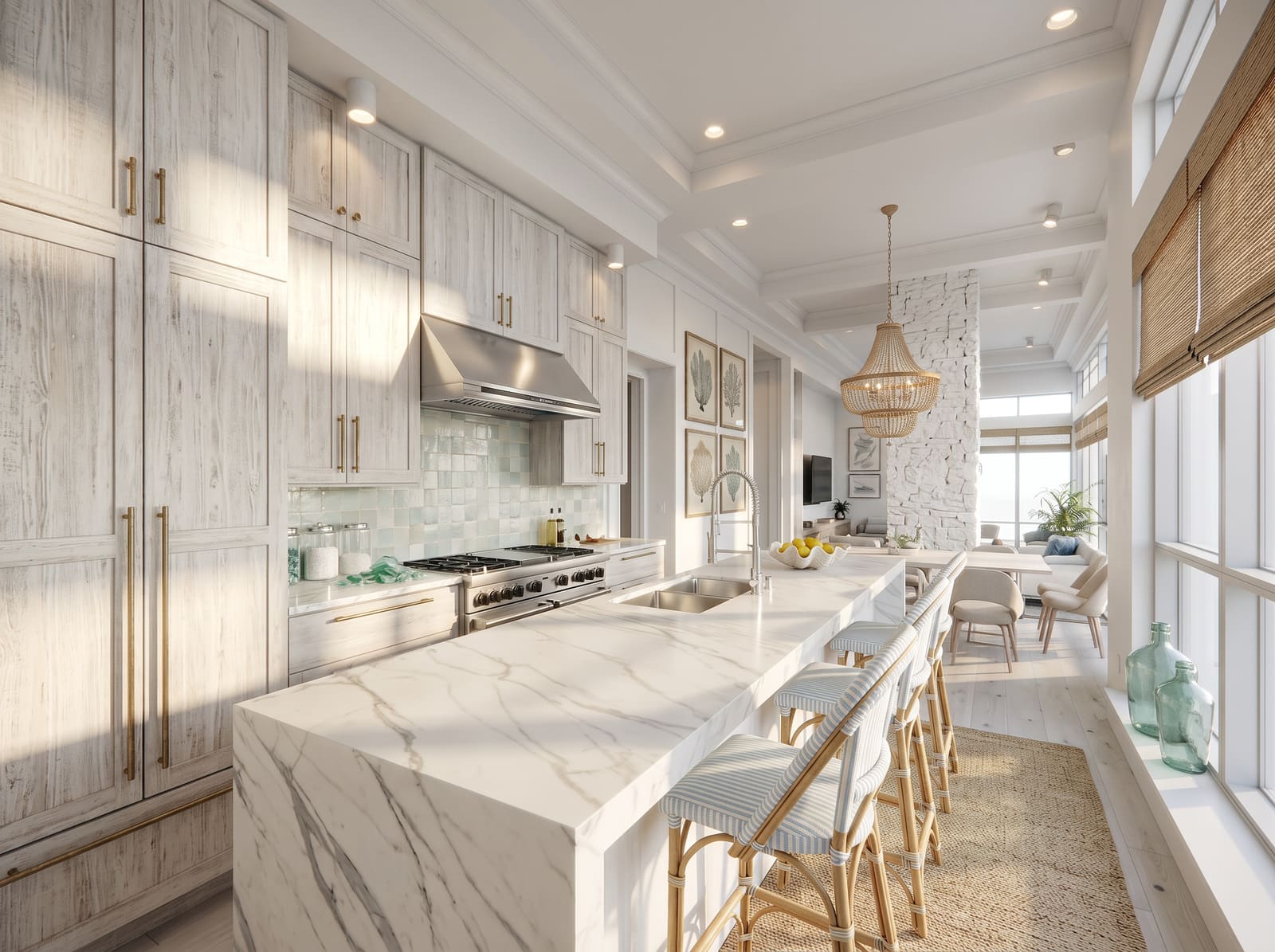
See it in action
Drag to compare.
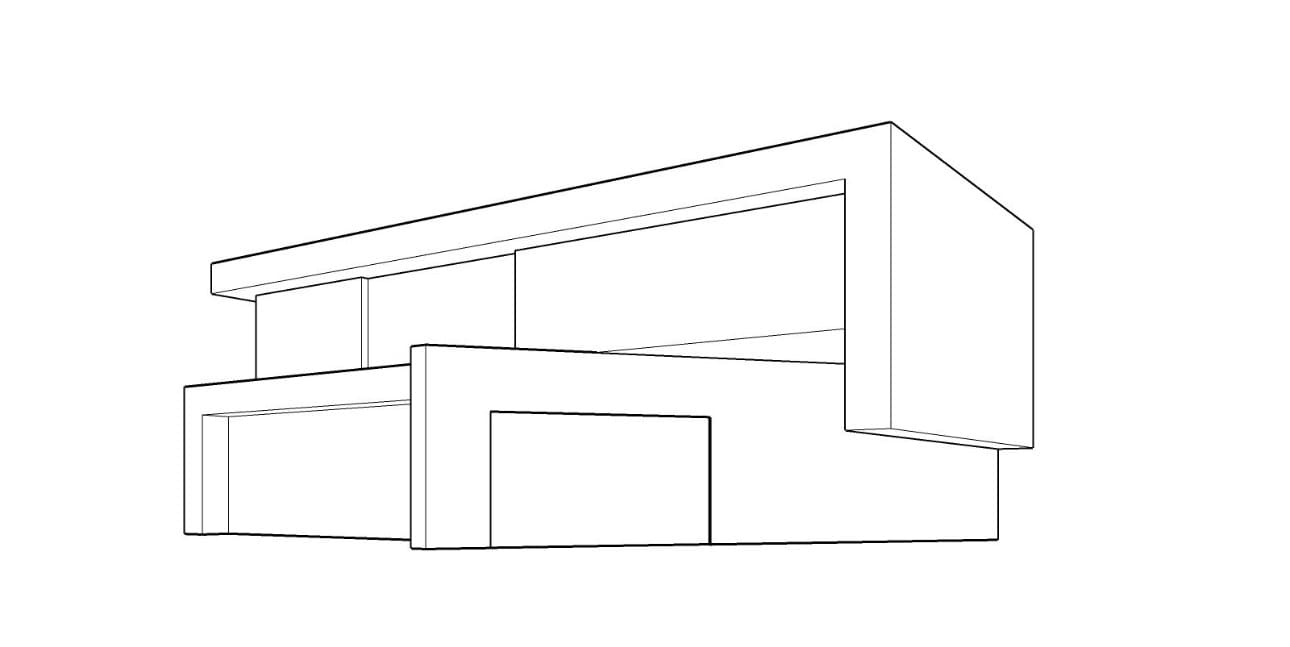
Sketch → photoreal, same building
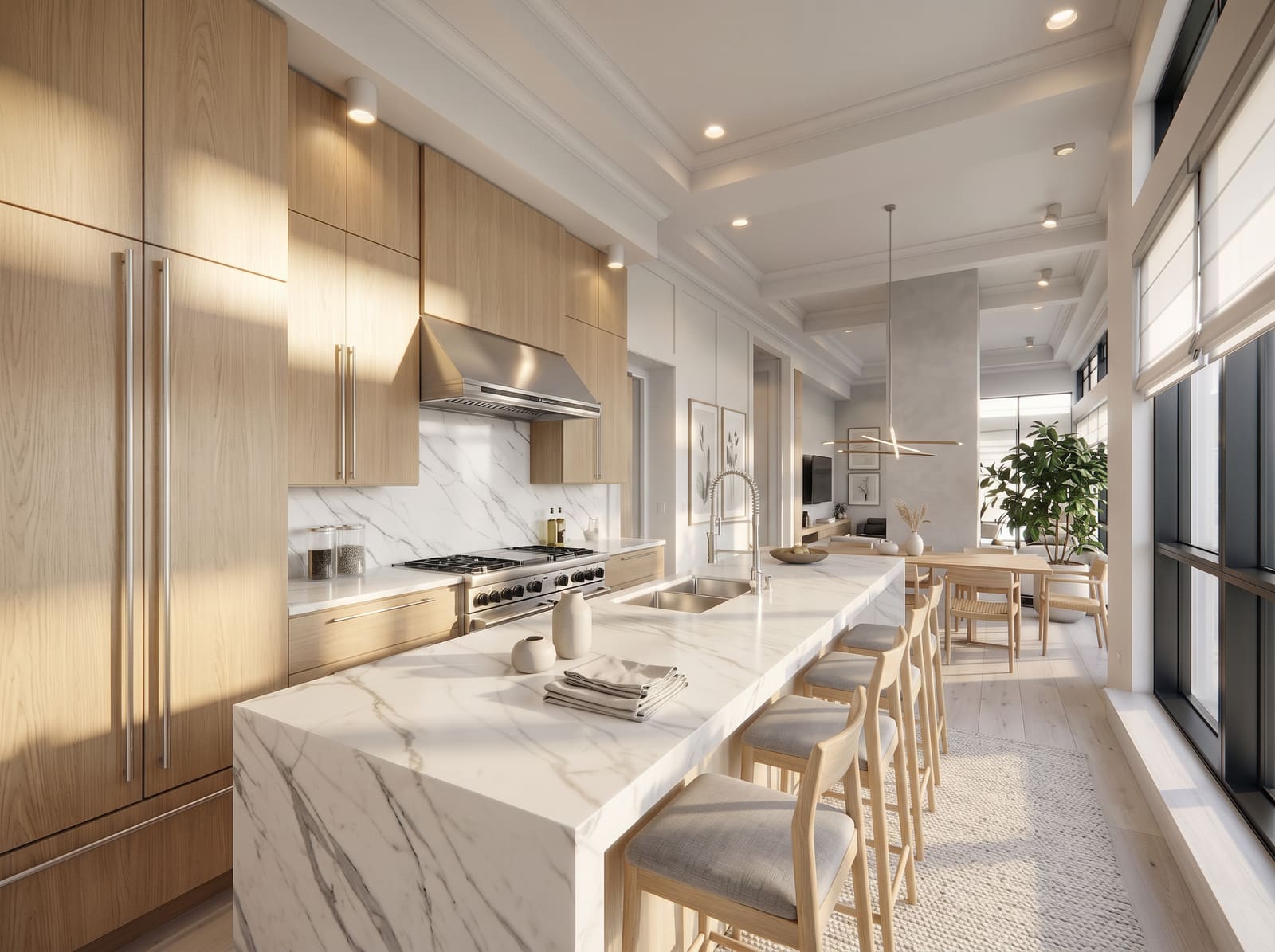
AI interior design — same room, restyled
Daytime → night, one click
Pricing
Monthly plans or one-time packs.
Every tool on every option.
Plans from $19 a month, or a one-time pack from $49 with credits that never expire. 4K upscaling and full commercial rights included on every option.
$19/ month
- 100 credits every month
- 4K upscaling included
- Full commercial rights
- Unused credits roll over one month
$39/ month
- 250 credits every month
- 4K upscaling included
- Full commercial rights
- Unused credits roll over one month
$79/ month
- 600 credits every month
- 4K upscaling included
- Full commercial rights
- Unused credits roll over one month
Common questions
Everything you might
want to know.
What is AI Render Studio?
AI Render Studio is an AI-powered rendering workspace built for architects and interior designers. Upload a photo, SketchUp screenshot, hand sketch or floor plan, and a purpose-built AI render engine turns it into a photorealistic render in seconds — AI exterior rendering, interior design restyling, masterplan and sketch-to-render in one place, with no render farm, no plugins and nothing to install.
How is this different from Midjourney or generic AI image tools?
Those are general-purpose image generators. AI Render Studio is a workspace built around the architecture workflow — style presets, reference upload, camera angle and mood controls, and full-resolution export. The AI is the engine; the product is the studio you work in.
Do I need 3D modeling experience?
No — you can render from a sketch, a photo, or a floor plan. If you already work in SketchUp, Revit, or Rhino, a screenshot of your model works great too. There is no modeling, no material setup and no render settings to learn.
What file types can I upload?
JPG and PNG up to 30MB. That covers photos, screenshots from SketchUp, Revit, Rhino, Enscape or Lumion, scanned hand sketches and exported 2D plans.
Can AI render from hand-drawn sketches?
Yes. The sketch-to-render tool is built for hand-drawn sketches, napkin drawings and concept line work. The AI reads your sketch, interprets the spatial intent and architectural elements, and turns it into a photorealistic visualization — ideal for early-stage meetings where you want to show clients a realistic preview from a quick sketch.
Can I render from a floor plan or 2D drawing?
Yes. Upload a 2D floor plan, elevation or CAD drawing and the AI interprets the layout, walls and openings to produce a photoreal view. It is a fast way to give clients a sense of a space before any 3D model exists.
Can I render interiors as well as exteriors?
Yes. AI Render Studio covers exterior architecture, interior design, landscape, masterplan and floor-plan visualization, each with its own specialized tool — so a kitchen or living room looks as convincing as a building facade.
What is the difference between AI rendering and traditional 3D rendering?
Traditional rendering uses ray-tracing engines like V-Ray, Corona or Enscape to calculate light physics from fully modeled 3D scenes — it needs detailed models, material assignments and hours of GPU compute per image. AI rendering generates photorealistic images from simpler inputs like sketches, screenshots or photos in seconds. AI rendering excels at speed and concept exploration; traditional rendering still offers pixel-perfect control for final production imagery.
Will it replace my SketchUp + V-Ray pipeline?
For concept work and client iteration, yes. For final geometric drawings and BIM-coordinated shots, no — that is still 3D. Many designers keep their 3D pipeline for late-stage production shots and use AI Render Studio for everything before that.
How long does an AI render take?
Most renders finish in around 30 seconds, start to finish. Compared with the hours a traditional render takes, you can explore a dozen design directions in the time one V-Ray frame would compute.
What resolution can I expect?
Renders are generated at high resolution, ready for screens and presentations, and the built-in upscaler takes any result to 4K for print and large-format boards.
How does it compare to hiring a visualization studio?
Visualization studios typically charge hundreds to thousands of dollars per image with multi-day turnarounds. AI Render Studio delivers a photoreal render for one credit in seconds — ideal for concept development and rapid iteration. For final hero imagery, some firms still use both approaches strategically.
Do my credits expire?
One-time pack credits never expire — use them next week or next year. Monthly plan credits roll over for one month, so you can hold up to two months of plan credits, and they end when the subscription ends. No subscription is required.
Can I use renders for commercial and client work?
Yes. Every plan and credit pack includes full commercial rights — use your renders in client presentations, marketing materials, and portfolios with no extra fees or attribution. You retain the rights to everything you generate.
Is my project data secure?
Yes. Uploads are stored securely and encrypted at rest, we never use your images to train models, and you can delete your renders at any time.
Is my first render really free?
Yes. Every new account gets 3 free credits to try the full architecture AI toolkit — no credit card required.
Start in 60 seconds
Render your next project.
Before lunch.
3 free credits. No card required. One AI render engine, tuned for architecture and interior design, from day one.
Start rendering free