
Front elevation design
AI Front Elevation Design Generator
See your house with a new front elevation before you build. Upload a photo, sketch or CAD drawing and get photoreal elevation designs in seconds — modern, simple, village, Indian traditional, single floor or double floor.
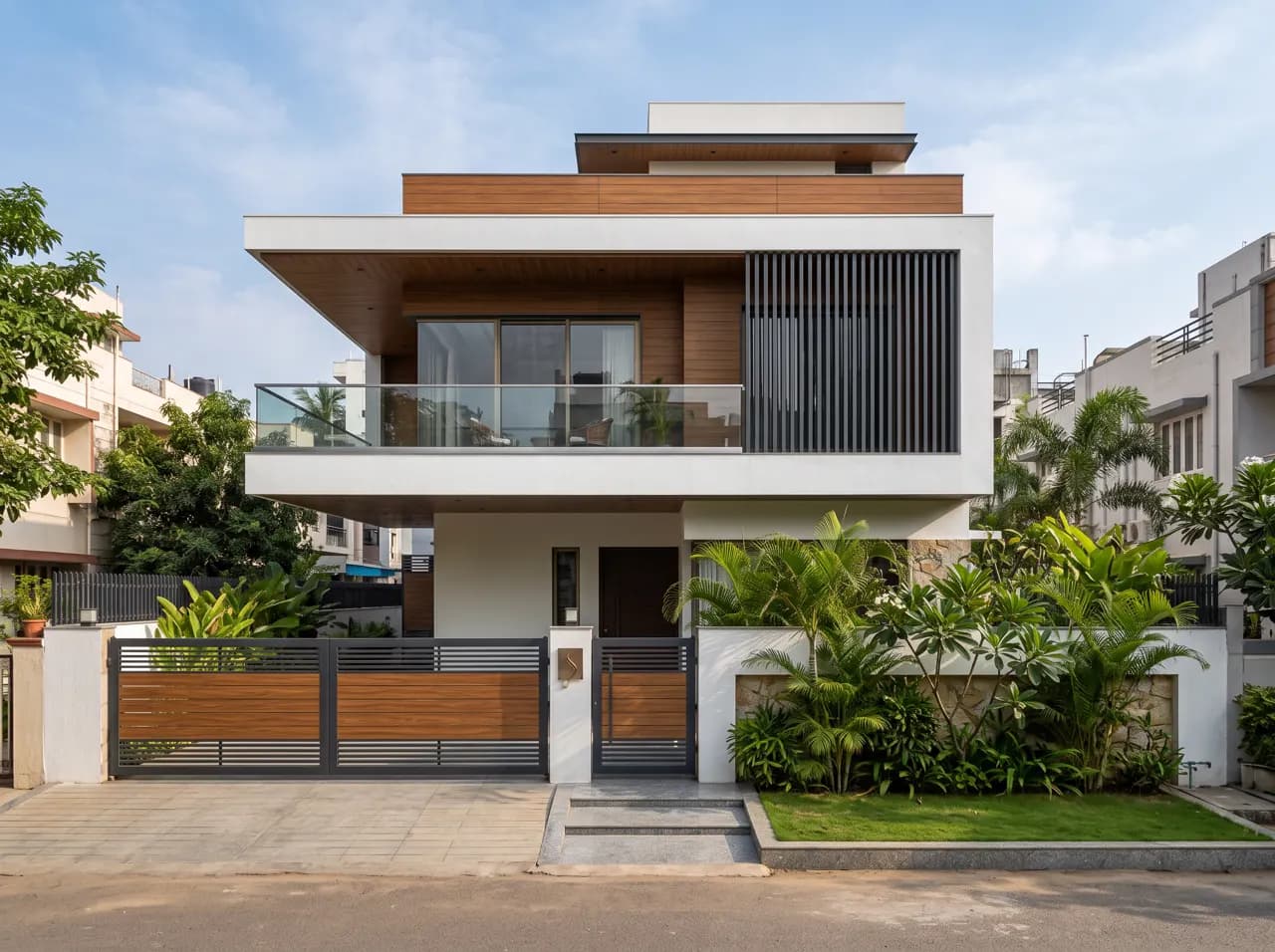
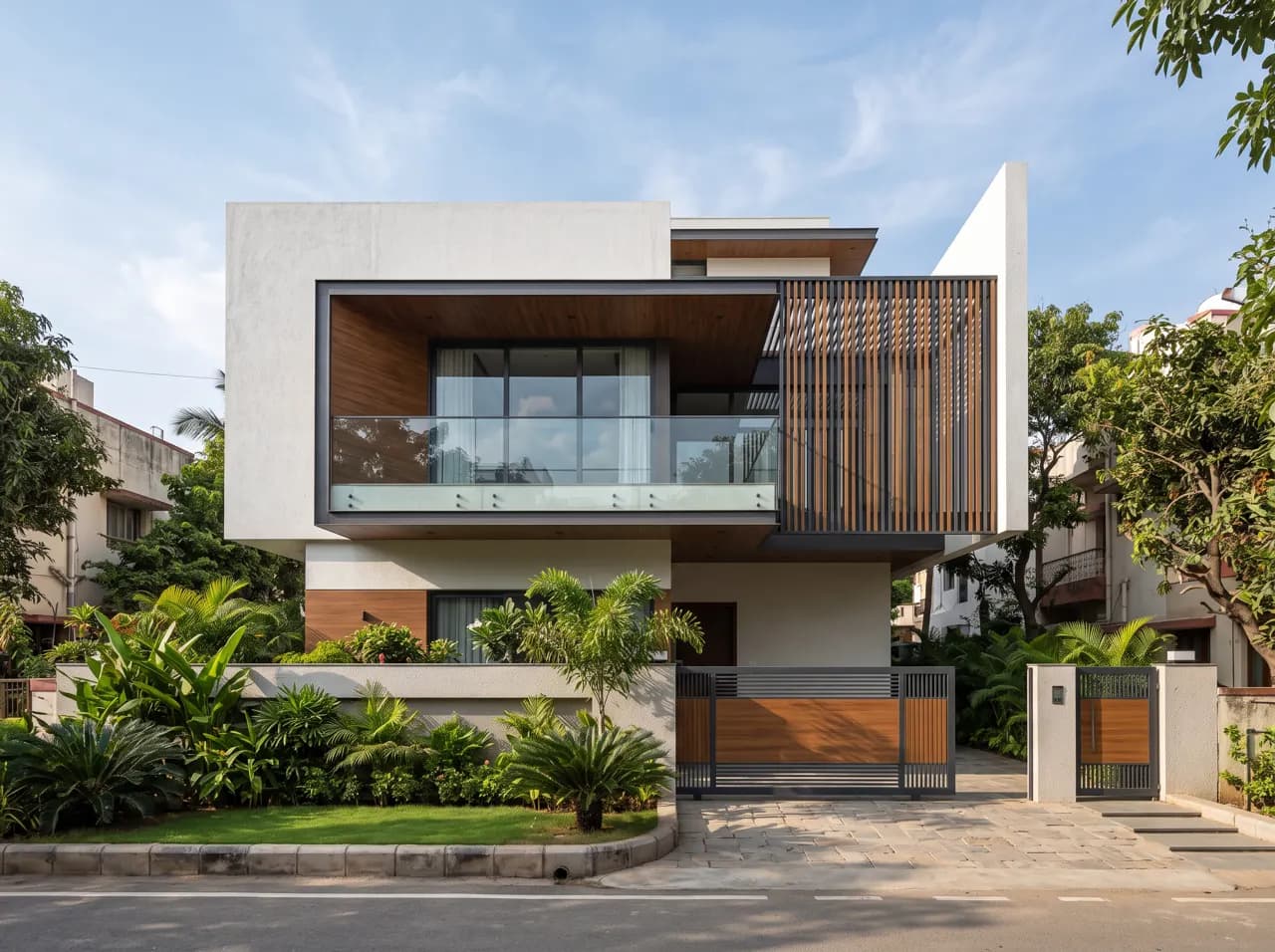
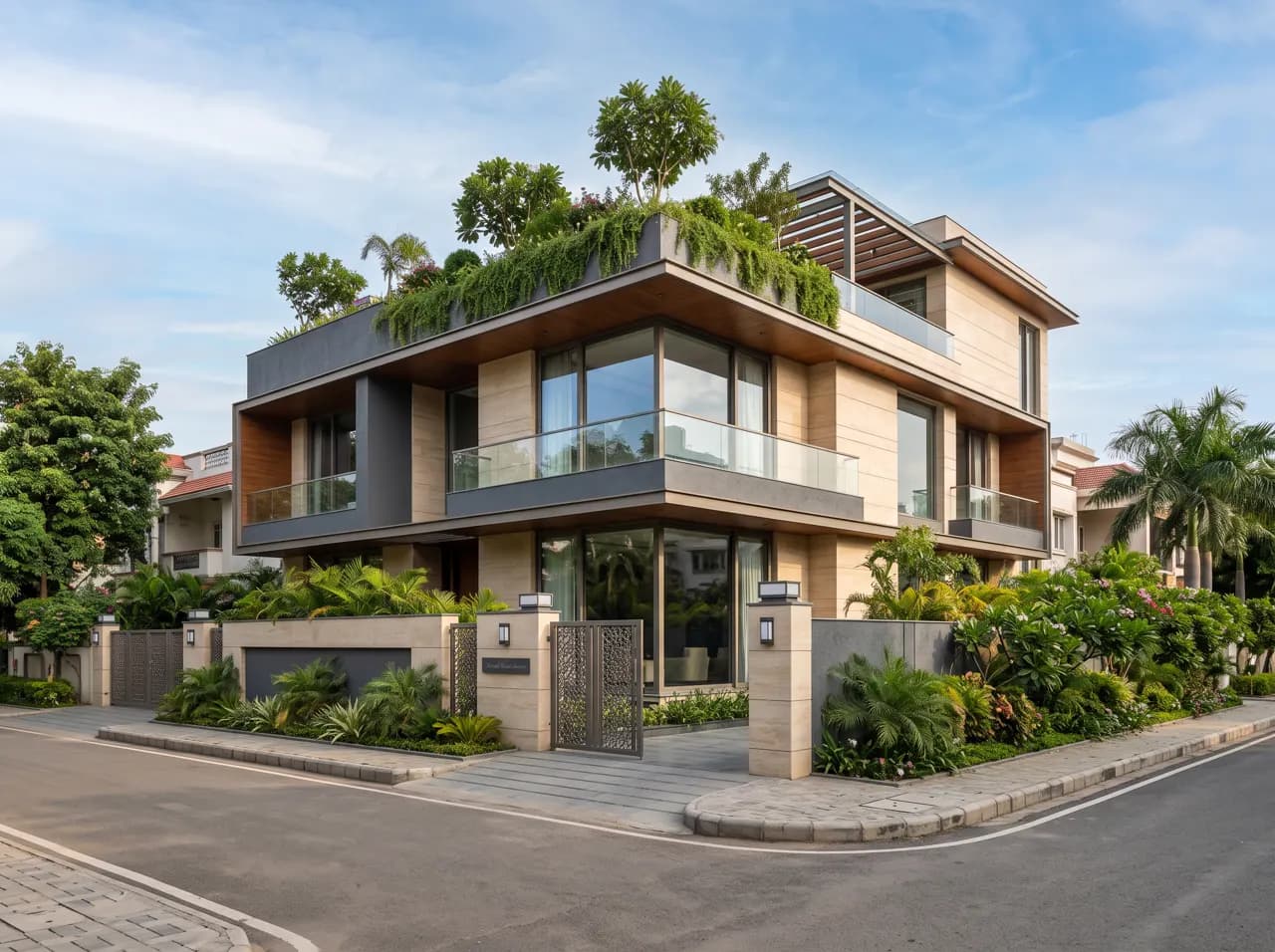
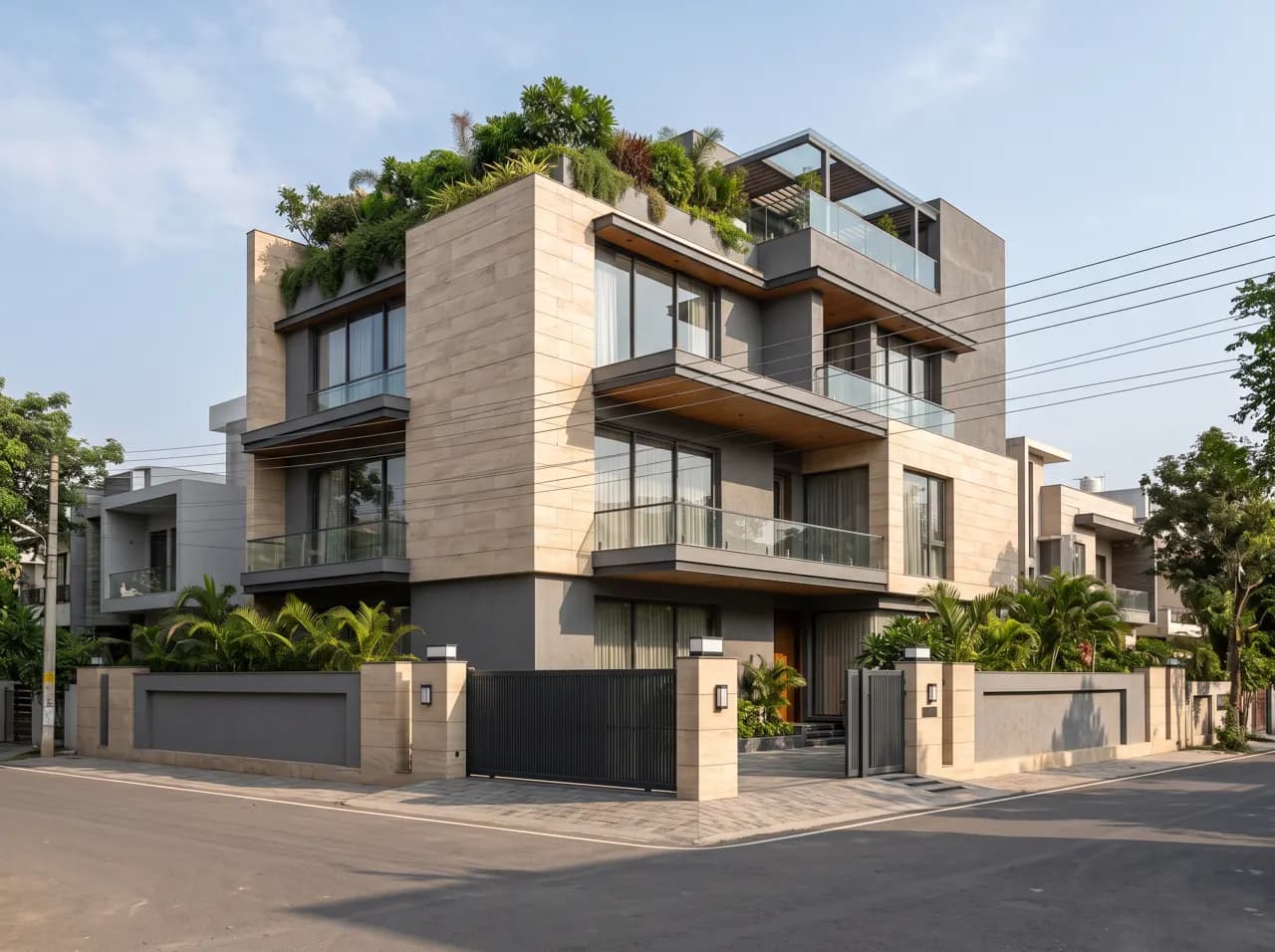
How the elevation generator works
- Step 1
Upload your house
A phone photo of the current front, a hand sketch, or an elevation exported from AutoCAD, SketchUp or Revit.
- Step 2
Describe the look
Pick a style — modern, simple, village, Indian traditional, double floor — or type the materials and colours you want.
- Step 3
Get a photoreal elevation
The AI keeps your plot and proportions and returns a finished front elevation in about 12 seconds. Make variations until the family agrees.
Front elevation ideas by type
Galleries of AI-rendered elevations for the most searched house types. Open one for design tips, then try the look on your own home.
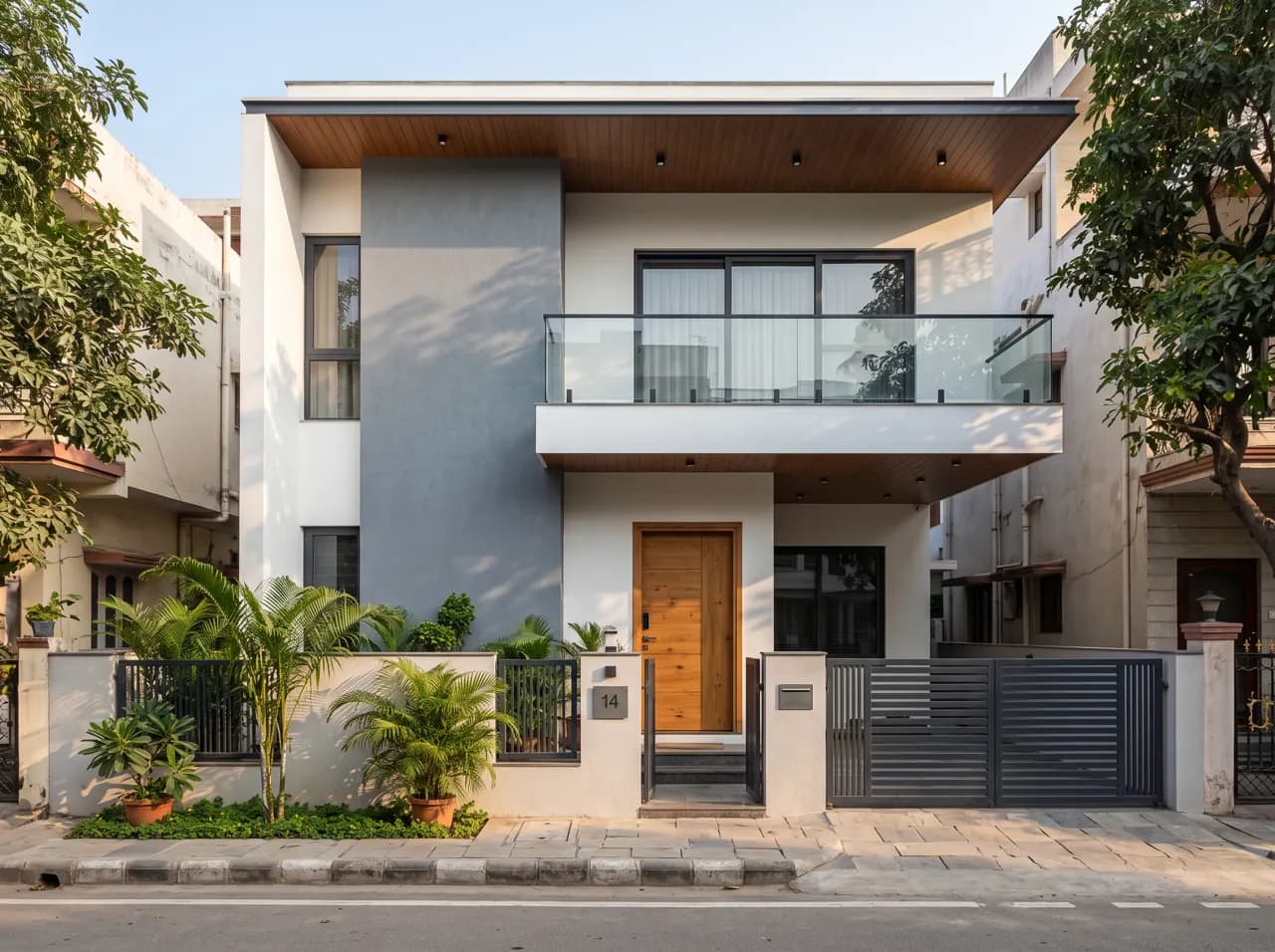
House Front Design
10 ideas
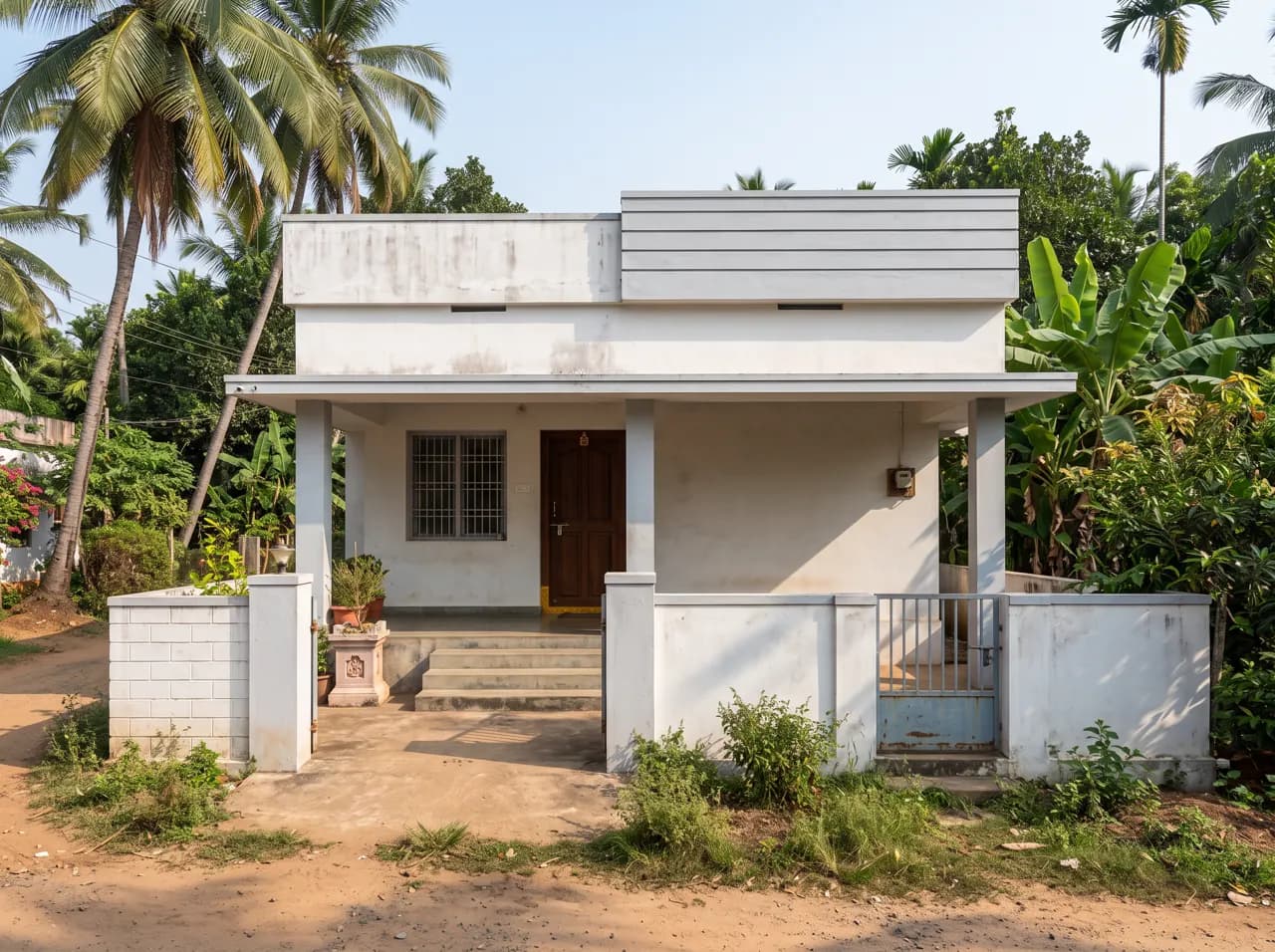
Village Single Floor Home Front Design
8 ideas
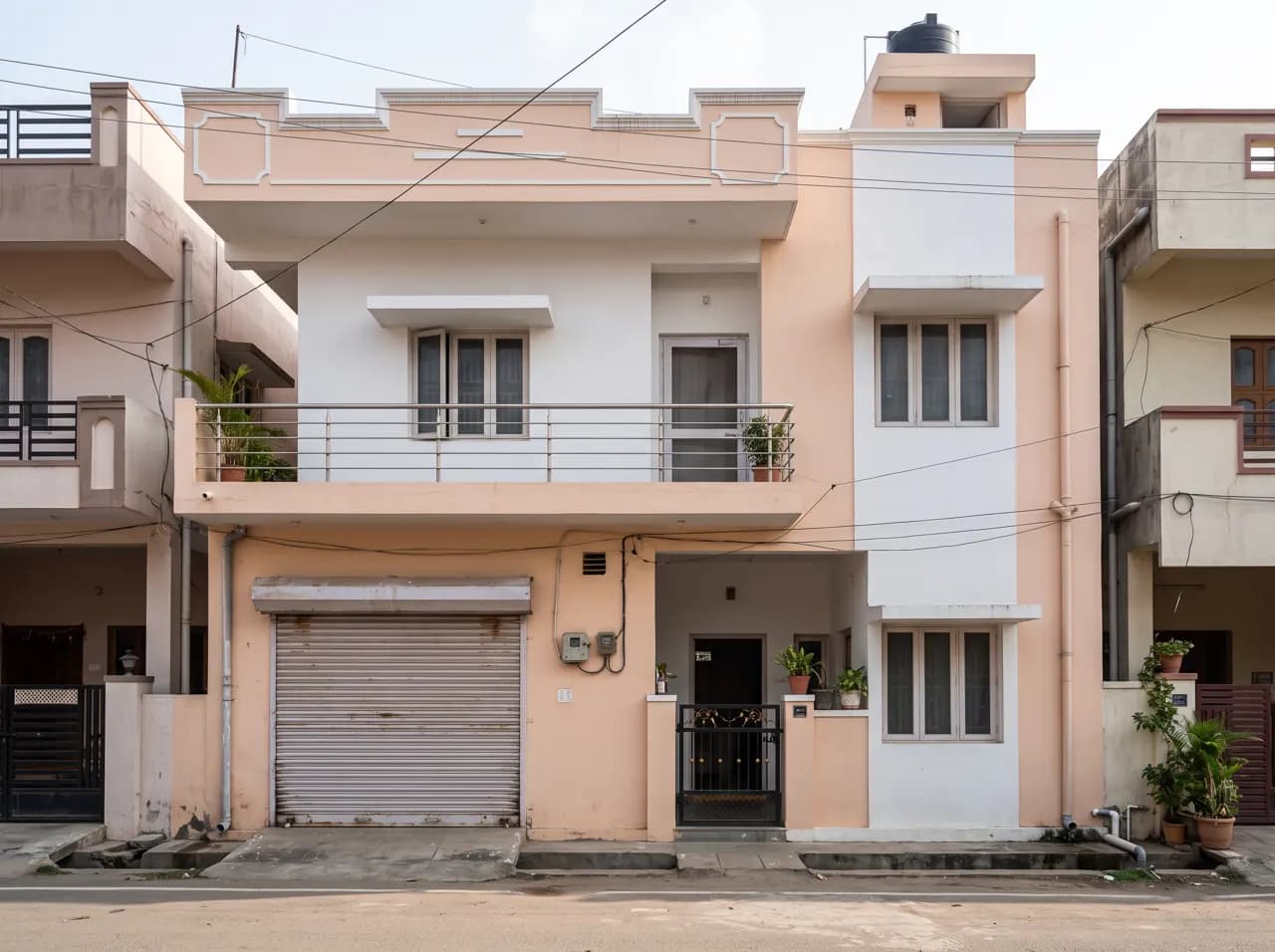
Normal House Front Elevation Designs
10 ideas
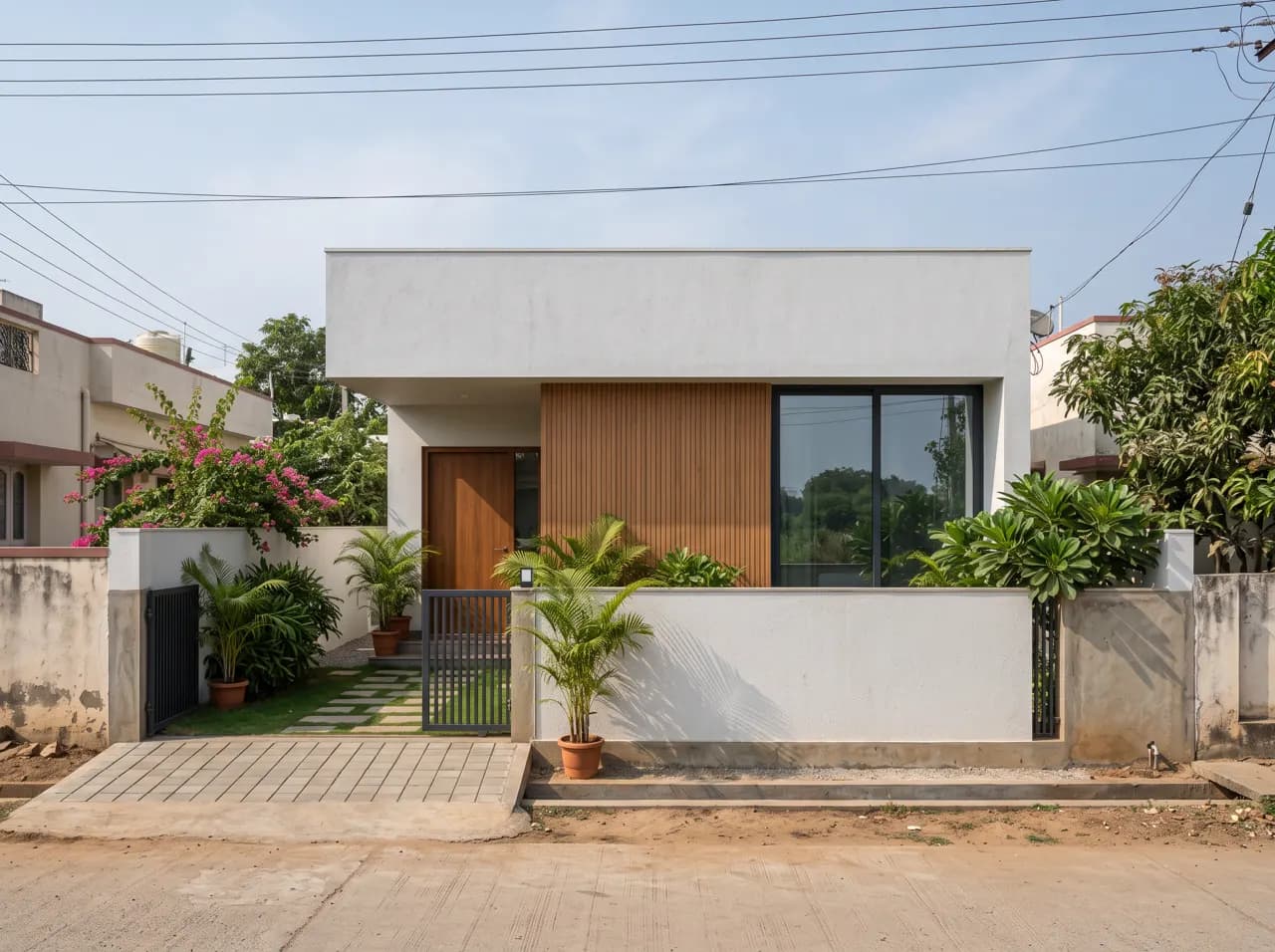
Simple House Front Design
8 ideas
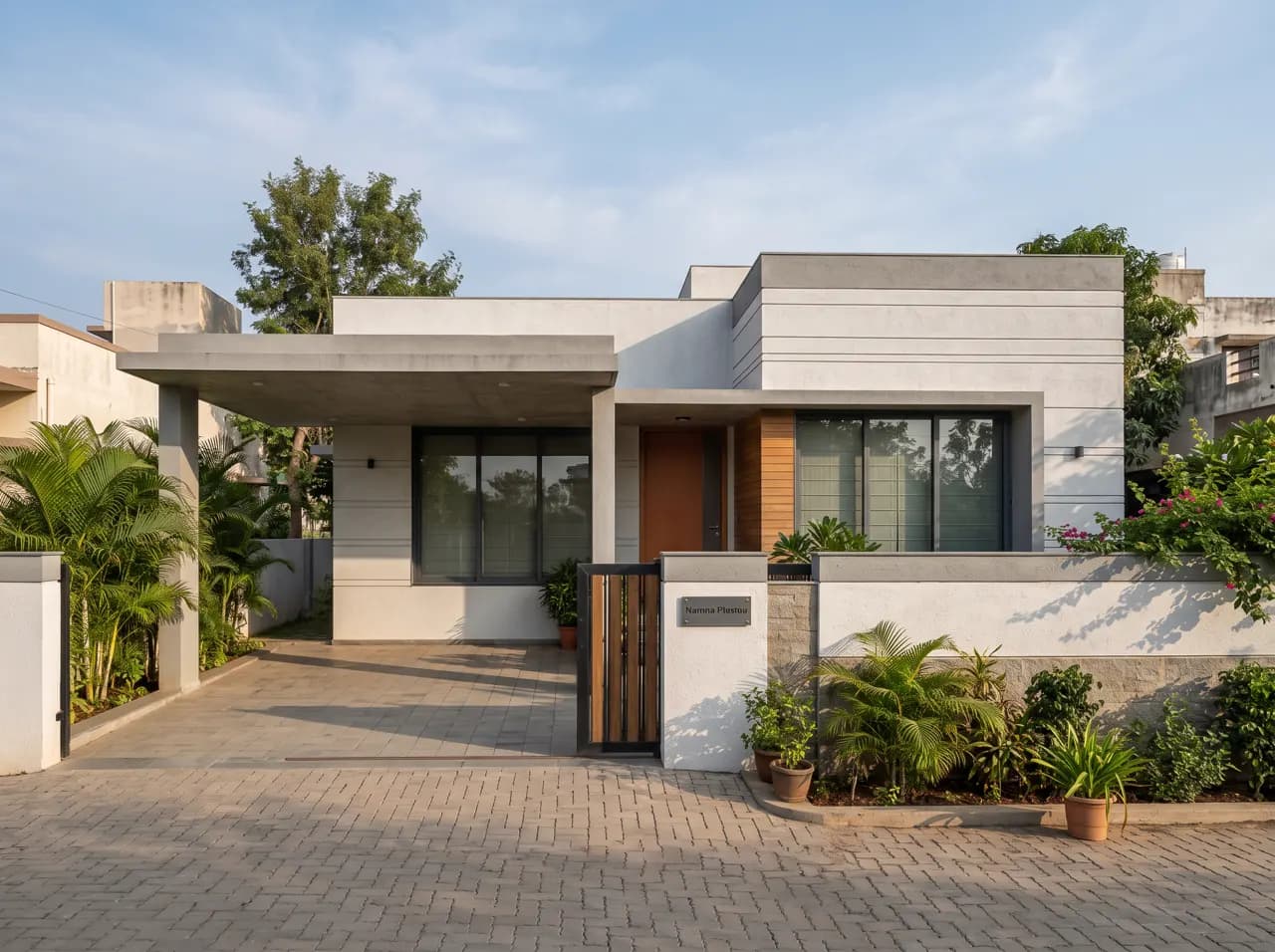
Single Floor Front Elevation
10 ideas
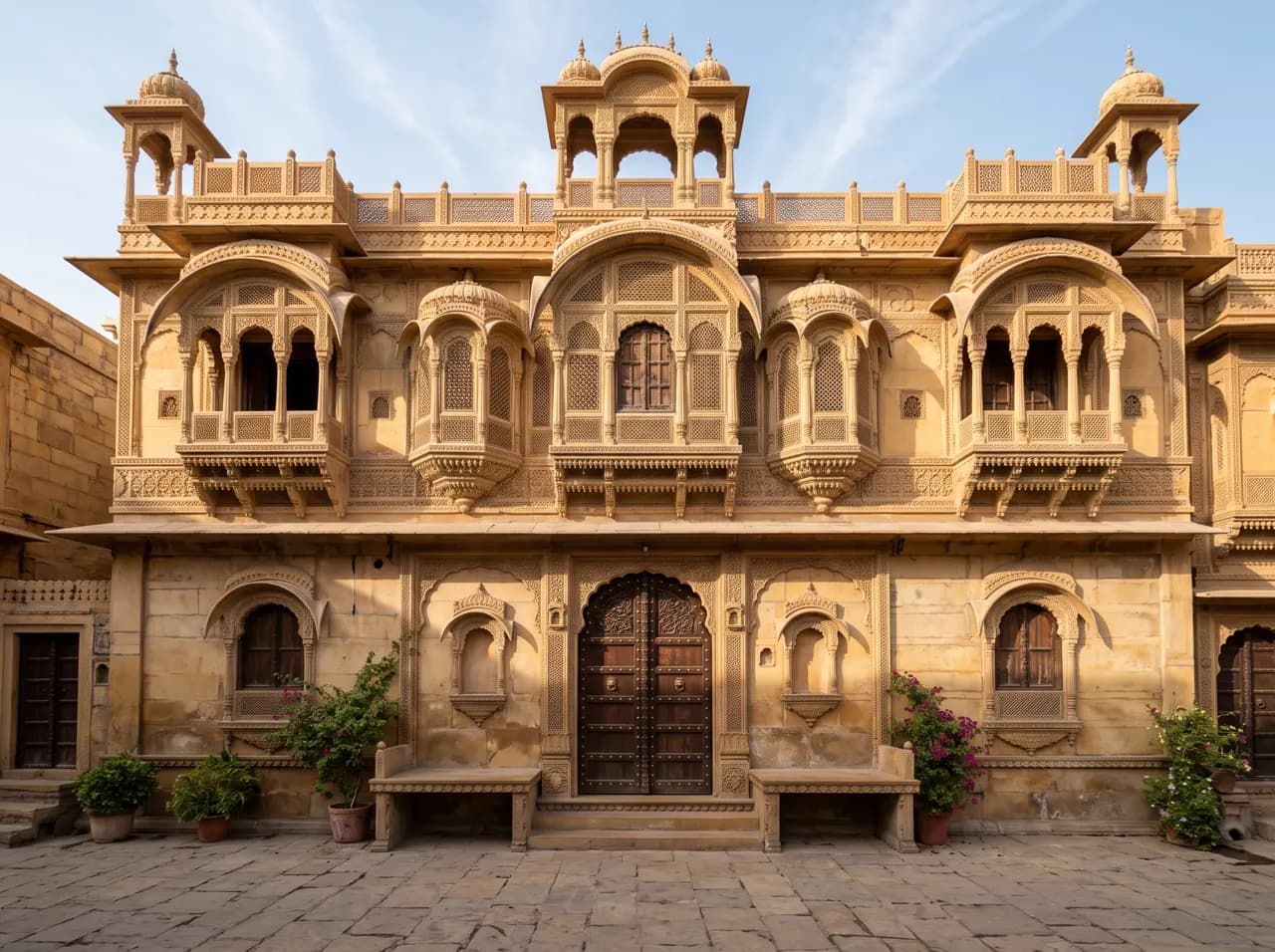
Indian Style House Front Design
10 ideas
Modern Front Elevation
10 ideas
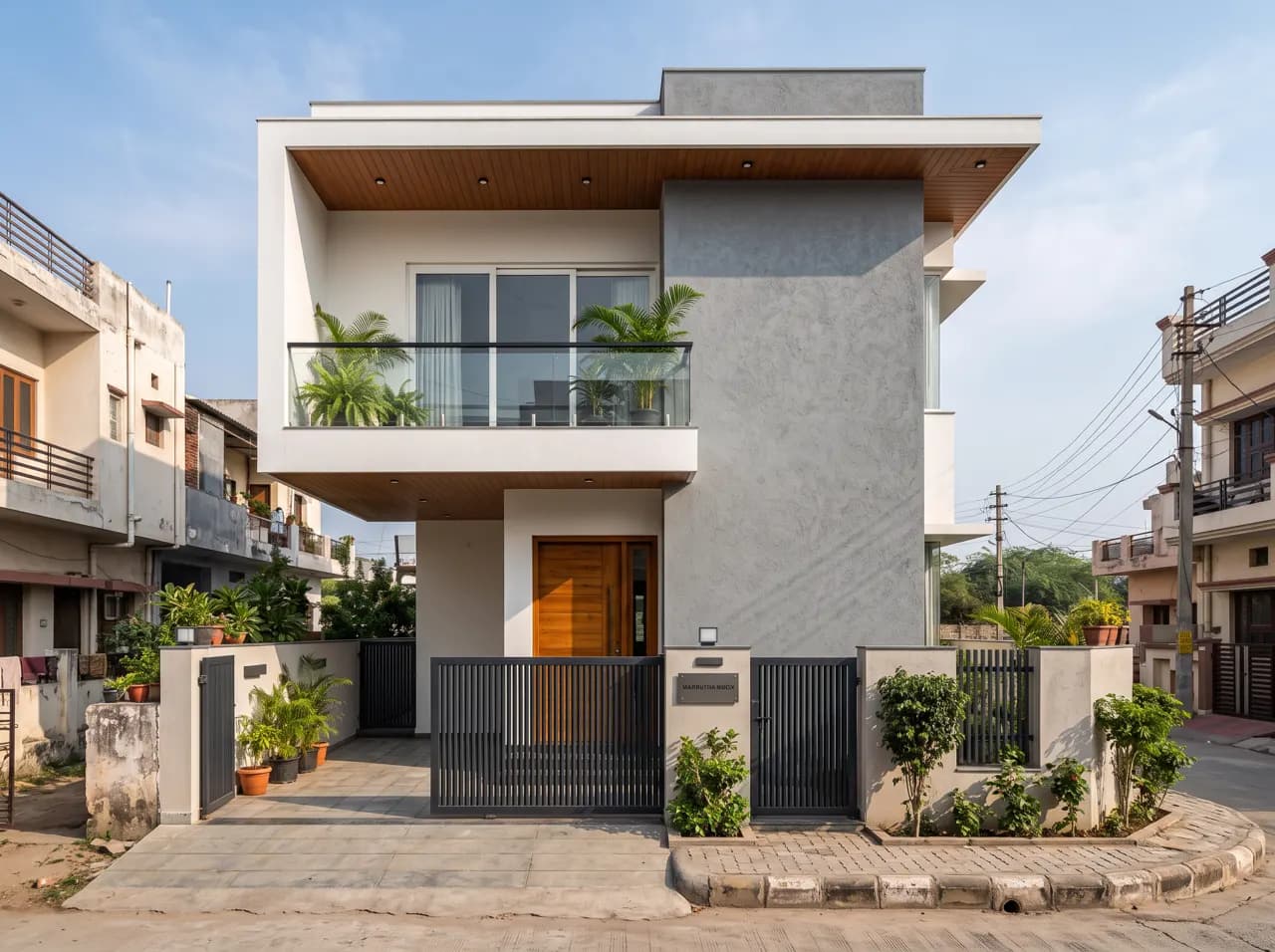
Double Floor Front Elevation
10 ideas
Front Elevation Colour Combination
10 ideas
Why render your elevation first
A front elevation is expensive to change once the walls are up. Deciding between stone and brick cladding, a flat or sloping roof, or white and grey versus cream and brown is much easier when the whole family can see the options side by side on their own house.
AI rendering makes that cheap. Instead of waiting days for a 3D elevation from a visualiser, you can try ten directions in a few minutes, keep the two you like, and take them to your architect or contractor as a clear brief. The renders keep your plot width, floors and openings, so they stay realistic.
It also works for renovations: photograph the current front, describe the change — a new balcony railing, a parapet design, a fresh colour combination — and see the result before you spend on materials.
Front elevation design: common questions
What is a front elevation design?
A front elevation is the street-facing view of a house drawn or rendered straight on, showing walls, windows, balcony, sunshades, parapet, materials and colours. It is what neighbours and visitors see, and it sets the character of the whole home.
Can AI design the front elevation of my house?
Yes. Upload a photo, sketch or CAD elevation to AI Render Studio and describe the style. The AI keeps your house’s shape and plot and renders a photoreal elevation in about 12 seconds, so you can compare many options quickly.
Is the front elevation generator free?
New accounts get free credits with no credit card, enough to render several elevations. After that, credit packs are pay-as-you-go and never expire.
Can I use the AI elevation with my architect or contractor?
Yes. Use the renders to agree on materials, colours and details with your family, then share them with your architect to prepare working drawings, or with your contractor as a visual reference.
Does it work for single floor and double floor houses?
Yes — single floor, G+1, duplex and taller homes. Upload whatever you have, from a photo of a plot with an existing structure to a full 2D elevation drawing.
Design your house front in seconds
Free credits for new accounts. No card, no plugin — works on your phone.
Start free