
Sketch to Image AI
Sketch to Image AI — Turn Drawings into Real Images
Hand sketch, line drawing, or CAD linework in — a photorealistic image out. No modelling, no render setup.


 4.9110,000+ architects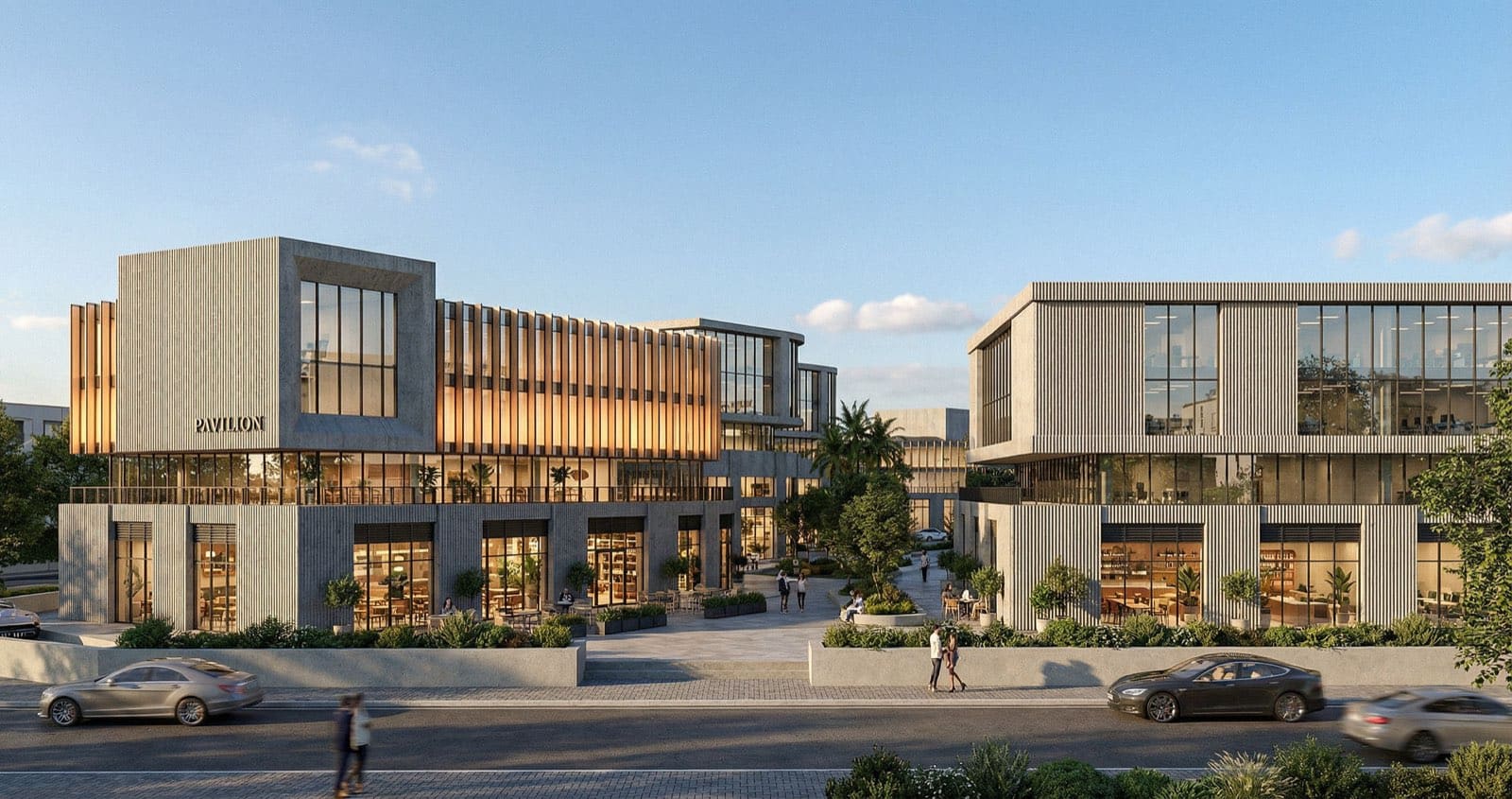
Sketch to image AI converts a drawing into a finished, photorealistic image without any 3D modelling in between. Upload a hand sketch, a marker rendering, or exported CAD linework and AI Render Studio reads the composition and lines, then fills in materials, lighting, depth, and context to produce a believable image in about twelve seconds.
It is built for the moment an idea only exists on paper. Designers use it to make a concept presentable during a meeting, architects use it to test how a facade or interior reads once it has real materials, and illustrators use it to jump from linework to a rendered scene without redrawing everything.
Your drawing drives the result — the clearer the lines and proportions, the more faithful the image — and a short prompt lets you steer materials, time of day, and mood. Generate several interpretations of one sketch, then upscale the strongest for print or client sign-off.
FAQ
Frequently asked questions
What kinds of sketches work best?
Clear line drawings with defined edges convert best — hand sketches, marker renderings, and CAD linework all work. Stronger contrast and readable proportions give the AI more to work with and produce a more faithful image.
Can I control the materials and mood of the output?
Yes. Alongside your sketch you can add a short prompt describing materials, lighting, and atmosphere — for example "concrete and timber, golden-hour light" — and the AI blends those cues into the image.
How is this different from a text-to-image generator?
A pure text generator invents composition from scratch. Sketch to image AI keeps YOUR composition — the layout, proportions, and viewpoint of your drawing — and only adds realism on top, so the result matches your intent.
Keep exploring
Related tools
Start free
Try AI Render Studio now.
Turn a sketch, model or photo into a photoreal render in seconds. 3 free credits, no credit card.