
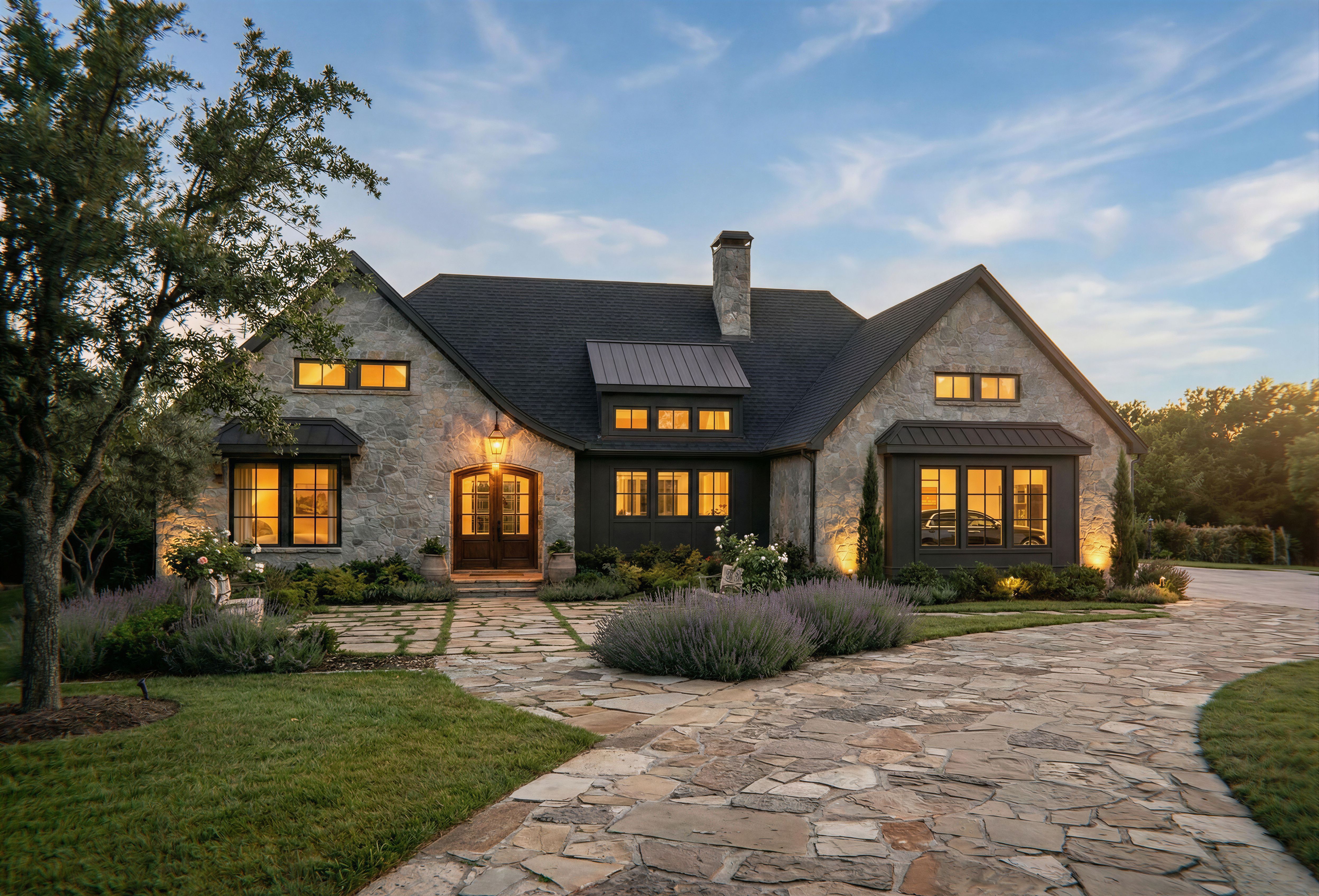
Re-use this rendering image file titled “Close1.jpg” as is but with ONLY the following changes: -	Move the chimney to the exact location and size as shown in the reference file titled “H2 Front2.jpg” -	Remove the added garage as the garage is already a part of the building -	Make the view through the right three bump out windows show a nice car on the inside garage doors are on the right side of the home, not visible in this view except through the right windows -	Remove the rose hoop and its roses along with the reflecting pool and make the entry stone path continue to the front door. -	Show a little more sky in the frame with a little blue and clouds in the background. -	Retain all the current trees, especially the larger one to the left in the foreground. Do not change anything else. , keep exact camera angle
Enhanced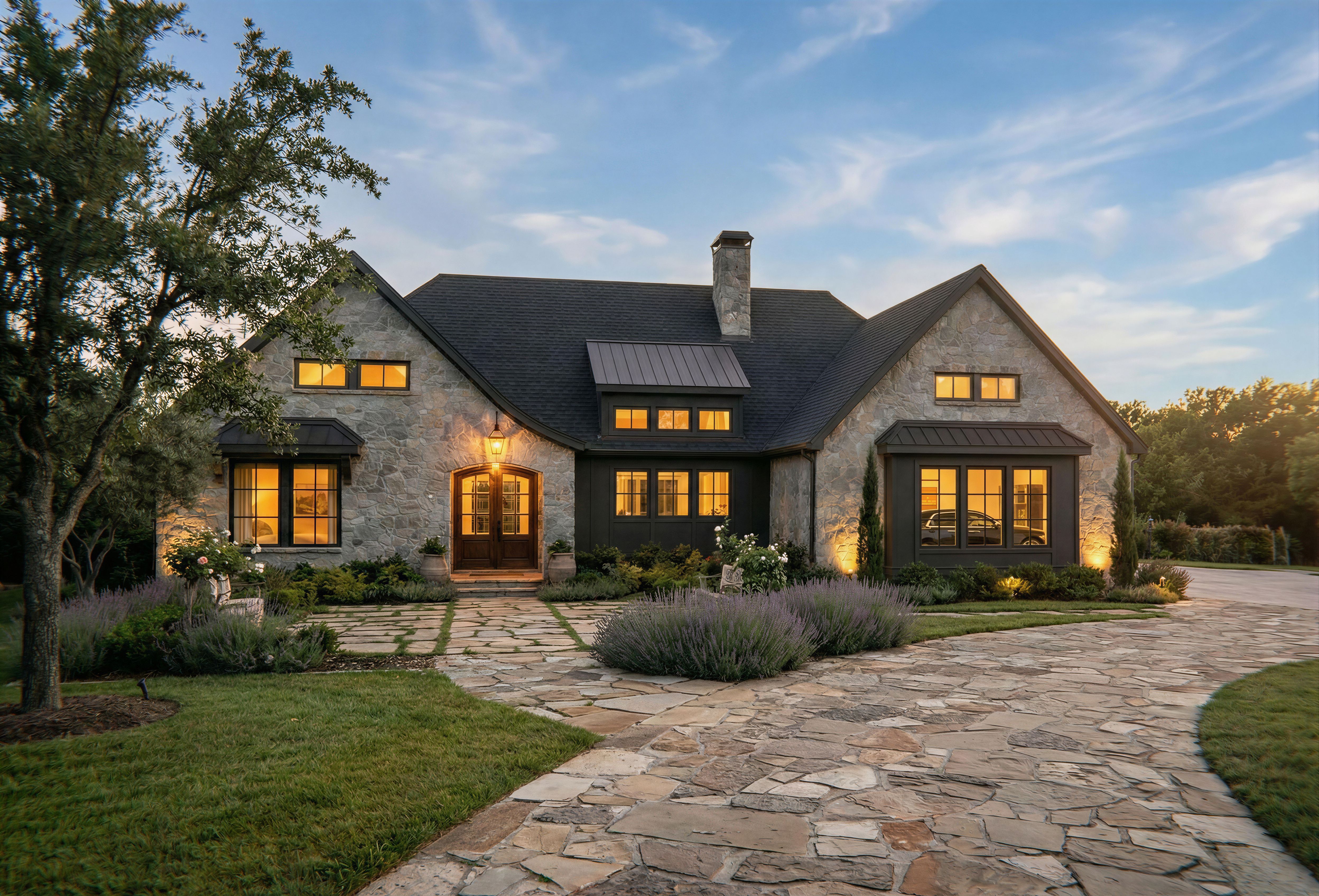
PromptRe-use this rendering image file titled “Close1.jpg” as is but with ONLY the following changes: -	Move the chimney to the exact location and size as shown in the reference file titled “H2 Front2.jpg” -	Remove the added garage as the garage is already a part of the building -	Make the view through the right three bump out windows show a nice car on the inside (garage doors are on the right side of the home, not visible in this view except through the right windows -	Remove the rose hoop and its roses along with the reflecting pool and make the entry stone path continue to the front door. -	Show a little more sky in the frame with a little blue and clouds in the background. -	Retain all the current trees, especially the larger one to the left in the foreground. Do not change anything else. , keep exact camera angle
Date23 February 2026
Share