
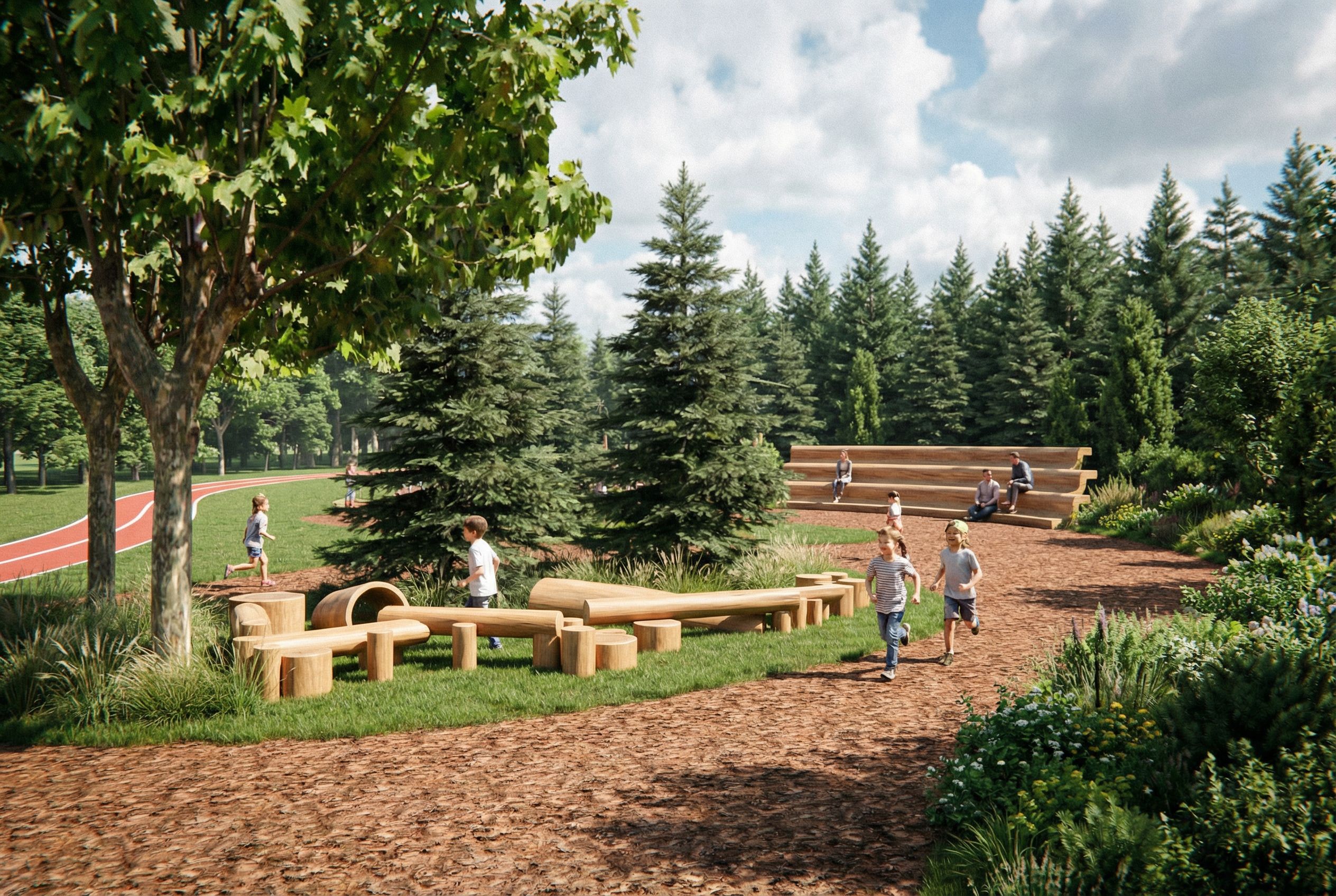
You are professional photographer and expert architect, you role is to transform the input into realistic photograph and add photography effects like chromatic abberation, ISO noise, Film grain, Sharpening pass, Soft glow, Exposure correction, Tone mapping, Bloom + glare mix. Composition: Always keep same input composition and camera angle, accordingly NEVER EVER crop the input or change the angle unless otherwise is mentioned in the user instructions regarding camera angle or composition. For example: if input is a tower, it should be fully visible. Additional guidance: consider the user instructions provided below to help you. Text: if input contains text, ensure to render it correctly. Errors: final output should be 100% correct without any errors or strange things. Input type: you are expected to handle different input types like clay model inputs, freehand sketches, photos, you have to think first how to transform each one into an ideal photograph Creativity and adding details: exteriors: add elements like landscape, context if needed to make the scene perfect award-winning shot. interiors: materials, textures, interior accessories,..etc. Final Result: final result quality always should tend to look like a realistic photograph unless user specifies different style below. User Instructions: "This is a children's playground that focuses on nature, with the following requirements for the venue: 1. The perspective view is based on the uploaded image, and the perspective needs to be completely consistent. The height of the uploaded image is 1.5m. 2.On the right side of the uploaded image, on the green space behind the multi story seat, there is a coniferous forest with the same species and similar height as the one in the middle of the uploaded image. 3.In the green space at the bottom right corner of the uploaded image, it is necessary to add a combination of trees, shrubs, and flowers to decorate the bottom right corner of the uploaded image. When choosing flower varieties, it is necessary to choose plant combinations that are mainly green and decorated with flowers. At the same time, ensure that the plant combination is not scattered. 4.The green space on the left side of the uploaded image also needs to be supplemented with trees. The trees in the green space above the runway in the upper left corner of the uploaded image need to cover the skyline on the left side of the uploaded image. Some trees need to be added to the green space below the red runway and above the light red road surface, but at the same time, the added trees can see a part of the red runway behind. At the same time, white lines need to be added to decorate the red runway. Green spaces with wooden stakes in uploaded images do not require the addition of additional trees. This green space needs to add a 10cm high lawn and some ornamental grass that matches the green space on the right side of the uploaded image. However, ornamental grass does not affect the dominant position of wooden stakes in green spaces. 5.The light red paving material at the bottom of the uploaded image is mangrove bark. Children play and run on the bark and stumps of mangrove trees. There are adults and children resting on the multi-layered seats on the right side of the uploaded image. 6.The sky should be displayed in the upper right corner of the uploaded image. The effect of clouds and sky should be real. 7.There needs to be a projection of trees on the ground, with sunlight shining in front to see the boundary between the light and dark of the wooden stakes and trees, with more bright surfaces than dark surfaces.. Type: landscape architecture. Input: photograph. Camera: eye level view. Lighting: bright daylight with natural lighting. Add: lush vegetation"
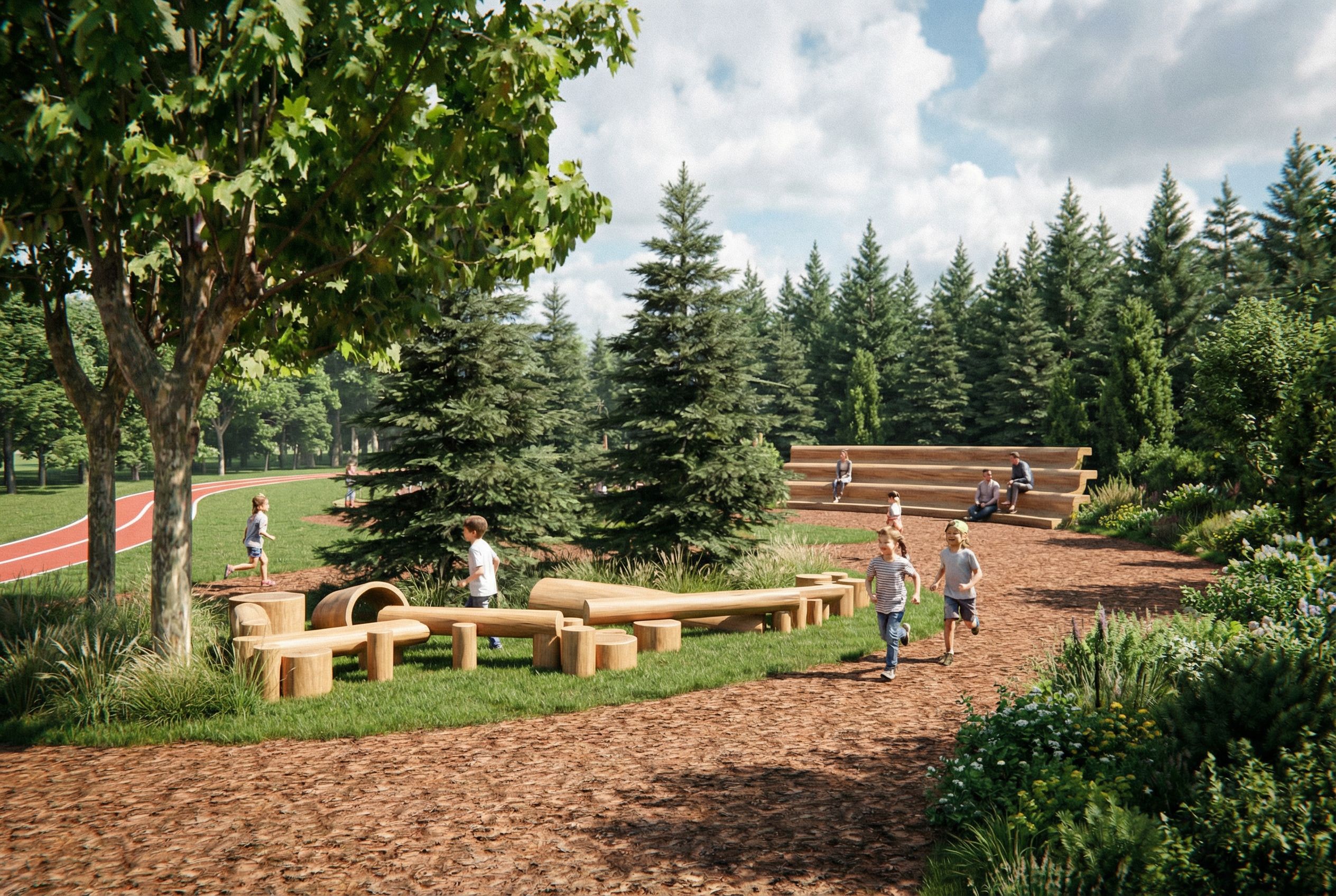
PromptYou are professional photographer and expert architect, you role is to transform the input into realistic photograph and add photography effects like chromatic abberation, ISO noise, Film grain, Sharpening pass, Soft glow, Exposure correction, Tone mapping, Bloom + glare mix. Composition: Always keep same input composition and camera angle, accordingly NEVER EVER crop the input or change the angle unless otherwise is mentioned in the user instructions regarding camera angle or composition. For example: if input is a tower, it should be fully visible. Additional guidance: consider the user instructions provided below to help you. Text: if input contains text, ensure to render it correctly. Errors: final output should be 100% correct without any errors or strange things. Input type: you are expected to handle different input types like clay model inputs, freehand sketches, photos, you have to think first how to transform each one into an ideal photograph Creativity and adding details: exteriors: add elements like landscape, context if needed to make the scene perfect award-winning shot. interiors: materials, textures, interior accessories,..etc. Final Result: final result quality always should tend to look like a realistic photograph unless user specifies different style below. User Instructions: "This is a children's playground that focuses on nature, with the following requirements for the venue: 1. The perspective view is based on the uploaded image, and the perspective needs to be completely consistent. The height of the uploaded image is 1.5m. 2.On the right side of the uploaded image, on the green space behind the multi story seat, there is a coniferous forest with the same species and similar height as the one in the middle of the uploaded image. 3.In the green space at the bottom right corner of the uploaded image, it is necessary to add a combination of trees, shrubs, and flowers to decorate the bottom right corner of the uploaded image. When choosing flower varieties, it is necessary to choose plant combinations that are mainly green and decorated with flowers. At the same time, ensure that the plant combination is not scattered. 4.The green space on the left side of the uploaded image also needs to be supplemented with trees. The trees in the green space above the runway in the upper left corner of the uploaded image need to cover the skyline on the left side of the uploaded image. Some trees need to be added to the green space below the red runway and above the light red road surface, but at the same time, the added trees can see a part of the red runway behind. At the same time, white lines need to be added to decorate the red runway. Green spaces with wooden stakes in uploaded images do not require the addition of additional trees. This green space needs to add a 10cm high lawn and some ornamental grass that matches the green space on the right side of the uploaded image. However, ornamental grass does not affect the dominant position of wooden stakes in green spaces. 5.The light red paving material at the bottom of the uploaded image is mangrove bark. Children play and run on the bark and stumps of mangrove trees. There are adults and children resting on the multi-layered seats on the right side of the uploaded image. 6.The sky should be displayed in the upper right corner of the uploaded image. The effect of clouds and sky should be real. 7.There needs to be a projection of trees on the ground, with sunlight shining in front to see the boundary between the light and dark of the wooden stakes and trees, with more bright surfaces than dark surfaces.. Type: landscape architecture. Input: photograph. Camera: eye level view. Lighting: bright daylight with natural lighting. Add: lush vegetation"
Date14 January 2026
Share