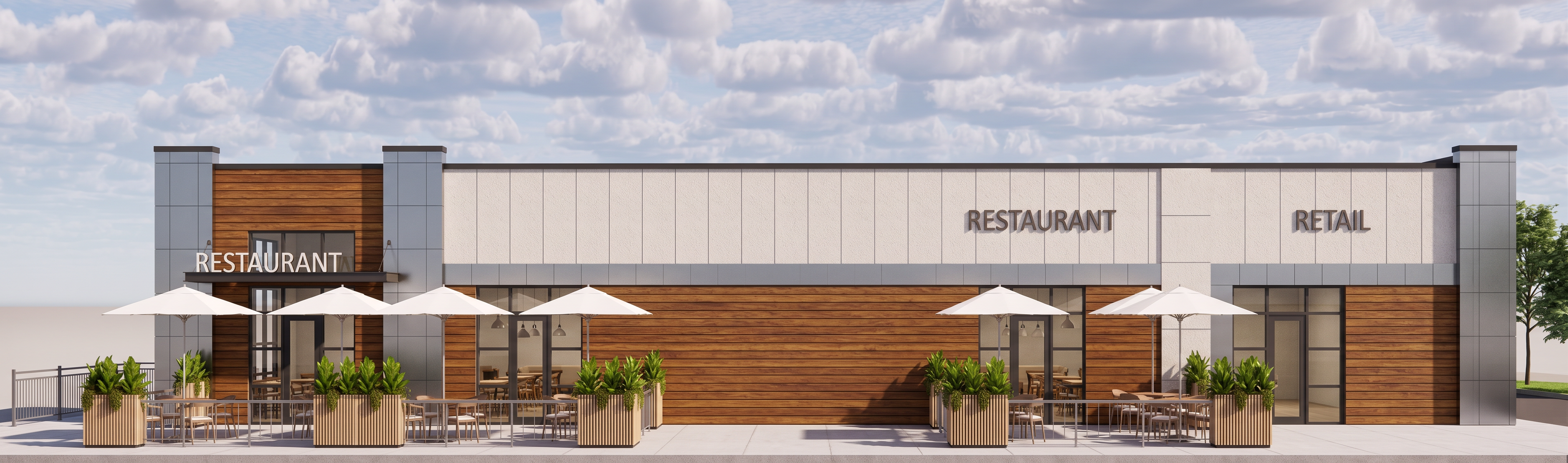
- Prompt
- Create a realistic high-quality architectural render from the provided image/model. Keep the design exactly the same and do not change anything. Do not add, remove, redesign, or move any elements. Make the render look realistic and professional with natural daylight, realistic shadows, accurate reflections, realistic materials, and sharp details. Improve only the rendering quality and realism. Keep the same camera angle, layout, colors, materials, textures, and proportions exactly as shown in the original reference. Important: Do not change the architecture or design Do not add extra objects, furniture, trees, people, or cars Do not make the image blurry, cartoonish, or stylized Avoid glitches, distorted geometry, floating objects, and unrealistic reflections Make glass, lighting, and materials look natural and realistic Render in ultra high resolution with crisp details and clean edges The final result should look like a real professional architectural photograph while matching the original design exactly.
- Created
- June 2, 2026
- Seed
- 0