- Prompt
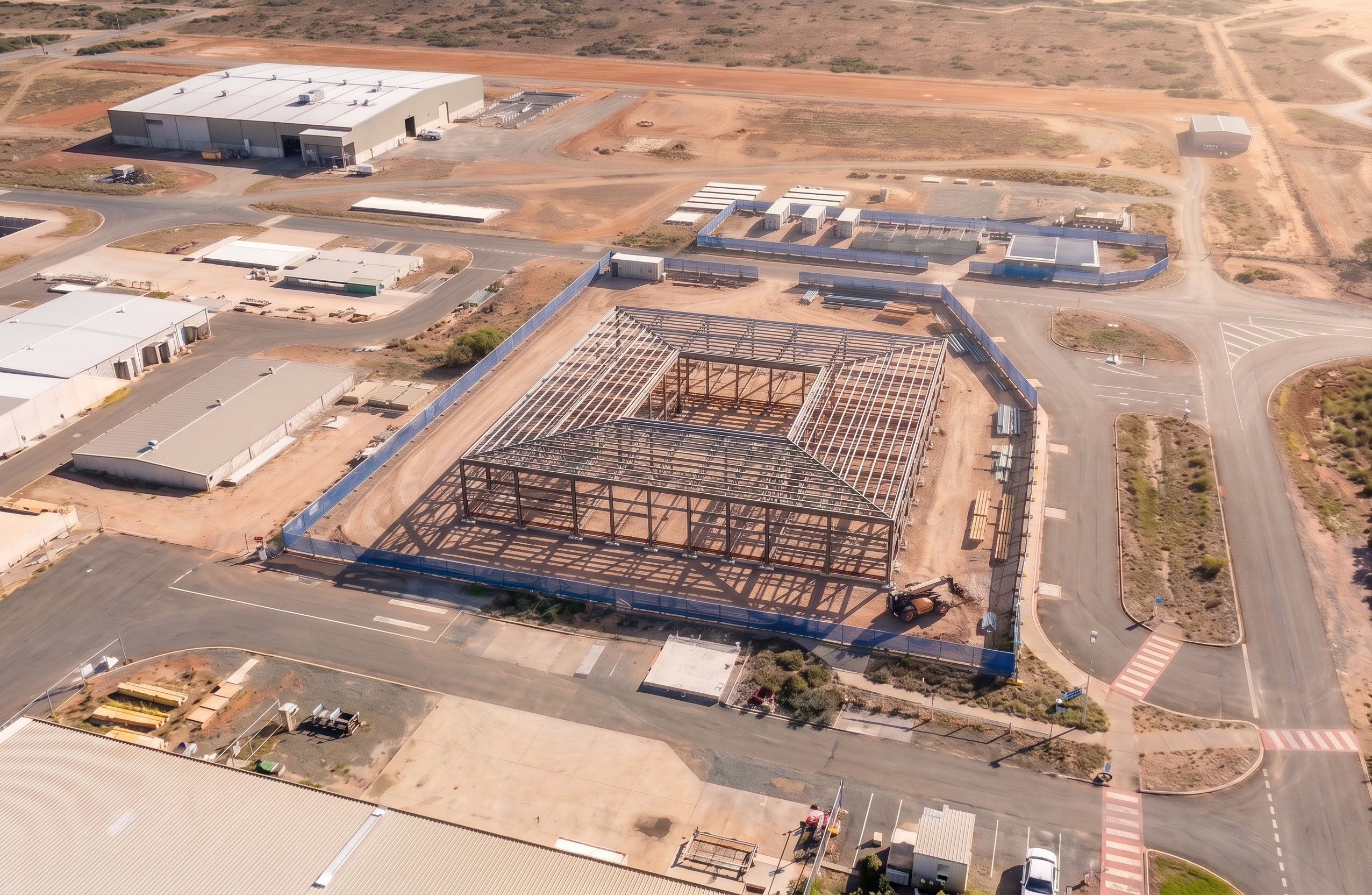
- Use the Civil 2 image as the MASTER REFERENCE for the entire scene. The output must exactly match the Civil 2 image in: - camera position, elevation, angle, and lens - site orientation and framing - background buildings, roads, landscaping, and horizon - lighting conditions, sun direction, and shadows - site fencing alignment, type, colour, signage and gates CRITICAL – PERSPECTIVE LOCK: - Match the Civil 2 perspective EXACTLY. - Do not move, rotate, zoom, crop, or reframe the image. - Do not reinterpret the viewpoint in any way. BACKGROUND CONTROL: - Clone and replicate EVERYTHING outside the site fencing directly from Civil 2. - No new elements are to be added anywhere outside the fence. - No changes to roads, kerbs, footpaths, line marking, neighbouring buildings, terrain or vegetation. - Treat Civil 2 as a locked photographic base layer. FENCING CONTROL: - Fence position, geometry, height, mesh/screening, colour and signage must match Civil 2 exactly. - Do not simplify, straighten, or adjust the fence line. INSIDE FENCING (ONLY AREA THAT CAN CHANGE): - Replace internal construction works with the structural steel frame model only. - Maintain exact site footprint, pad size, and extents from Civil 2. - Do not alter site boundaries or levels unless explicitly required by the model. - Ensure all structural elements align exactly within the fenced area. CONSTRUCTION STAGE ACCURACY: - Populate the site only with elements appropriate to the Floor Frame stage. - Ensure realistic placement of materials, plant, and equipment. - Keep scale and proportions consistent with Civil 2. LIGHTING & CONSISTENCY: - Match Civil 2 sunlight direction, shadow length, and colour temperature exactly. - Ensure consistent render quality, sharpness, and tone. STRICT RULES: - No background redesign, enhancement, or artistic interpretation. - No shifting of building position or size. - No deviation from Civil 2 composition. - Output must look like the SAME photo taken at a later construction stage. FINAL REQUIREMENT: The result must be visually identical to Civil 2 except for the construction works inside the fenced site.
- Created
- June 24, 2026