- Prompt
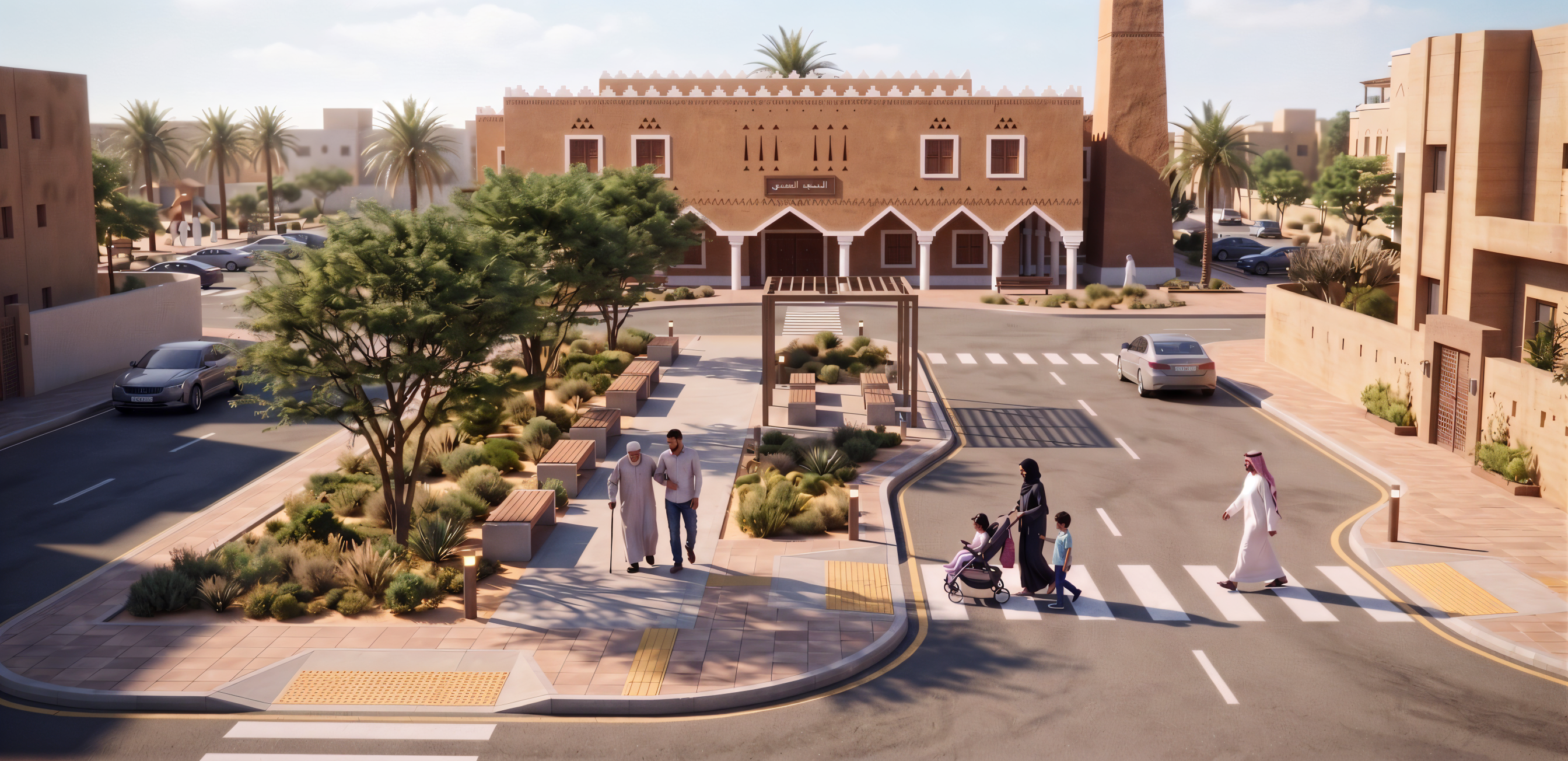
- Transform this architectural render into a highly photorealistic professional architectural photograph.
CRITICAL: Preserve the exact mosque architecture, Najdi façade, minaret, proportions, openings, doors, windows, landscaping layout, streets, sidewalks, people, vehicles, camera angle and composition. DO NOT redesign, add, remove, or modify architectural elements. Do not alter Arabic text or signage.
Main goal: make the entire image feel like ONE real photograph taken at the same location and moment.
Enhance:
- Natural Saudi/Riyadh daylight with physically realistic lighting.
- Consistent sunlight direction and realistic shadows across the entire scene.
- Accurate contact shadows beneath people, cars, trees, columns and street furniture.
- Highly realistic Najdi earthen/stucco walls with subtle texture and material depth.
- Realistic stone, paving, asphalt, wood, glass and metal.
- Natural detailed vegetation with realistic leaves, density and shadows.
- Integrate people naturally with correct scale, lighting, clothing texture and shadows.
- Realistic vehicles with natural reflections, glass, tires and shadows.
- Add subtle surface imperfections and material variation without making anything old.
- Improve depth, atmospheric perspective, reflections and micro-details.
- Natural exposure, contrast and warm Saudi daylight without excessive orange tones.
The mosque, people, landscape, street, vehicles and background must look naturally integrated, not composited.
FINAL LOOK:
Ultra-photorealistic architectural photography, premium Saudi urban environment, physically accurate materials, natural daylight, realistic depth, cohesive atmosphere.
Avoid CGI/game look, plastic materials, artificial glow, excessive HDR, oversaturation, fake textures, floating people, inconsistent shadows or excessive blur.
REALISM ENHANCEMENT ONLY. DO NOT CHANGE THE DESIGN.
- Created
- August 24, 2026