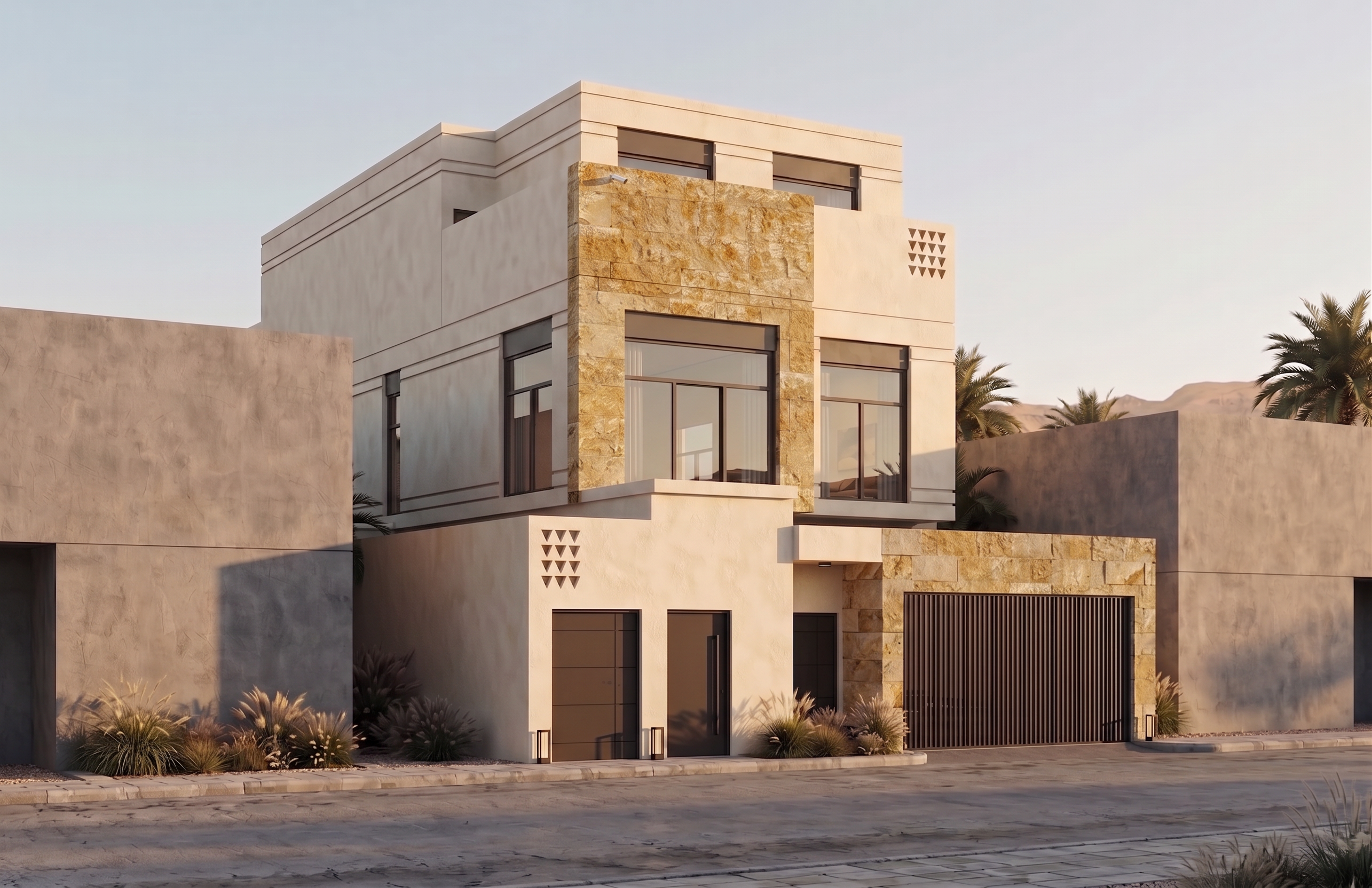
- Prompt
- Replace the stone cladding on this building with the exact same stone used on the building in the provided reference image. Apply the reference stone only to the existing stone-clad areas, keeping the stone in the exact same locations as the current design. Match the reference stone precisely, including the stone type, color, tone, texture, pattern, finish, scale, natural variation, and joint layout. Ensure the new stone blends naturally with the existing architecture and appears identical to the stone used in the reference building. Do not modify the building's massing, proportions, façade, architectural details, paint colors, doors, windows, wood finishes, metal elements, or any other materials. The only change should be replacing the current stone with the exact stone from the reference building. The final result should be seamless, ultra-photorealistic, and visually identical to the reference stone, with high-resolution textures, physically accurate material mapping, and professional architectural visualization quality.
- Created
- July 13, 2026