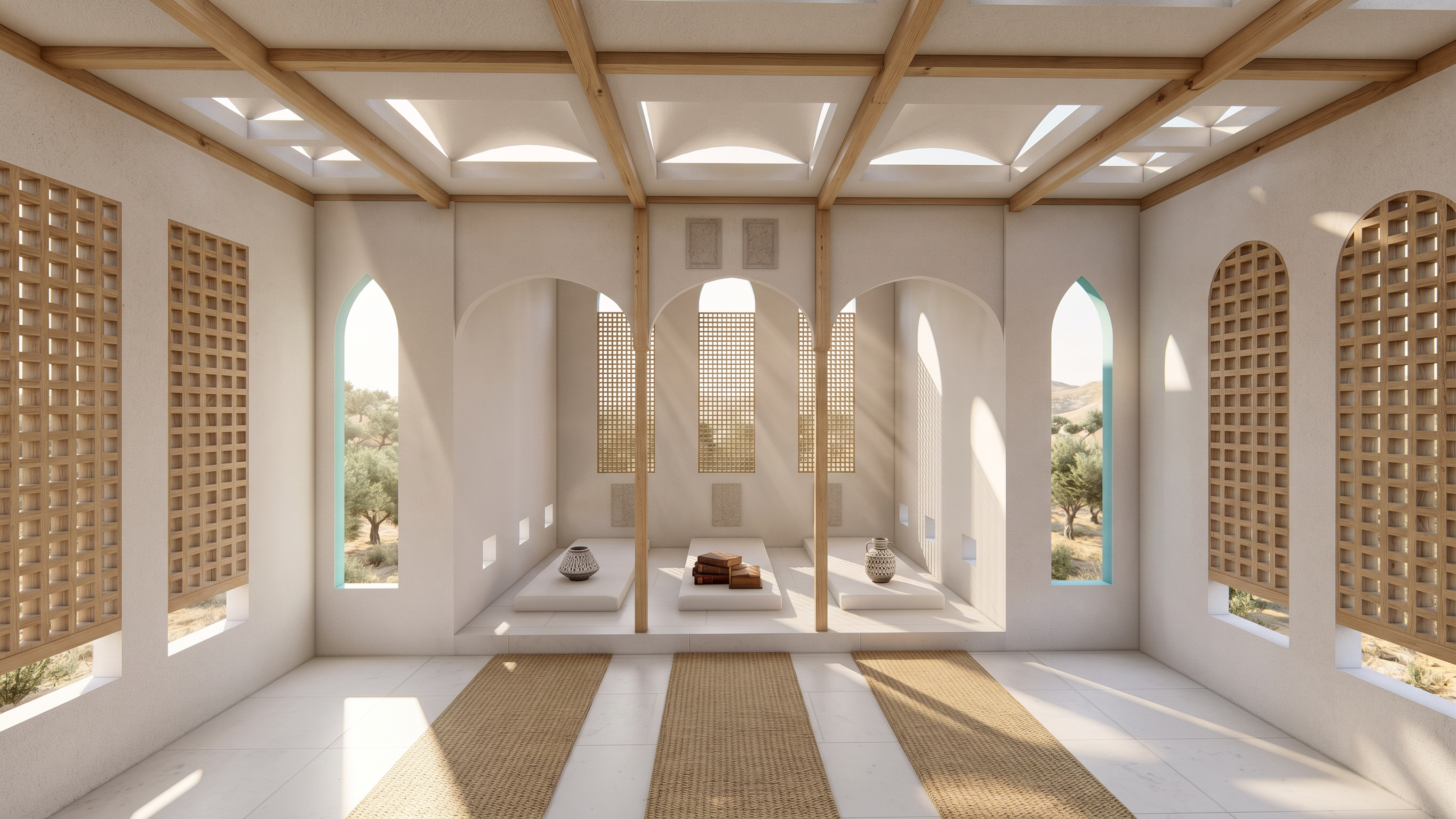
- Prompt
- Transform the provided image into an ultra-photorealistic architectural photograph while strictly preserving the original architectural design, building geometry, proportions, dimensions, landscape layout, camera angle, perspective, framing, and aspect ratio.
Enhance all materials, textures, lighting, reflections, shadows, and environmental details to achieve authentic real-world realism. **Identify and add any missing details necessary to make the scene look complete and physically believable**, including realistic material texture scale and dimensions, door handles, window frames and railings, joints and grout lines, floor and wall material patterns, realistic furniture and accessories, vegetation, ground details, background elements, sky, clouds, and other contextually appropriate architectural or environmental features.
Correct unrealistic material scales, object proportions, reflections, and lighting wherever necessary. Use physically accurate materials, natural imperfections, realistic weathering where appropriate, professional photographic lighting, global illumination, and natural color grading. Add new objects or details only when they fit the existing design, context, and real-world construction logic.
Do not redesign, remove, relocate, or alter existing architectural or landscape elements. Do not invent new building volumes or change the original design. Preserve all existing elements while enhancing and completing the scene with realistic details.
**Final goal:** Create a highly convincing, hyper-realistic image indistinguishable from a professional photograph of a real, fully constructed space, preserving the original design while filling in missing details naturally and accurately.
- Created
- October 1, 2026