- Prompt
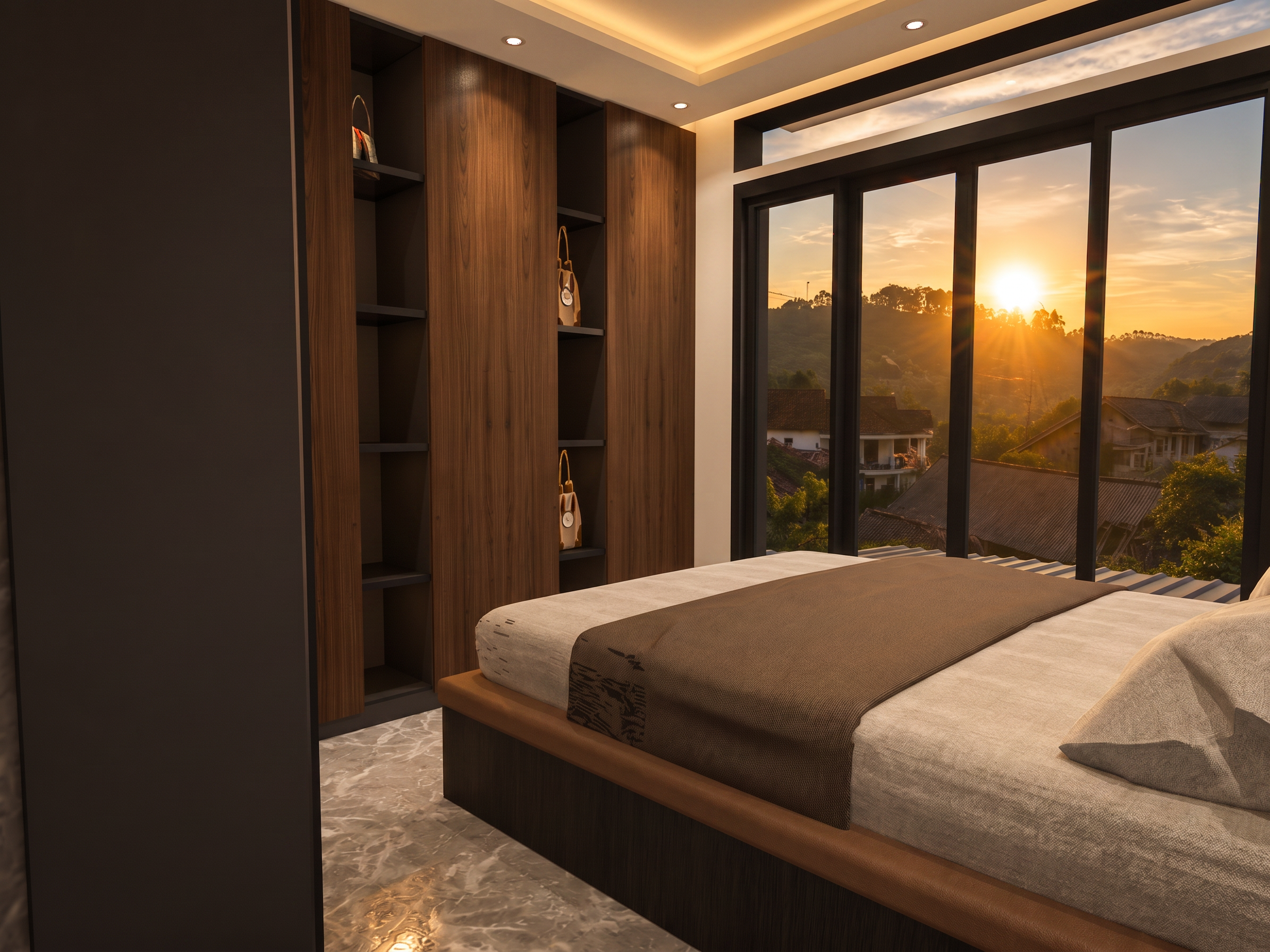
- Use the input image as a locked reference. Preserve the entire architecture exactly as shown. Do not modify, redesign, move, resize, replace, add, or remove any structural element, including walls, columns, ceilings, stairs, doors, windows, flooring, marble panels, furniture, railings, or decorative features. Only enhance the ceiling lighting to create a more realistic and premium interior atmosphere. Add subtle recessed LED downlights and warm indirect LED cove lighting integrated naturally within the existing ceiling recesses, without changing the ceiling design, dimensions, shape, or construction. Improve global illumination, soft ambient lighting, realistic light bounce, accurate reflections on the polished floor, gentle shadows, and balanced exposure. Maintain natural light coming through the windows while avoiding overexposure. Do not alter the building layout, ceiling structure, room proportions, materials, textures, colors, furniture placement, camera angle, perspective, or composition. The only permitted modification is the addition and optimization of realistic ceiling lighting. Produce a clean, ultra-photorealistic architectural visualization with physically accurate lighting while preserving every architectural detail exactly as in the original image.
- Created
- July 4, 2026