- Prompt
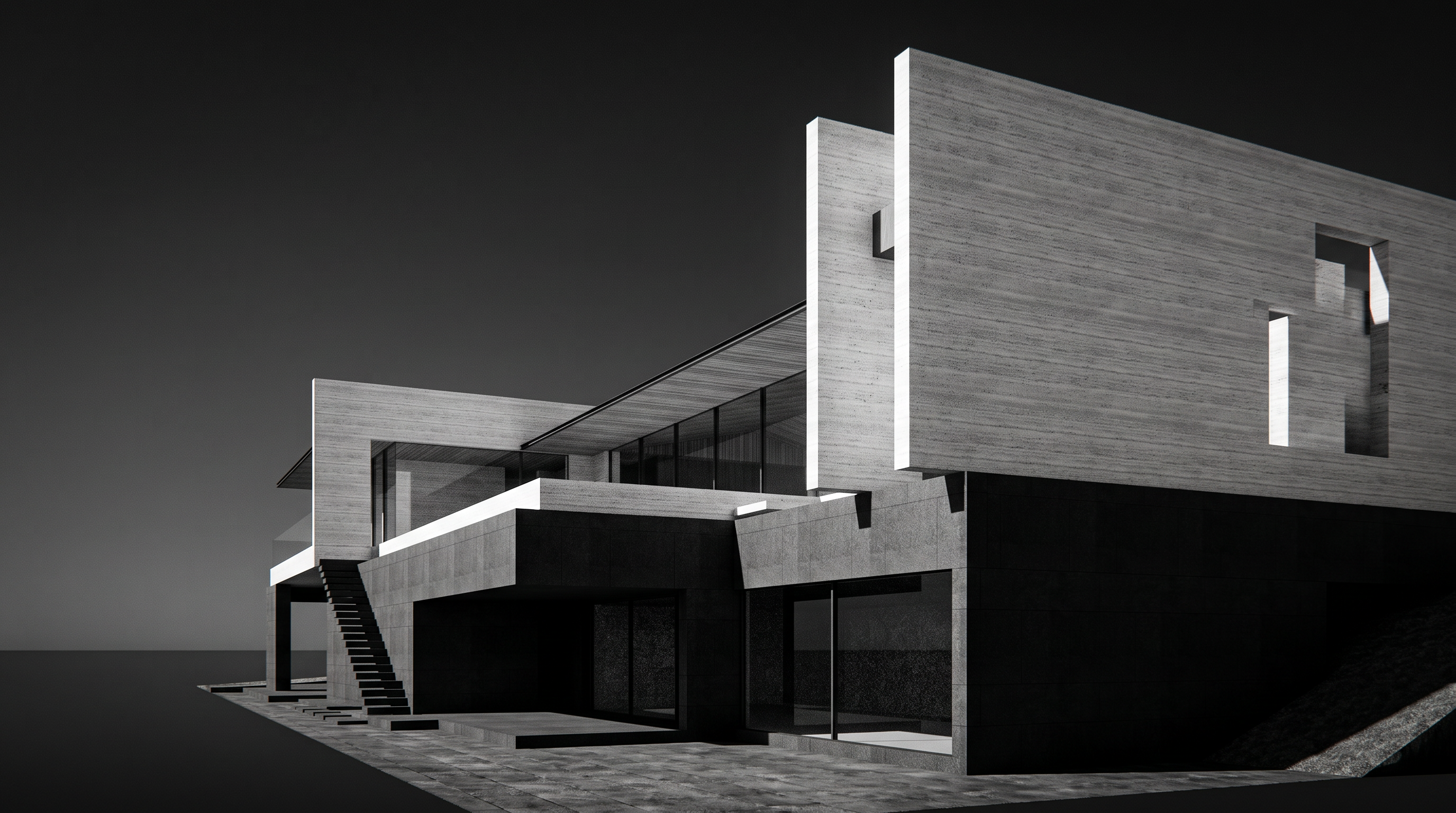
- A dramatic, high-contrast black and white architectural photograph, converting the SketchUp scene into a richly textured, dimensional, and atmospheric real-world image in the style of Reference 1.
Transform digital surfaces into heavily textured, realistic materials. Natural textured Travertine, Volcanic stone with fine grit, wooden patterns, and subtle imperfections. Ensure the sharp architectural geometric volumes appear physical, monumental, and tactile, while ground-level stairs, slabs, and paving show natural grit, wear, and stone grain.
Introduce intense, low-angled morning or late-afternoon natural sunlight. The image must have high chiaroscuro contrast—blindingly bright illuminated surfaces of the light-toned masonry against sharp, deep, almost pitch-black shadows that follow the geometric folds and cuts of the structure. Apply a polarizer/red-filter effect to turn the sky into a deep, solid, almost black-to-dark gradient, making the stark white building geometry pop with extreme drama.
A high-end architectural photograph taken from a low, upward-tilted perspective to emphasize the massive, soaring geometries. It should have the characteristics of classic high-contrast monochrome film (like 35mm or medium format, featuring rich tonal gradations, crisp focus, natural optical falloff, and subtle fine film grain). Eliminate all artificial digital smoothness, flat shading, and perfect lines, replacing them with the raw, lived-in depth of a masterfully shot physical photograph. 16:9 proportion. Do not add and change architectural elements.
- Created
- October 8, 2026