- Prompt
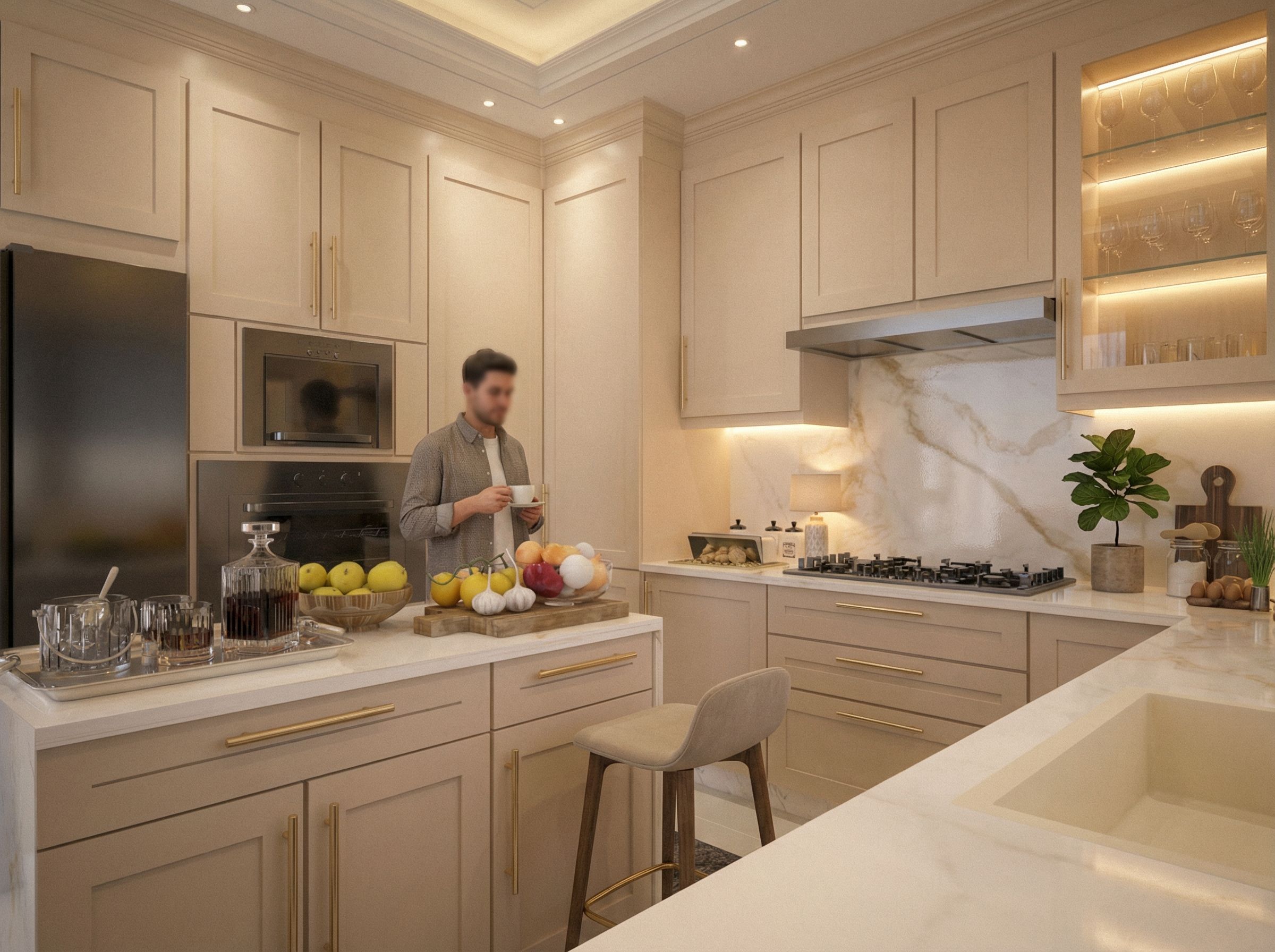
- Enhance the overall render quality while strictly preserving the original design, geometry, layout, proportions, and all architectural elements. Do not modify the design, dimensions, cabinet locations, furniture placement, or structure in any way. Improve material realism by refining textures, surface roughness, reflectivity, and PBR material properties for all surfaces. Add concealed LED strip lighting underneath all upper cabinets, integrated seamlessly and invisibly, emitting a soft, warm-white glow that highlights the countertop surface without glare. Add subtle internal lighting inside the glass cabinet, using hidden LED profiles to softly illuminate shelves and enhance material depth and transparency without overexposure. Adjust ceiling spotlights by refining their placement alignment (without changing ceiling design), beam angle, light spread, and intensity to achieve balanced, uniform illumination. Calibrate light emission, falloff, and softness to ensure realistic light behavior, smooth gradients, and natural shadow transitions. Improve global illumination, reflections, ambient occlusion, and light bounce to enhance spatial depth and realism. Fine-tune color temperature, exposure, contrast, and white balance for a natural, photorealistic result. Final output should appear as a high-end, professional architectural visualization with realistic lighting, materials, and colors, without any changes to the original design., keep exact camera angle
- Created
- February 9, 2026