- Prompt
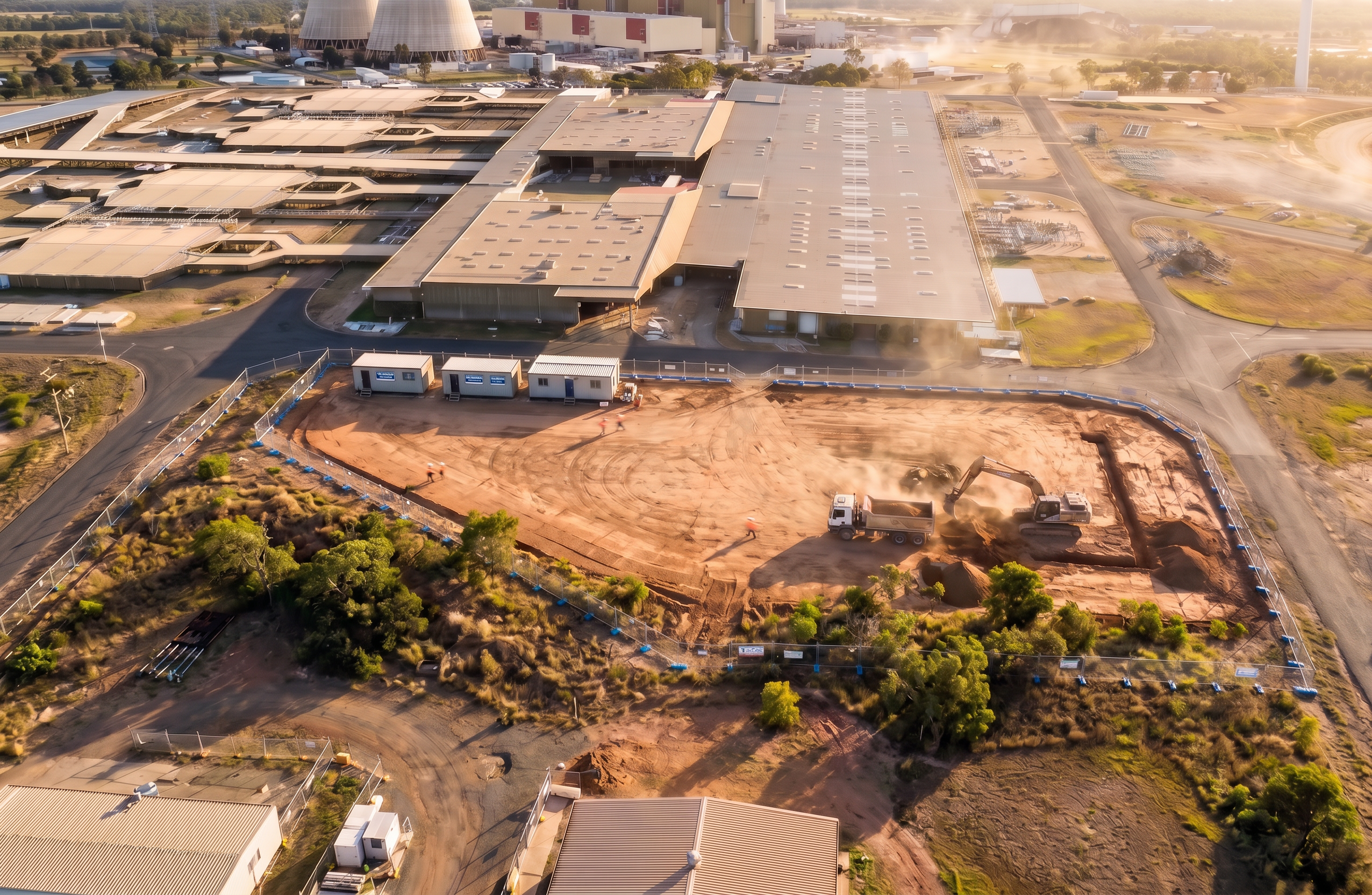
- Create a high-resolution, photorealistic 3D rendering of a construction sequencing stage for the Stanwell Power Station project, using the uploaded reference images. BASE INSTRUCTIONS: - Use the provided aerial image as the exact site context and background. - DO NOT introduce any new buildings, landscape, roads, or features beyond what is visible in the reference image. - Maintain full alignment with the site boundary, orientation, and geometry shown. - Convert the simulated 3D model elements (building, slab, fencing, equipment) into fully realistic 3D objects with accurate scale, materials, and shadows. SCENE SETUP (THIS STAGE): - Depict early construction phase (bulk earthworks and initial site activity). - Show: - Temporary site fencing matching the blue perimeter layout provided. - Cleared and levelled construction pad with realistic compacted soil texture. - Excavator actively digging shallow trenches. - Dump truck positioned within the pad receiving or transporting spoil. - Small soil stockpiles near excavation areas. - Two temporary site sheds/crib rooms located as per model. - Ensure plant and equipment reflect realistic Australian construction equipment (dusty, used appearance, not generic or stylised). CAMERA + COMPOSITION: - Match the aerial perspective and camera angle of the base image. - Slightly elevate the camera for depth, but maintain consistency with the original viewpoint. - Ensure the construction zone is the focal point, with the Stanwell Power Station visible in the background. LIGHTING + REALISM: - Apply natural lighting consistent with a late afternoon / golden hour Queensland environment. - Ensure shadows align with the sun direction in the reference image. - Add subtle atmospheric depth (heat haze, dust from earthworks). - Use high-detail textures for: - Compacted earth - Concrete (if visible) - Site sheds (metal cladding) - Equipment finishes INTEGRATION REQUIREMENTS: - Seamlessly blend 3D construction elements into the 2D aerial base so that transitions are not visible. - Match colour grading, contrast, and lighting of the reference image. - Ensure scale accuracy relative to surrounding buildings and infrastructure. QUALITY SETTINGS: - Photorealistic rendering (not stylised or illustrative) - High detail, sharp focus - Real-world proportions and materials - No cartoon or CGI appearance RESTRICTIONS (CRITICAL): - DO NOT create additional scenery, vegetation, structures, or background elements not present in the provided aerial reference. - DO NOT alter the surrounding Stanwell Power Station or landscape. - ONLY enhance and replace the simplified model elements with realistic construction visuals. OUTPUT: - Produce a single, high-quality photorealistic image representing this construction stage.
- Created
- June 18, 2026