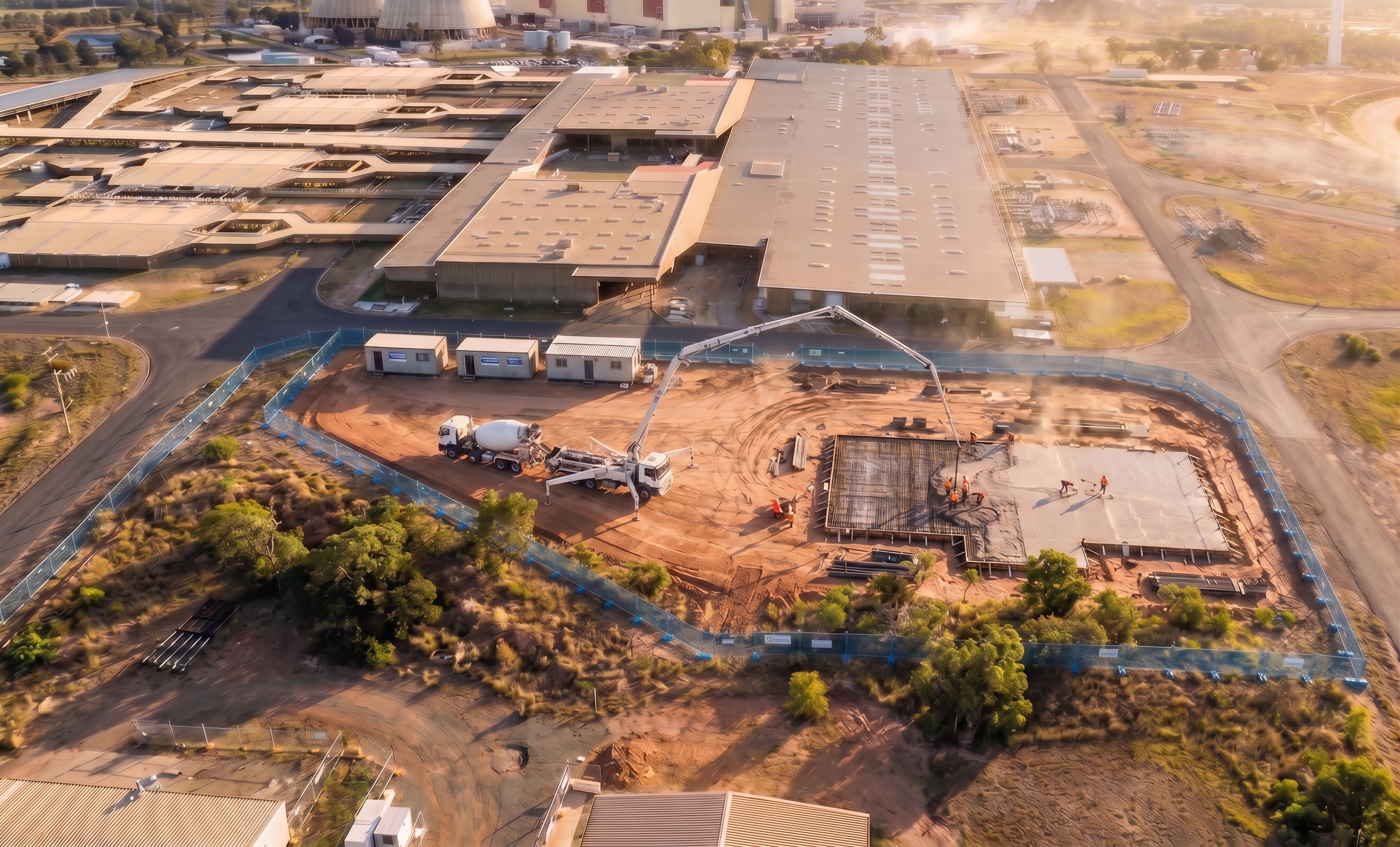
- Prompt
- Use the provided base image as the primary scene and maintain it EXACTLY as is. Do not change any buildings, plant, vehicles, ground conditions, materials, layout, perspective, scale, lighting, shadows, colours, or background elements. Do not add, remove, or reposition any objects. The only modification permitted is to replace the existing site fencing. Update the site fencing so it matches the reference image fencing exactly — including: Fence type and mesh style Height and proportions Colour and finish (blue mesh panels) Post spacing and structural framing Base supports/feet and fixings Alignment, curvature, and placement following the exact existing fence line Ensure the new fencing sits perfectly in the same footprint and position as the original fencing, with no shift in geometry or perspective. Maintain all camera position, lens, and composition exactly as the original image. Do not introduce any new elements, scenery, vegetation, equipment, or background detail. Output should appear photorealistic and seamlessly integrated, as if the fencing was originally part of the scene.
- Created
- June 25, 2026