- Prompt
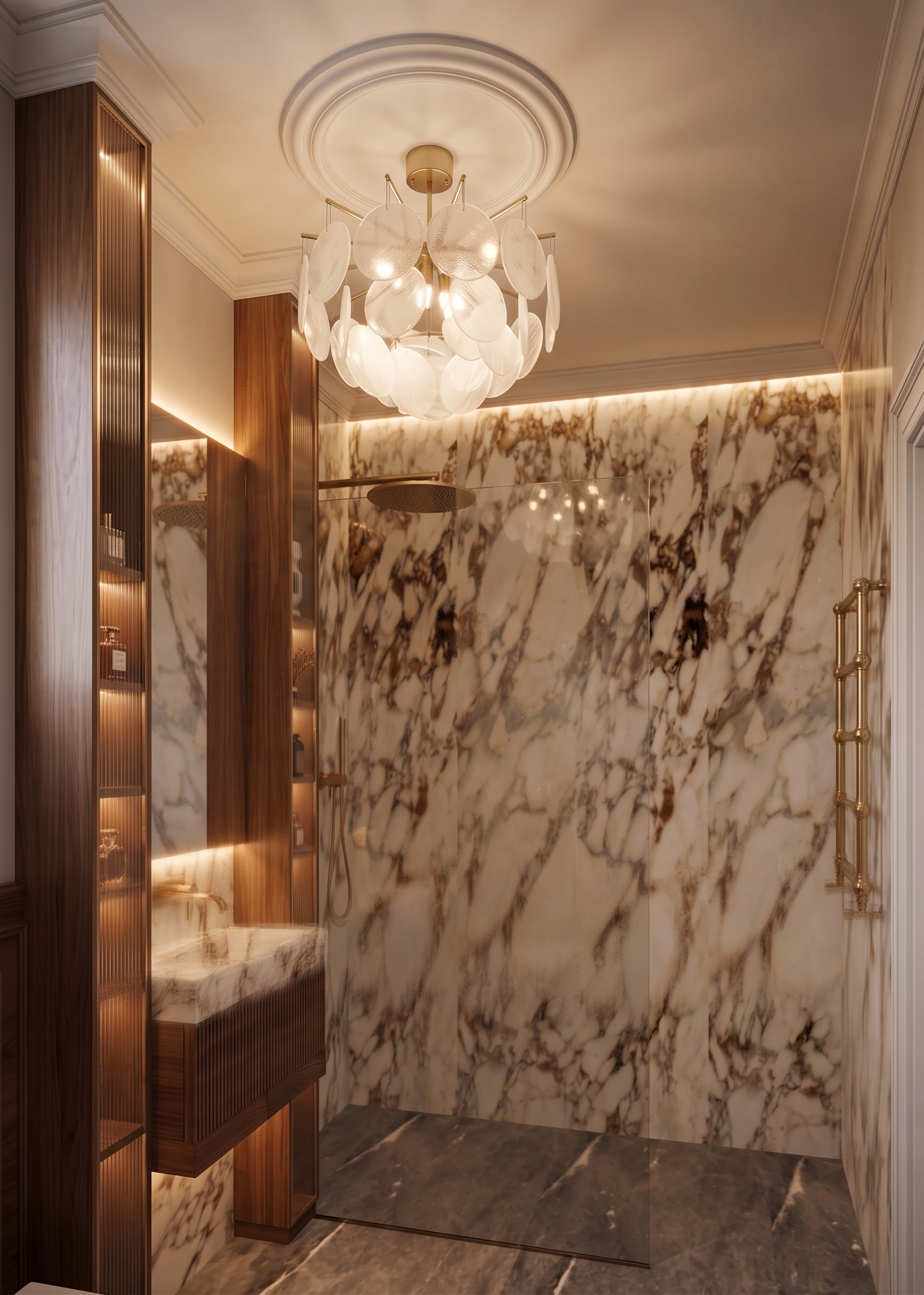
- Prompt: Create an ultra-photorealistic, premium-quality architectural render from the provided 3D model. Critical Requirements (Strictly Follow) Do not change the camera angle, perspective, focal length, framing, image proportions, image size, or render resolution. Do not modify the geometry, dimensions, layout, architectural elements, materials, textures, colors, or interior design. Preserve the original 3D model exactly as provided. The final image must represent the same room from a different camera angle, matching the reference perfectly in materials, lighting, and atmosphere. Materials & Atmosphere Match all materials precisely to the reference image, including their color, texture, reflectivity, roughness, and finish. Recreate the lighting exactly as shown in the reference, including color temperature, intensity, reflections, shadows, and overall mood. Preserve the luxurious atmosphere and visual consistency of the reference. Shower Area Change the shower head and all visible shower fixtures to a brushed gold finish, matching the reference exactly. Radiator The radiator mounted on the right wall must be replaced with the design shown in the reference. The wall behind the radiator is made of marble too Change its finish to brushed gold. Match its proportions, detailing, and premium appearance exactly as in the reference while keeping its original location. Rendering Quality Use physically accurate PBR materials. Apply realistic global illumination, soft indirect lighting, natural shadows, and accurate reflections. Enhance material realism and texture quality without altering the original design. The final render should be indistinguishable from a real interior photograph and suitable for a luxury architectural visualization portfolio. Final Goal The result must look like a professionally photographed luxury bathroom, preserving the original 3D model, camera position, composition, geometry, materials, and design while faithfully reproducing the finishes, lighting, atmosphere, and premium details from the reference image.
- Created
- July 29, 2026