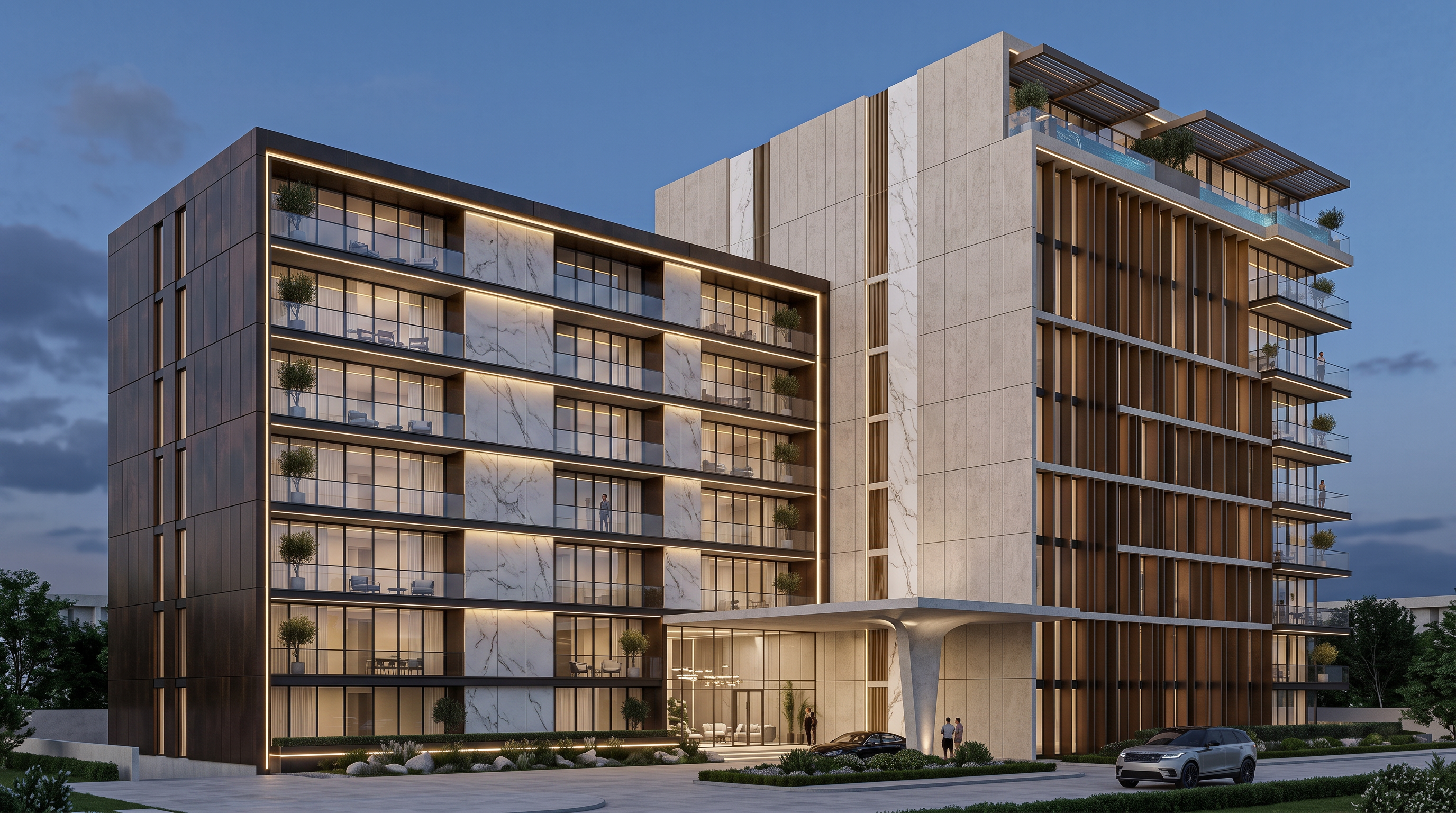
- Prompt
- Use the uploaded base image as the strict reference for the building geometry and volume. DO NOT change, modify, reshape, add, remove, or reposition any part of the existing building massing, proportions, floor levels, balconies, openings, or overall silhouette.
Use the Reference Image ONLY as inspiration for the facade materials, colors, textures, finishes, glazing, balcony treatments, and architectural detailing.
Apply the material palette and facade language from the Reference Image to the existing building while preserving the exact geometry of the base image.
Do not copy the geometry or massing from the Reference Image.
The final result must maintain the exact original volume and proportions of the uploaded building, with only the facade materials and architectural finishes adapted from the Reference Image.
Photorealistic architectural visualization, high-end residential architecture, realistic materials, natural lighting, detailed facade textures.
- Created
- August 4, 2026