- Prompt
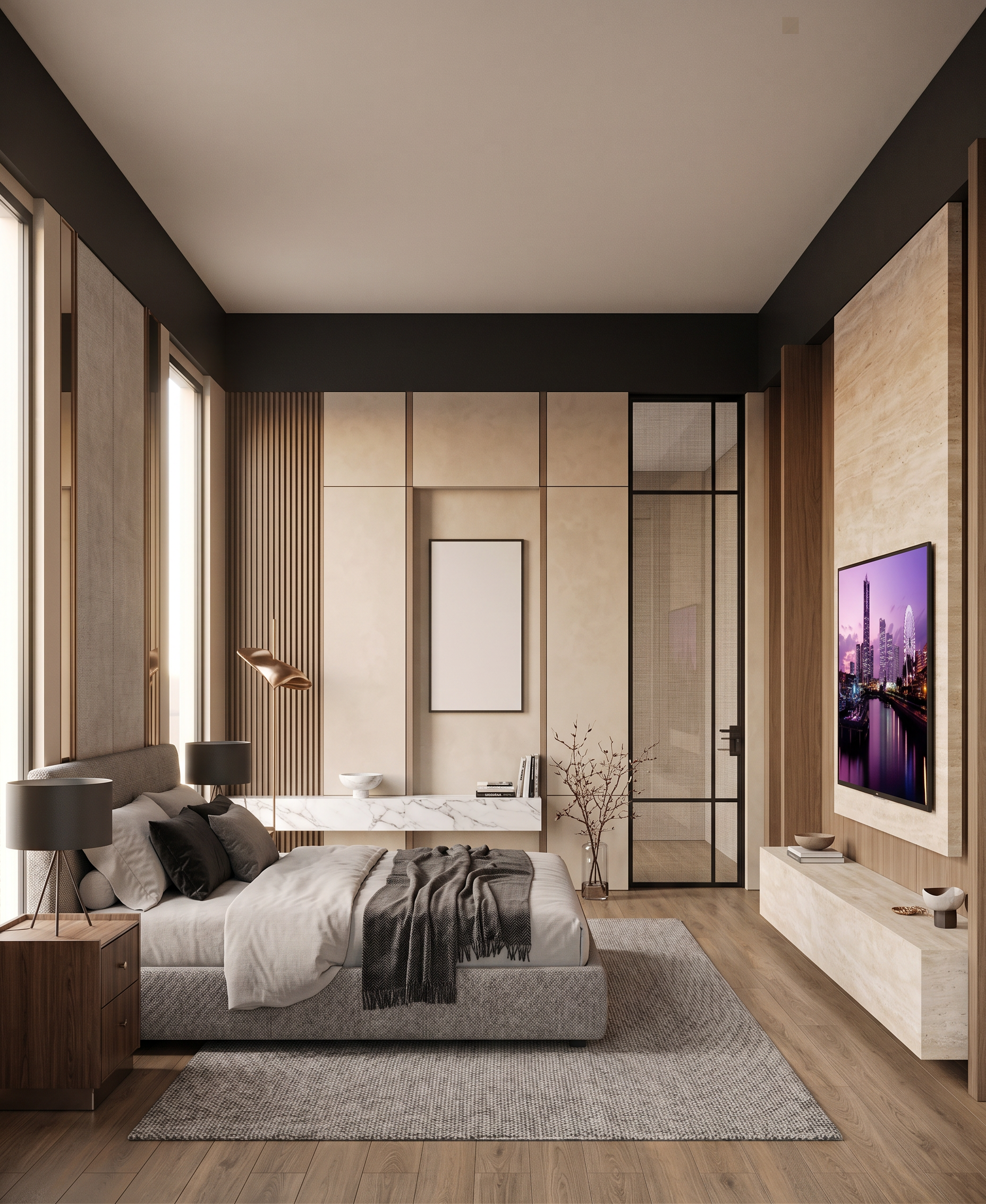
- Create a highly photorealistic interior render based on the uploaded base image.
Keep the original design, geometry, layout, furniture placement, proportions, camera angle, and composition unchanged.
Reference Image 1: Match the overall mood, color tone, lighting, warmth, and atmosphere.
Reference Image 2: Apply its door frame design, profile, and detailing to the existing door frame only.
Reference Image 3: Apply its TV wall design, material, paneling, and detailing to the existing TV wall only.
Do not copy other elements from the reference images or redesign the room.
Use realistic natural lighting, soft shadows, accurate material textures, reflections, and high-end luxury interior photography quality. Photorealistic, elegant, warm, sophisticated, natural, 8K.
- Created
- August 24, 2026