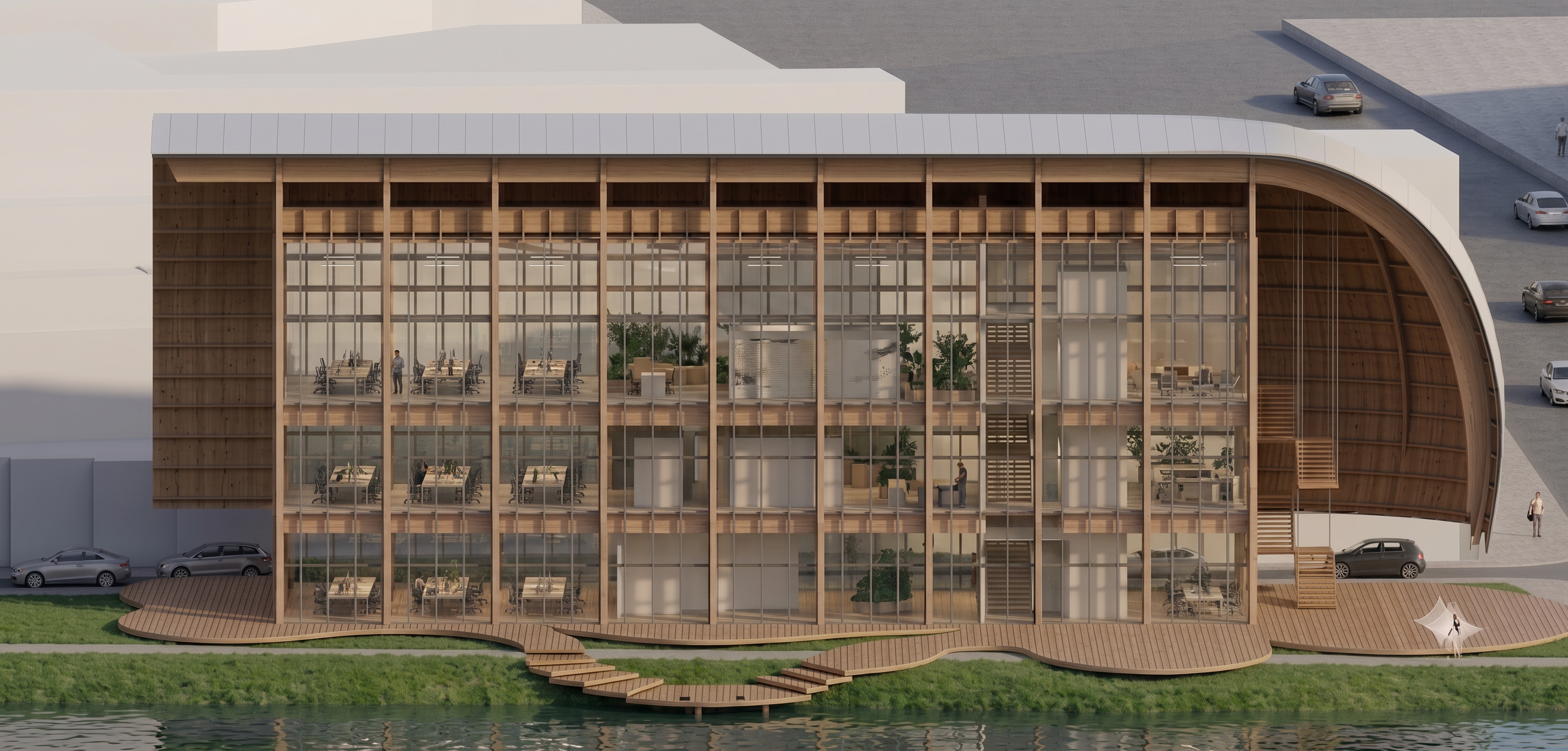
- Prompt
- Use the attached render as the **base image**. This is an **image editing task**, **not** a new render generation. I have also attached an additional image as **Reference 1**. **Reference 1 is an unmarked version of the render** (without annotations or colored lines). Use it only as a clean visual reference to better understand the architecture, materials, lighting, and interior elements that should remain unchanged. The render with the cyan markings is the one that must be edited. ### Edit Instructions I have marked several **white blocks inside the building with light blue (cyan)**. These white blocks are temporary placeholder geometry and should **be removed**. Remove **only** the white blocks that are highlighted with the cyan markings. Do not remove or modify any other architectural elements. Once those blocks are removed, reveal the correct interior spaces behind them while preserving the existing architecture. --- ### Improve Rendering Quality Without changing the architecture, significantly improve the rendering quality. Enhance only: * overall photorealism, * material resolution, * timber textures, * glass quality, * reflections, * indirect lighting, * global illumination, * ambient occlusion, * shadow quality, * color grading, * vegetation realism, * people realism, * image sharpness, * fine architectural details. The final image should have the quality of a professional architectural visualization produced with **Corona Renderer, V-Ray, D5 Render, or Unreal Engine**. --- ### DO NOT CHANGE ANYTHING ELSE The architecture is already approved and completely locked. Do **NOT** change: * building geometry, * roof, * timber structure, * columns, * beams, * slabs, * glass prism, * staircase, * service core, * floor count, * floor heights, * landscape, * decks, * vegetation layout, * roads, * stream, * camera position, * perspective, * framing, * composition, * lighting direction, * scale, * proportions. Do **not** redesign, reinterpret, regenerate, or improve the architecture. Only remove the cyan-marked white blocks and significantly increase the visual realism of the existing render while preserving every other element exactly as it is.
- Created
- June 28, 2026