- Prompt
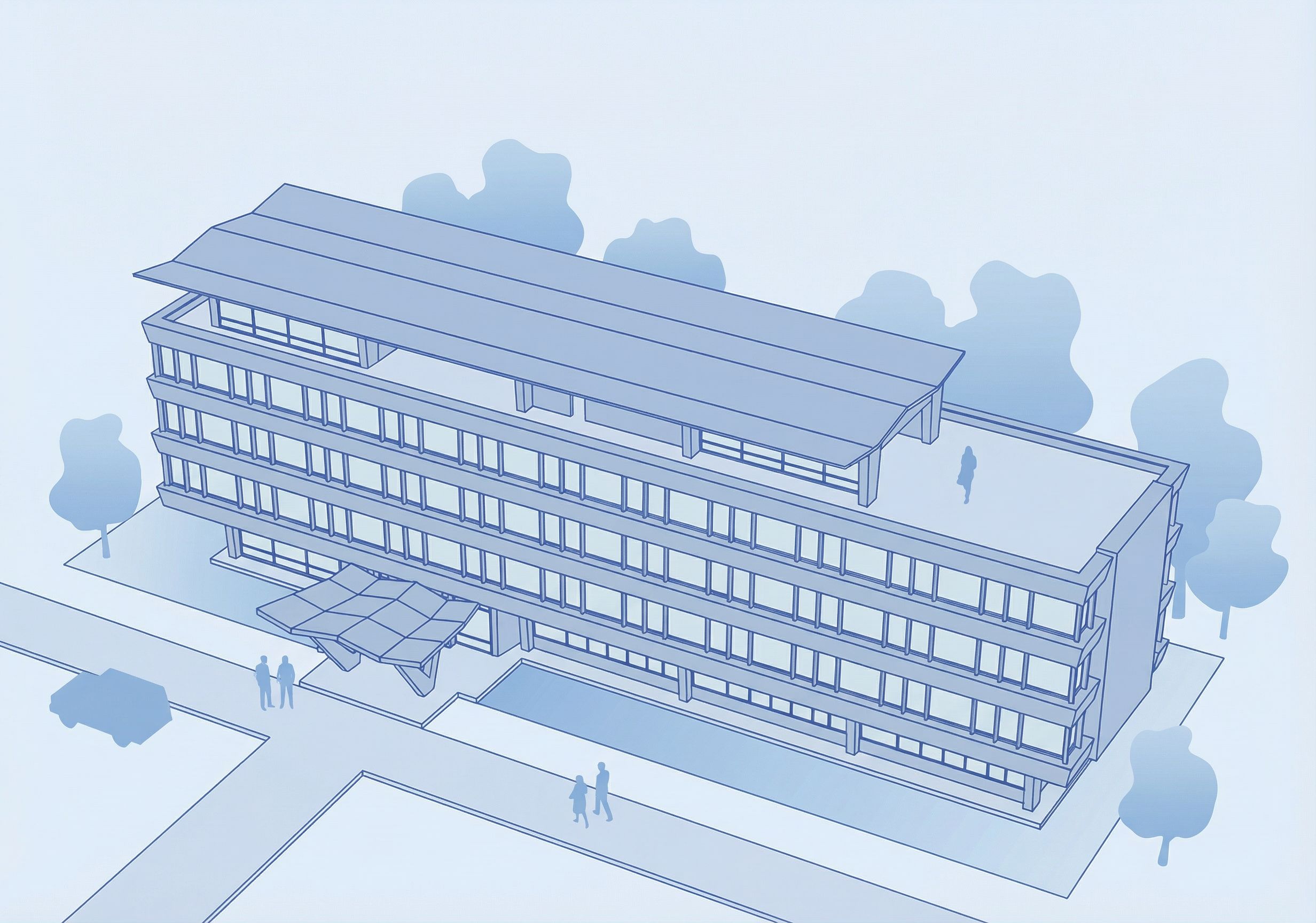
- Use the provided isometric building drawing as the base. DO NOT change the building geometry, proportions, edges, roof shape, window rhythm, or any lines. No redesign, no additions or removals to the building. Keep the isometric view exactly the same. Goal: keep it GRAPHIC and DIAGRAM-LIKE (not a render). Crisp vector-style linework, clean minimal look. No photorealistic materials, no reflections, no realistic lighting, no ambient occlusion, no textures. COLOR SYSTEM (ABSOLUTELY MANDATORY — ONE COLOR ONLY): Use ONLY Pantone Blue 072 C and its tints/shades. No other hues at all (no grey, no green, no black, no purple/teal shift). - Building linework/outlines: Pantone Blue 072 C (solid, saturated). - All fills (building + background + site elements): ONLY lighter/darker tints of Pantone Blue 072 C. LINEWORK: - Keep lines thin, clean, precise; outer contour only slightly stronger than inner lines, still delicate. BUILDING FILLS (moderately light, readable): - Walls: light-mid tint of Blue 072 C. - Windows: lighter tint (almost white-blue, but still visible). - Roof/terraces: slightly darker than walls or same light-mid tint, flat and clean. BACKGROUND / SITE CONTEXT (ONE-COLOR, LINE-FREE): Add a simple graphic background context: trees, a pedestrian path/walkway, and a minimal ground plane. IMPORTANT: all background/site elements must be LINE-FREE (no outlines, no strokes). Use only flat fills or very soft gradients, still within Pantone Blue 072 C tints. - Trees: simple silhouette/blob shapes, no leaf details, no linework. - Pathway: clean flat shape, no texture, no paving pattern, no lines. - Ground plane: subtle light tint or soft gradient, very minimal. Keep the background lower-contrast than the building so the building stays the focus. Output: clean architectural isometric illustration, single-color Pantone Blue 072 C system only, with thin saturated linework and outline-free site background. No labels, no dimensions, no logos. , keep exact camera angle
- Created
- February 16, 2026