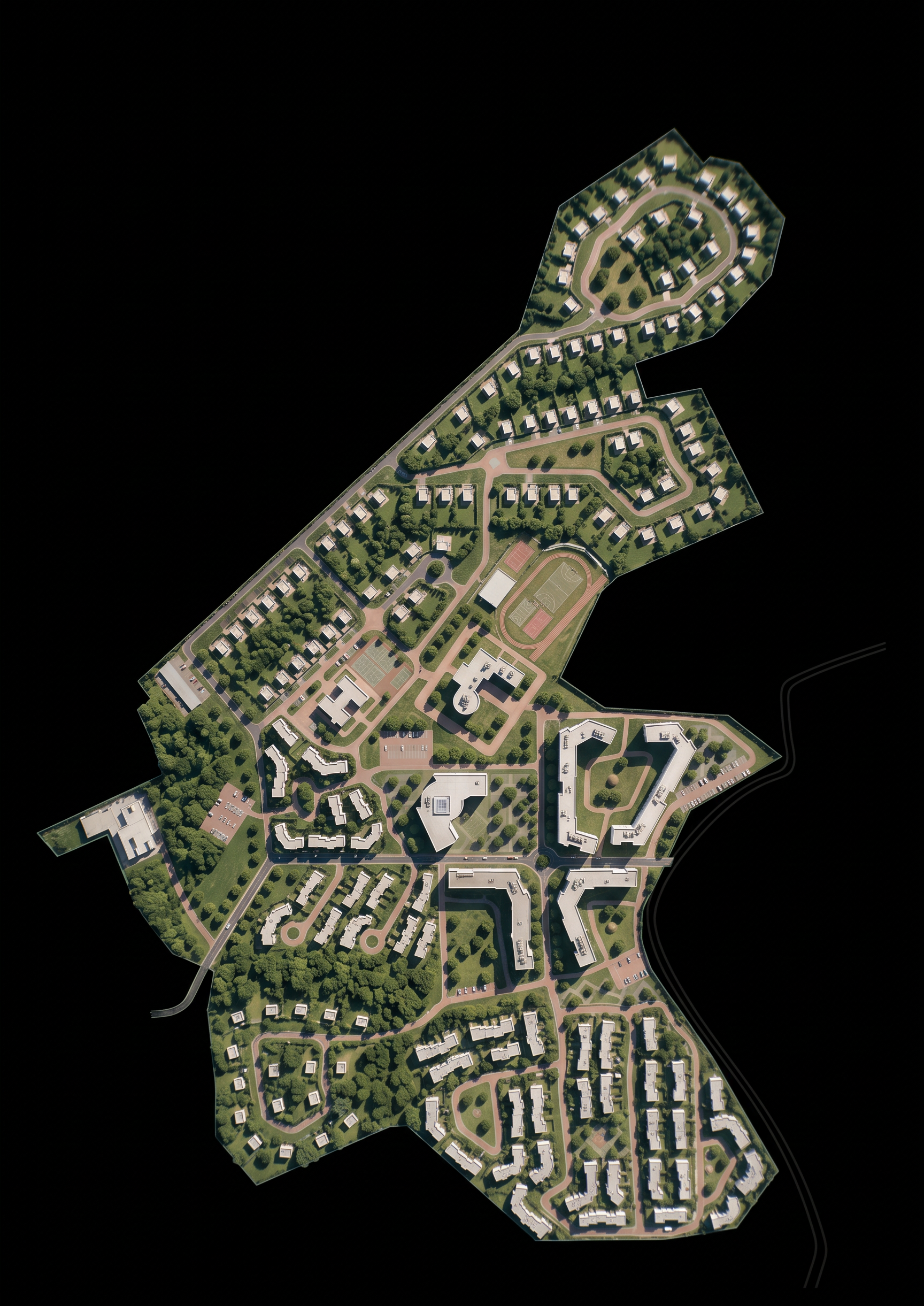
- Prompt
- STRICT REPRODUCTION WITHIN THE SITE BOUNDARY. DO NOT ADD ANYTHING OUTSIDE.
Use the provided masterplan drawing as the ONLY source of truth. Reproduce exactly what is inside the site boundary, and nothing else.
ABSOLUTE PROHIBITIONS:
- Do NOT add any new buildings, stadiums, sports grounds, roads, trees, or objects that are NOT on the original drawing.
- Do NOT place ANY objects outside the site boundary (the red line / project outline). Everything outside the boundary must remain empty or as on the original drawing (if there is surrounding context, keep it as drawn, but do not invent new elements).
- Do NOT move, resize, rotate, or rearrange any existing building, road, parking lot, tree, or object.
- Do NOT change the shape or proportions of any element.
ALLOWED CHANGES (ONLY THESE):
- Apply realistic textures: asphalt, grass, brick, concrete, glass, metal, water.
- Add natural daylight, soft shadows, and realistic lighting.
- Add a few cars ONLY on existing roads and parking lots inside the boundary.
- No people.
The result must be a photorealistic version of the EXACT SAME plan, with NOTHING added, removed, or moved. If you are unsure about an element, leave it as it is on the drawing.
- Created
- October 15, 2026
- Seed
- 0