- Prompt
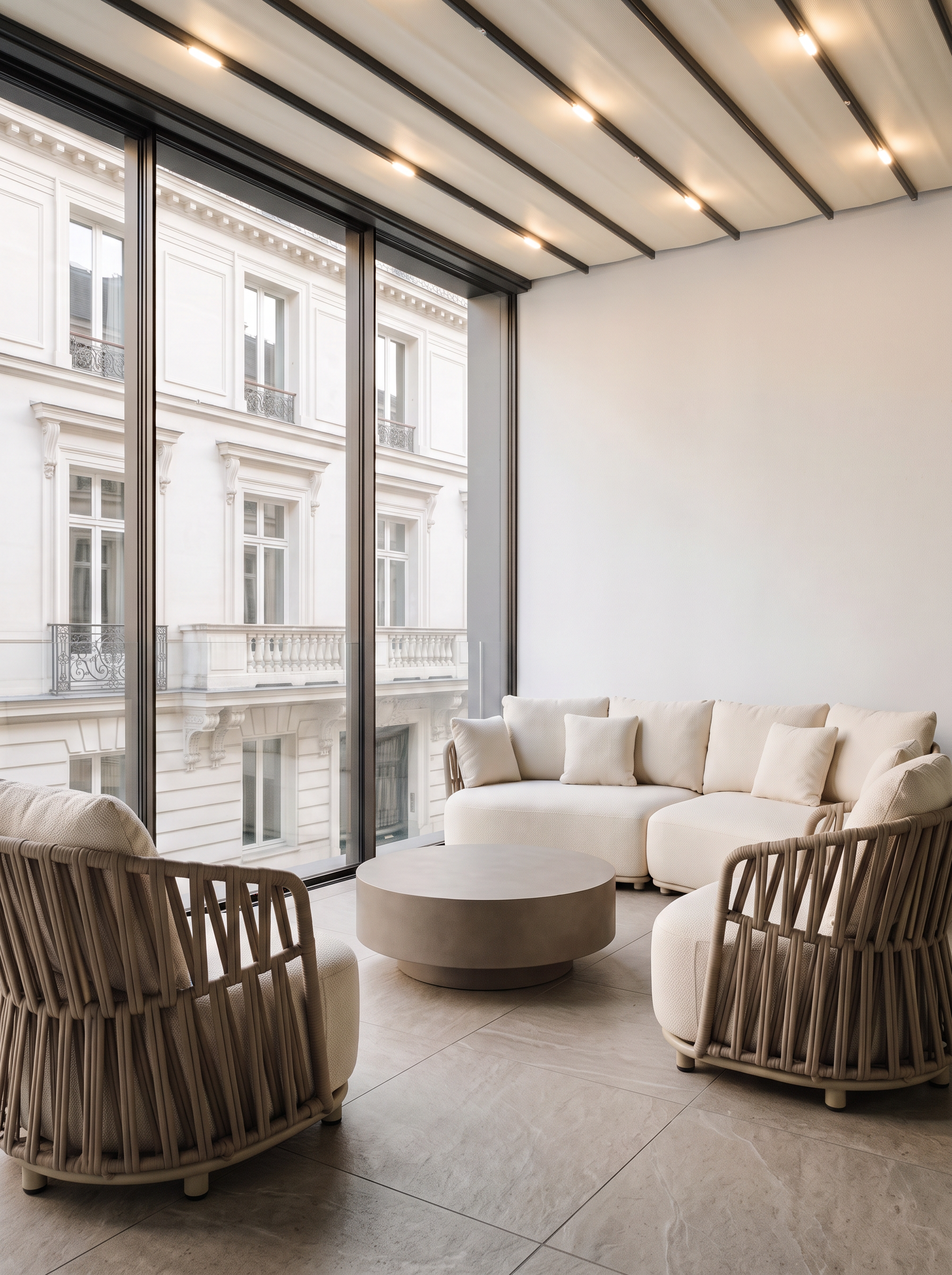
- Create a photorealistic architectural render based strictly on the existing image and 3D model.
DO NOT CHANGE ANYTHING ELSE. Preserve the exact image dimensions, aspect ratio, camera position, camera angle, perspective, focal length, composition, architecture, geometry, proportions, materials, colors, lighting, and all existing furniture placement.
ONLY MAKE THE FOLLOWING CHANGES:
SOFA Rotate the sofa so that its backrest is facing the window/glazing. Keep the sofa in the same location and with the same dimensions, design, material, and appearance. Only change its orientation as described.
ARMCHAIRS
The armchair on the right should be positioned with its back facing the white wall.
The armchair on the left should remain exactly as it is now. Do not rotate, move, resize, or otherwise modify it.
Preserve the existing positions and proportions as much as possible.
CEILING Replace the existing ceiling with the illuminated canopy shown in reference V1. Use reference V1 strictly for the design, construction, proportions, material, and lighting effect of the canopy. The new canopy must fit naturally into the existing architecture without changing the ceiling height, room geometry, camera perspective, or any other architectural elements. Reproduce the soft integrated illumination and realistic glow shown in reference V1.
Everything not explicitly mentioned above must remain EXACTLY unchanged.
Do not redesign the terrace. Do not add any new furniture, decoration, plants, architectural elements, or accessories. Do not alter the camera or perspective. The result must look like the exact same original render with only these three specified modifications.
- Created
- October 14, 2026