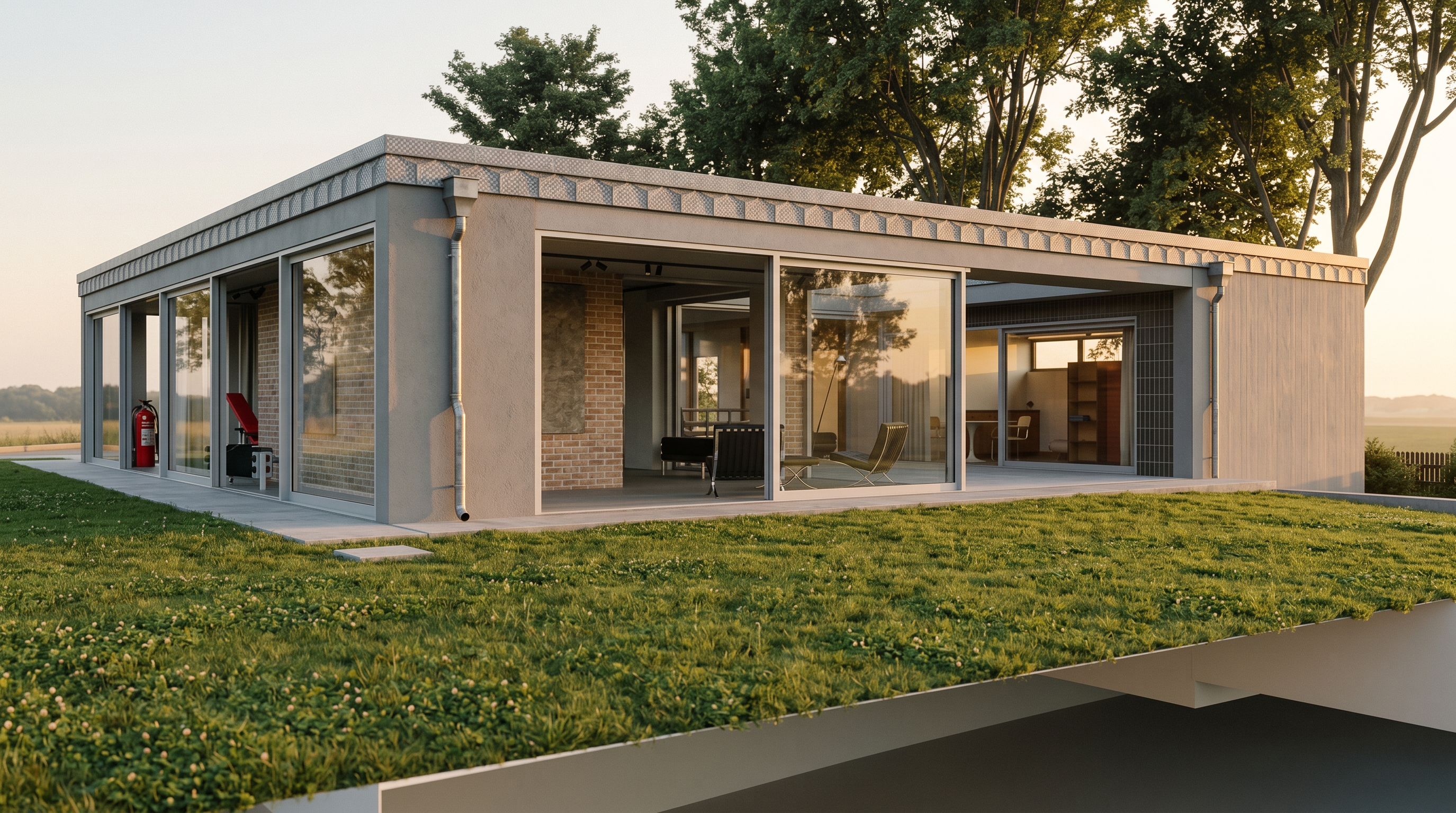
- Prompt
- Create a photorealistic architectural render of the uploaded building. CRITICAL REQUIREMENTS (MUST FOLLOW): - Preserve the original geometry exactly as provided. - Do NOT modify, move, resize, redesign, or replace any architectural elements. - Do NOT add any new elements such as balconies, railings, pergolas, furniture, landscaping, people, cars, trees, lights, or decorative objects. - Do NOT change the proportions, roof shape, walls, windows, doors, openings, chimneys, gutters, or any other building components. - Use the uploaded JPG as the ONLY material reference. - Keep ALL materials exactly the same as shown in the JPG, including colors, textures, finishes, reflectance, and surface properties. - Do NOT replace or reinterpret any materials with different ones. Rendering requirements: - Produce an ultra-realistic, high-end architectural visualization. - Use physically accurate materials and PBR rendering. - Soft natural daylight with realistic global illumination. - High-quality ambient occlusion, soft shadows, and accurate reflections. - Photorealistic lighting and color balance. - High dynamic range (HDR) lighting. - Sharp details with realistic texture mapping. - Architectural photography quality. - 8K resolution appearance. - Clean composition with realistic camera perspective. - Natural contrast without over-saturation or excessive post-processing. The final image must look like a professional architectural visualization while remaining a 100% faithful representation of the original building geometry and materials. ```
- Created
- July 29, 2026