- Prompt
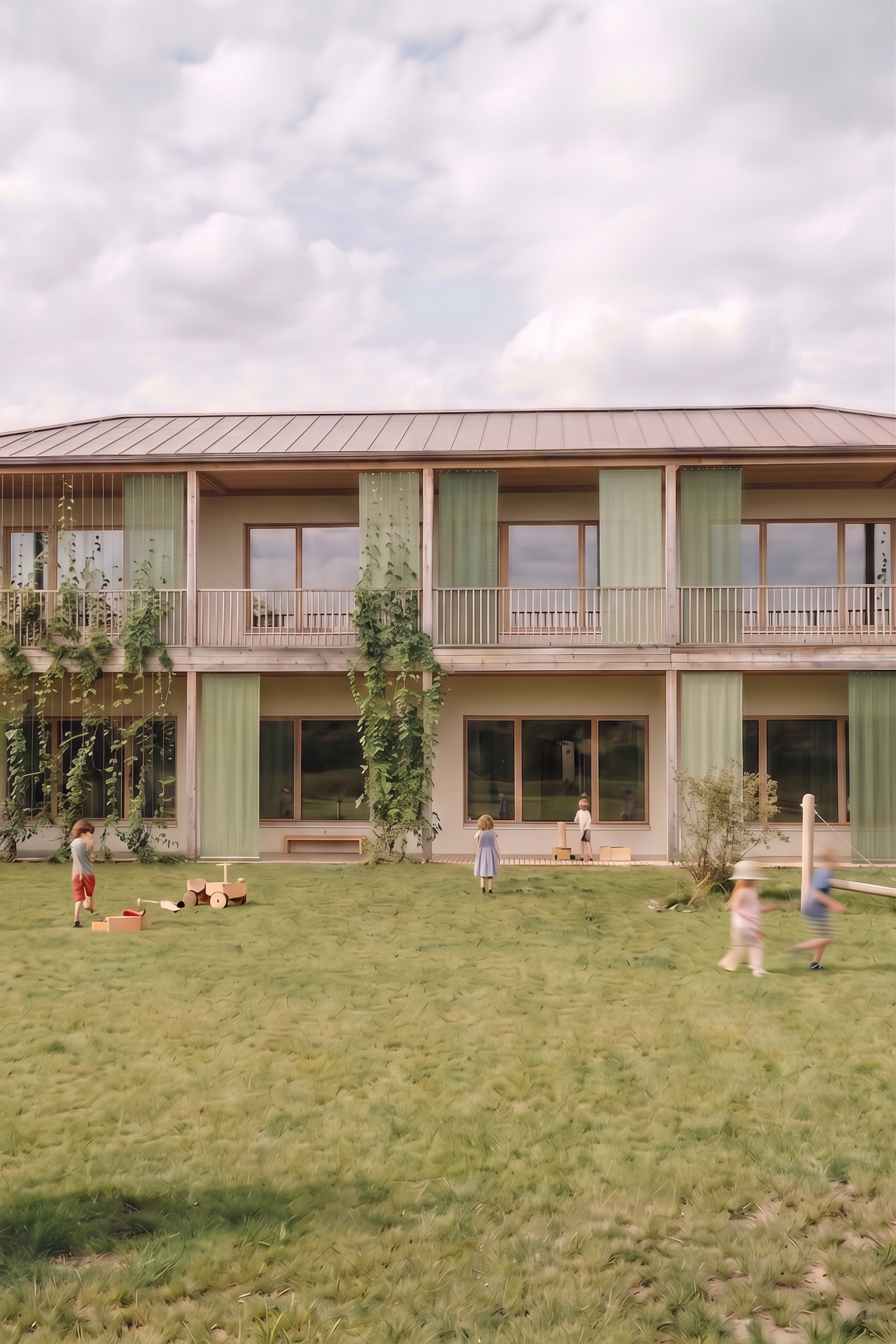
- Edit the uploaded image while keeping every aspect of the original image exactly the same, including the architecture, composition, camera perspective, lighting, materials, colors, textures, shadows, background, and overall atmosphere. Do not modify the building geometry, façade design, balcony layout, structural elements, or any other existing objects. The architecture must remain identical to the original rendering. Make only the following changes: Remove the shrubs in the left foreground. Replace them with the surrounding ground treatment so that the area appears natural and seamlessly integrated. No other landscaping elements should be changed. Redistribute the vertical greenery more evenly across the entire length of the façade. Instead of concentrating the planting in only a few areas, spread the green climbing elements rhythmically along the full building frontage. The vegetation should create a balanced architectural composition while preserving the openness and clarity of the façade. Reduce the density of the vertical cables supporting the climbing plants. Avoid large clusters of cables. Instead, arrange them in small groups of approximately 5–7 vertical cables, leaving generous gaps between each group. This creates a lighter, more elegant façade rhythm while still providing sufficient support for the climbing vegetation. The greenery and cable system should appear realistic, architecturally integrated, and consistent with the existing lighting and perspective. Apart from these three modifications, absolutely nothing else in the image should be changed. The final result should look like the original rendering with only these subtle adjustments.
- Created
- July 20, 2026