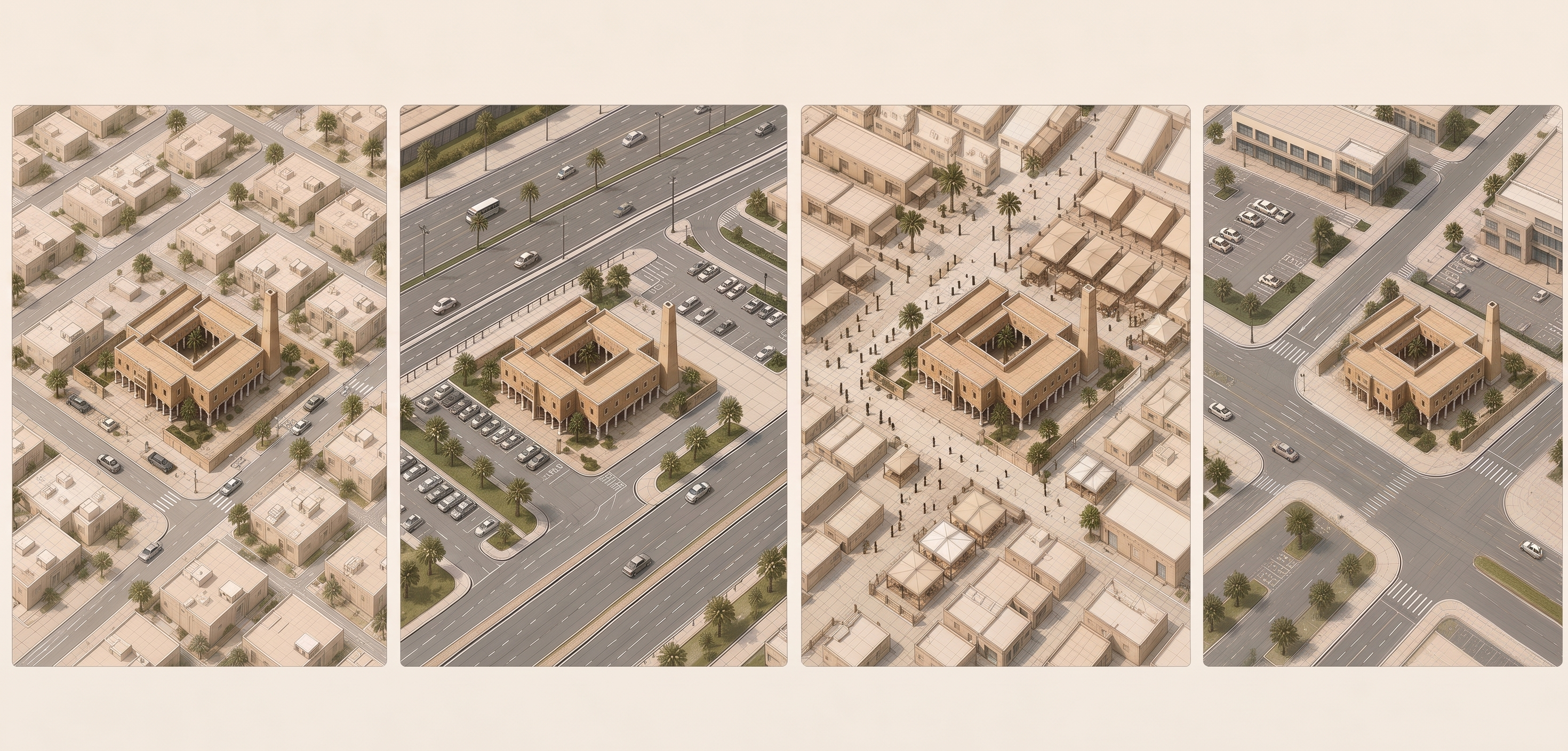
- Prompt
- Enhance this architectural diagram into a premium, highly refined professional architectural illustration suitable for an official design guideline presentation.
IMPORTANT: Preserve the original diagram exactly.
Do NOT redesign, rearrange, add, remove, move, resize, or reinterpret any architectural element.
Maintain the exact geometry, composition, camera angle, perspective, scale, spatial relationships, diagram logic, arrows, paths, layers, cutaways, exploded components, and analytical information.
VISUAL ENHANCEMENT ONLY:
• Improve overall rendering quality, sharpness, material definition, line precision, edge quality, depth, shadows, and architectural readability.
• Create a sophisticated architectural visualization aesthetic — clean, minimal, analytical, elegant, and publication-quality.
• Use a consistent restrained palette: warm off-white / light cream background, muted architectural beige and sand tones, subtle warm gray, and deep muted green as the primary analytical accent.
• Keep materials refined and slightly realistic while maintaining the clarity of an architectural diagram.
• Use soft natural lighting and subtle ambient shadows.
• Avoid excessive photorealism, dramatic lighting, glossy materials, or artistic effects.
• Maintain clean separation between analytical layers.
REMOVE ALL TEXT:
Delete every word, letter, number, title, caption, label, annotation, legend, table text, and written symbol visible in the image.
Where text is removed, reconstruct the underlying background naturally and cleanly.
IMPORTANT:
Keep graphical elements such as leader lines, diagram lines, arrows, circles, dashed boundaries, measurement graphics, paths, overlays, and analytical shapes — only remove their written content.
Do not invent new information.
Do not change the architecture.
Do not simplify the diagram.
Final result: a clean, text-free, high-resolution architectural analytical diagram with a unified premium visual language, ready for typography and labels to be added later in the presentation.
- Created
- August 26, 2026