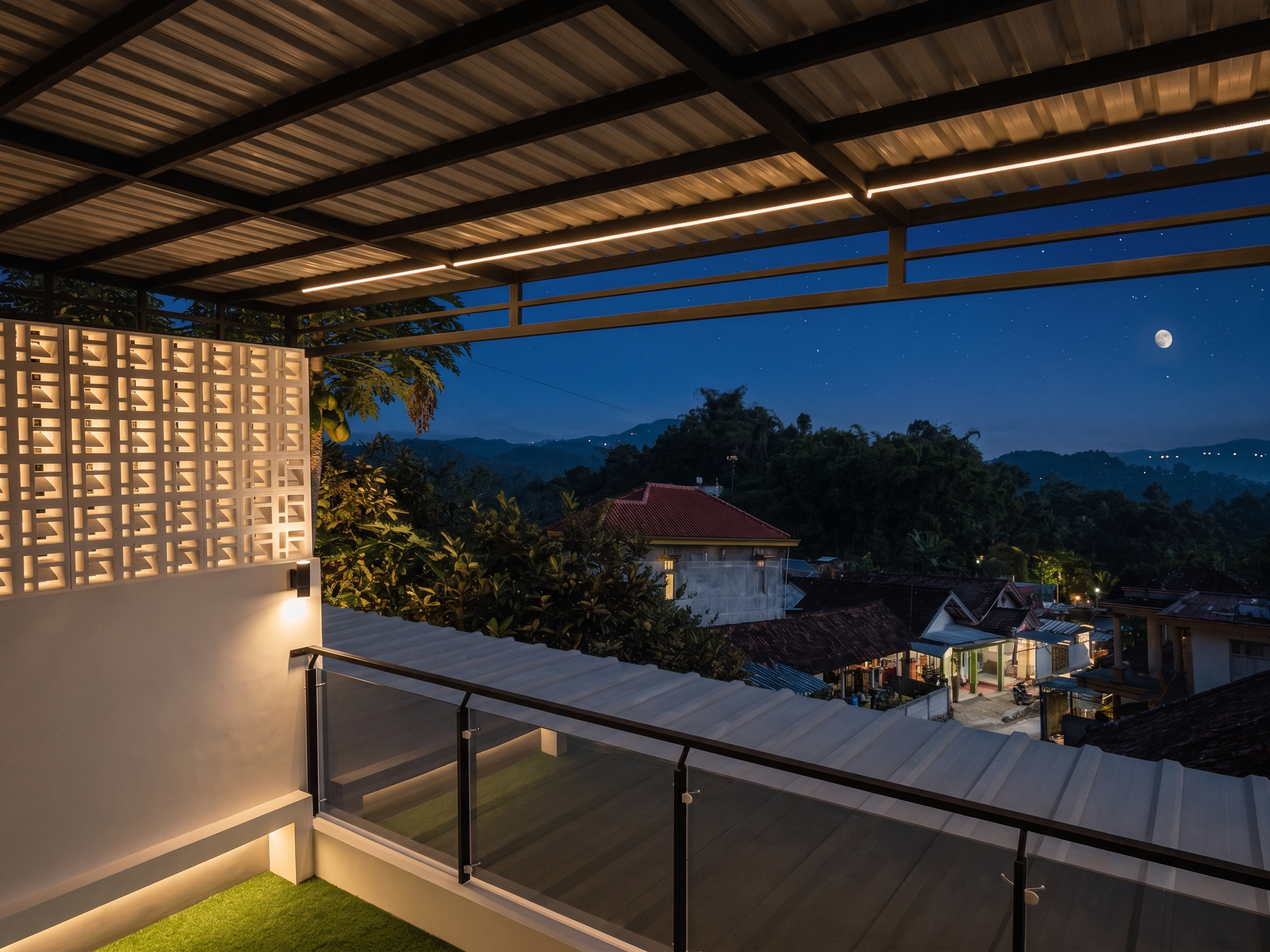
- Prompt
- Use the input image as a locked reference. Preserve the entire scene exactly as shown. Do not redesign, modify, move, resize, replace, add, or remove any architectural element, structural component, furniture, decoration, landscape, roof, walls, columns, beams, windows, doors, stairs, railings, flooring, ceiling, background, or camera composition. Only enhance the overall realism by improving the lighting and image quality. Add physically accurate global illumination, realistic ambient lighting, soft indirect light bounce, HDR exposure, natural contact shadows, realistic reflections, subtle ambient occlusion, and balanced contrast. Improve material response, surface reflections, and texture clarity while preserving all original materials, colors, and finishes exactly as they are. If the scene contains daylight, enhance the natural sunlight with realistic sky illumination that matches the existing sun direction. If the scene contains interior lighting, enhance the existing lighting naturally without adding new light fixtures unless they already exist. Do not add LED strips, lamps, downlights, pendant lights, furniture, decorations, or architectural details.
- Created
- July 4, 2026