- Prompt
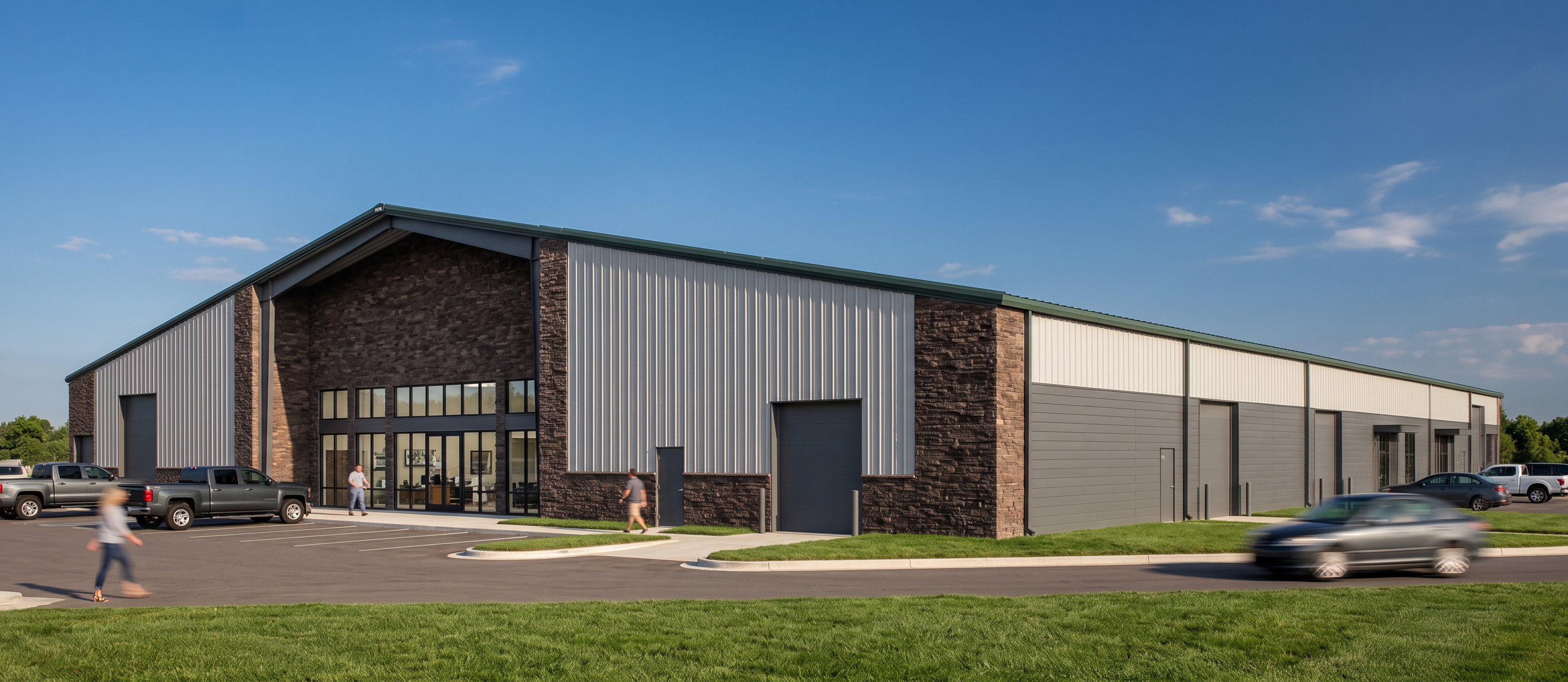
- Maintain the exact existing building geometry, massing, proportions, camera angle, perspective, framing, and overall composition of the original image. This is a PEMB industrial building with a practical, contemporary industrial character. Replace all light gray wall areas with light gray metal R-panel cladding in a vertical orientation. Replace the dark gray color areas with dark gray concealed fastener metal panels in a horizontal orientation, matching the same dark gray tone as the overhead doors and trim. Replace all brown wall areas with dark brown stacked stone veneer at the accent/base wall locations. Change all exposed metal elements, storefront framing, trim, coping, flashings, overhead door frames, and overhead doors to a dark gray finish for a cohesive palette. Replace anything green near the bottom of the image with grass. Keep the original architectural design, openings, materials layout, and façade articulation; only update the finish materials, landscape color, and colors. Set the scene on a sunny day with a few clouds in the sky. Keep the result realistic, clean, and professional, with crisp material transitions, believable industrial construction detailing, and high-quality architectural visualization.
- Created
- August 3, 2026
- Seed
- 1