- Prompt
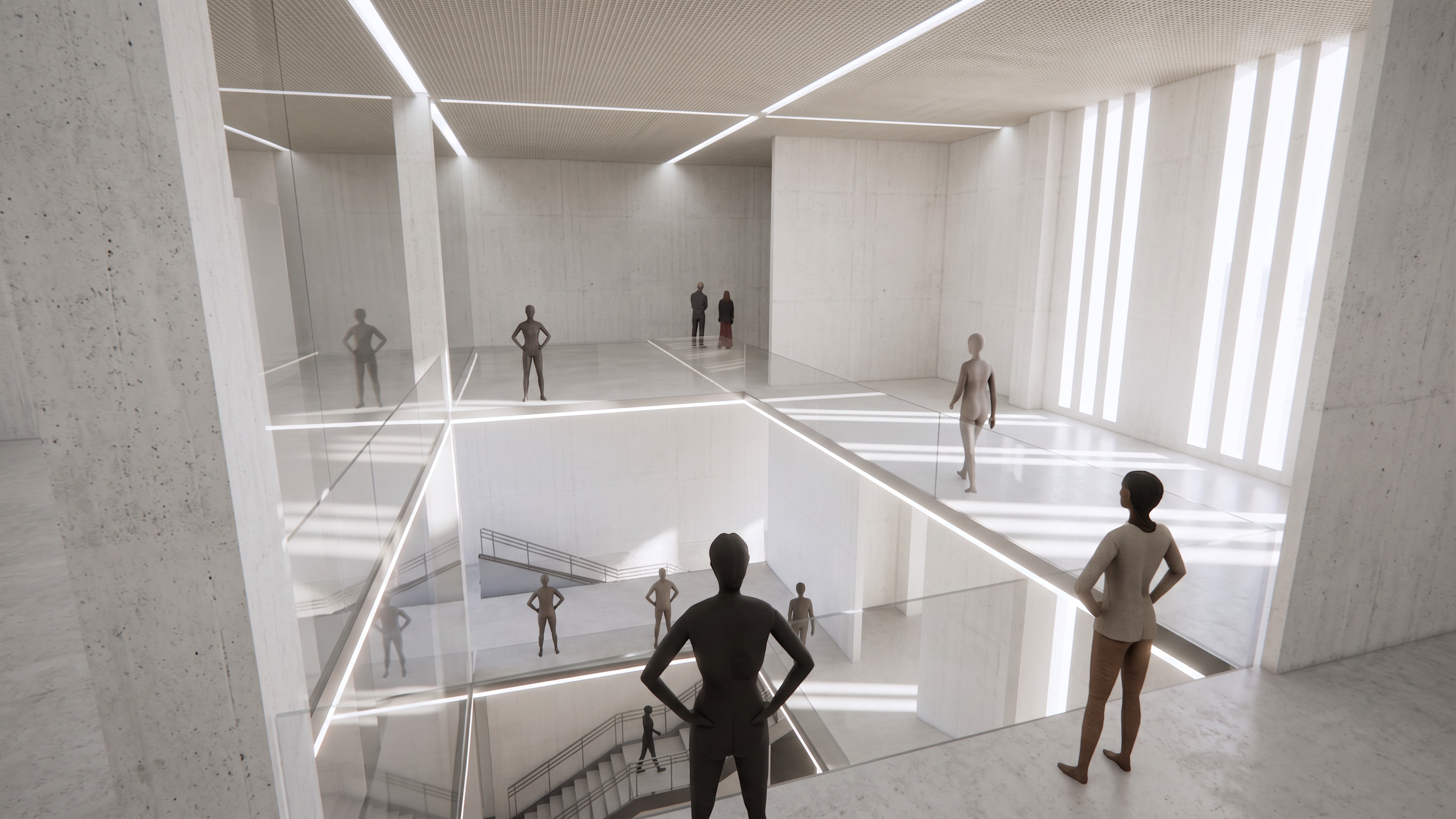
- Use my original image as the exact and unchangeable base. **Do not change the architecture, geometry, proportions, layout, walls, openings, ceiling, camera angle, perspective, framing, or composition.** Only make the specific changes requested below.
Use the reference images as the visual reference for the **concrete material**. Keep the architecture as realistic exposed concrete, matching the texture, finish, roughness, and overall quality of the references, but make the concrete **clean, light, and white-toned** rather than dark gray.
Make the entire space **brighter and more open**, with **more abundant but still elegant architectural lighting**. Use soft, natural-looking illumination with balanced highlights and gentle shadows. Avoid harsh spotlights, excessive contrast, or an overly dramatic atmosphere.
Make all people in the original image **photorealistic and natural**. **Keep every person in exactly the same location and do not move them or replace them with objects.** Improve only their standing poses and body posture so they look relaxed and realistic. Keep realistic proportions, clothing, shadows, and lighting.
**IMPORTANT:** Preserve the exact original image dimensions, orientation, aspect ratio, framing, and camera view. **Do not rotate, crop, stretch, resize, reframe, or change portrait to landscape or landscape to portrait.**
Only apply the requested **material and lighting changes**. **Everything else must remain exactly as in my original image.**
- Created
- August 10, 2026