- Prompt
- Render the image in a highly realistic, photorealistic style while strictly maintaining the **exact original image dimensions, aspect ratio, camera angle, perspective, framing, and composition**.
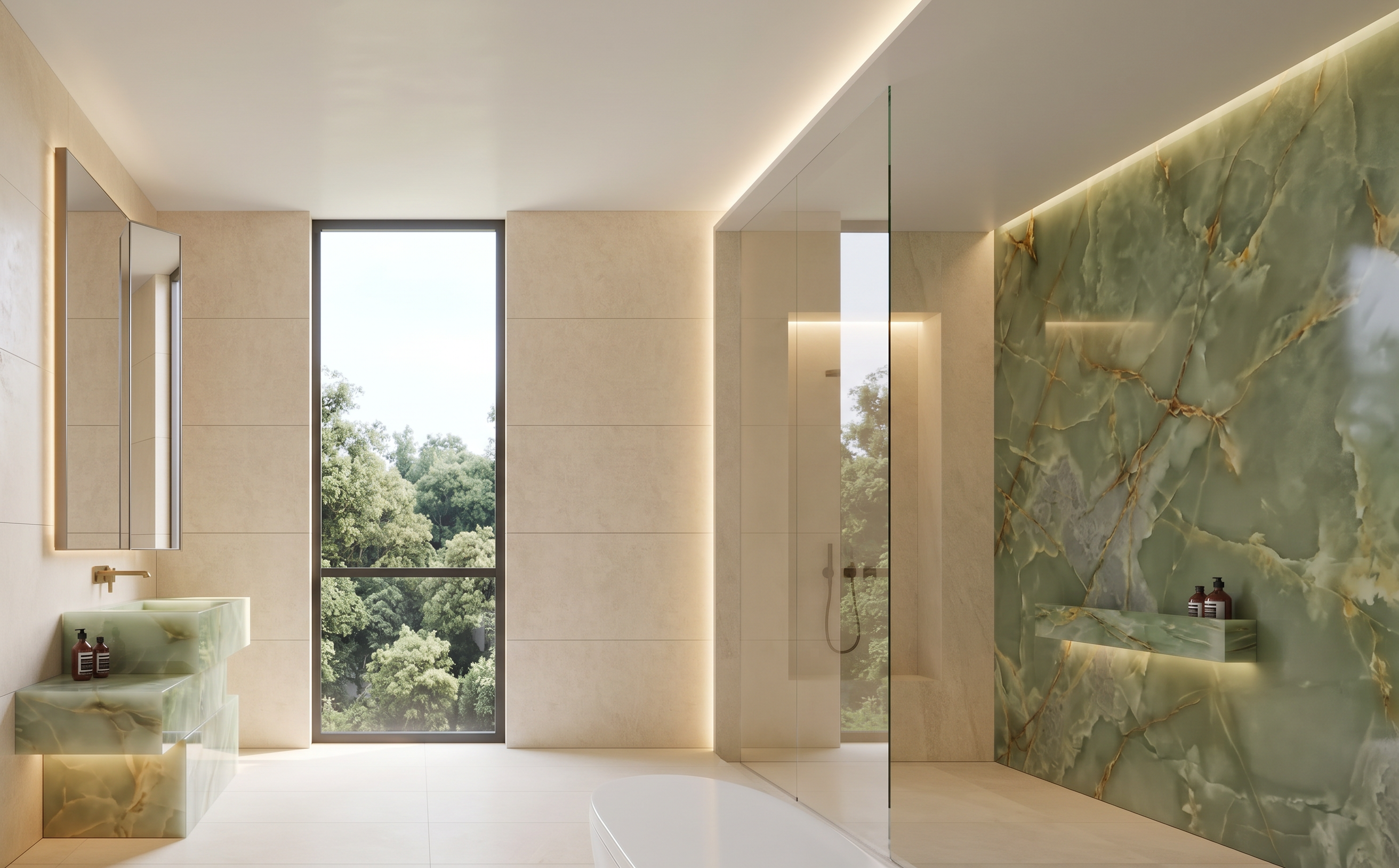
* Create a realistic atmosphere with natural daylight. Through the window, show a **realistic view of trees and greenery from a third-floor elevated building**, with convincing depth, scale, and perspective.
* Change the **overall atmosphere, mood, lighting, and visual style** according to **Reference Image 1**.
* Change the **floor tiles and all surrounding wall tiles** to a **warm cream color**, following **Reference Image 2**.
* Reduce the tile texture and surface patterns to create a **clean, smooth, refined, and minimalist appearance**, consistent with Reference Image 2.
* Change the **farthest right-side wall** to **green natural stone**, using the **same stone color, material, texture, and veining as the vanity basin**.
* Ensure the green stone wall has realistic natural stone veining, subtle surface variation, and a premium high-end appearance.
* Maintain realistic material properties, natural daylight, soft ambient lighting, realistic shadows, subtle reflections, and high-end architectural visualization quality.
* Preserve all existing architectural elements, fixtures, furniture positions, proportions, and spatial relationships exactly as shown in the original image.
* **Do not resize, crop, stretch, distort, or alter the original image dimensions or aspect ratio.**
* **Do not change the original camera angle, viewpoint, perspective, or framing.**
* Do not modify any elements that are not explicitly specified above.
- Created
- October 8, 2026