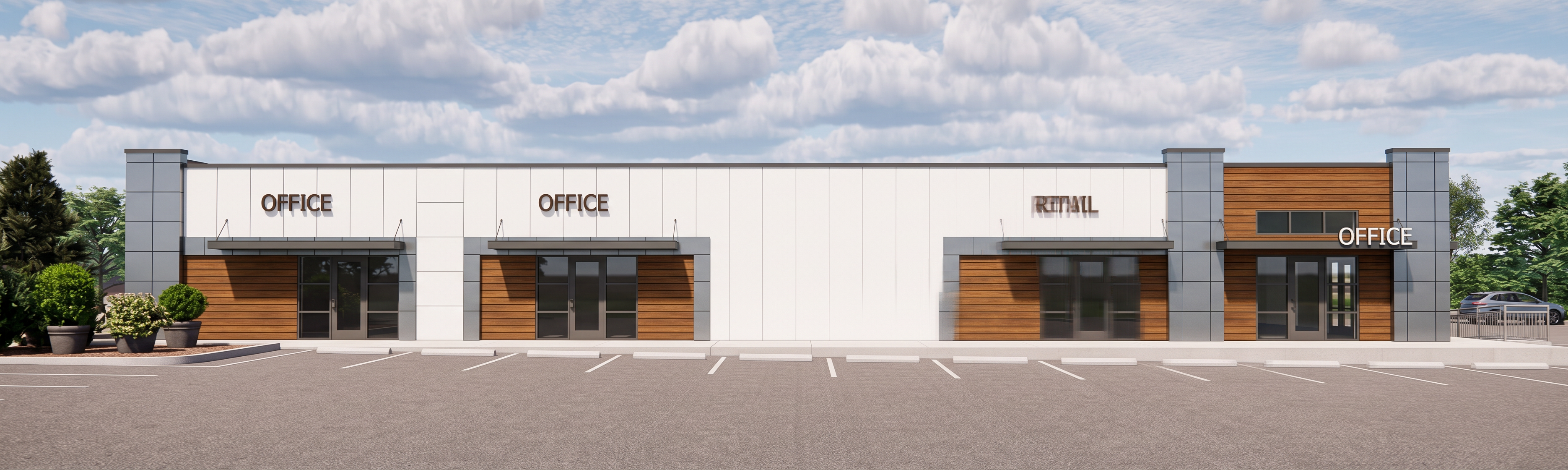
- Prompt
- Create an ultra high-quality photorealistic architectural render based strictly on the provided image/model reference. Preserve the entire design exactly as shown. Do not modify, redesign, move, replace, add, or remove any architectural elements, materials, finishes, furniture, landscaping, lighting fixtures, windows, doors, textures, dimensions, or layout. The goal is to enhance realism and render quality only. Maintain the exact camera angle, perspective, proportions, composition, and scene setup from the original reference. Keep every detail identical to the source design. Focus on producing a clean, realistic, professional render with: Sharp and crisp details Accurate material textures and reflections Realistic daylight lighting and soft natural shadows Proper global illumination and ambient occlusion Balanced exposure and realistic contrast High-resolution output with no noise or blur Realistic glass reflections without transparency issues Clean edges and accurate geometry Natural depth and realistic surface finishes Important: Do not generate new objects or redesign any part of the project Do not change colors, materials, or finishes Do not alter landscaping or surroundings Do not add people, cars, furniture, decorations, or extra lighting unless already shown Avoid rendering glitches, warped geometry, floating objects, duplicate items, distorted textures, overexposure, oversaturation, or unrealistic reflections Keep all lines straight and architectural details precise The final image should look like a premium professional architectural visualization while remaining completely faithful to the original design.
- Created
- June 2, 2026
- Seed
- 0