- Prompt
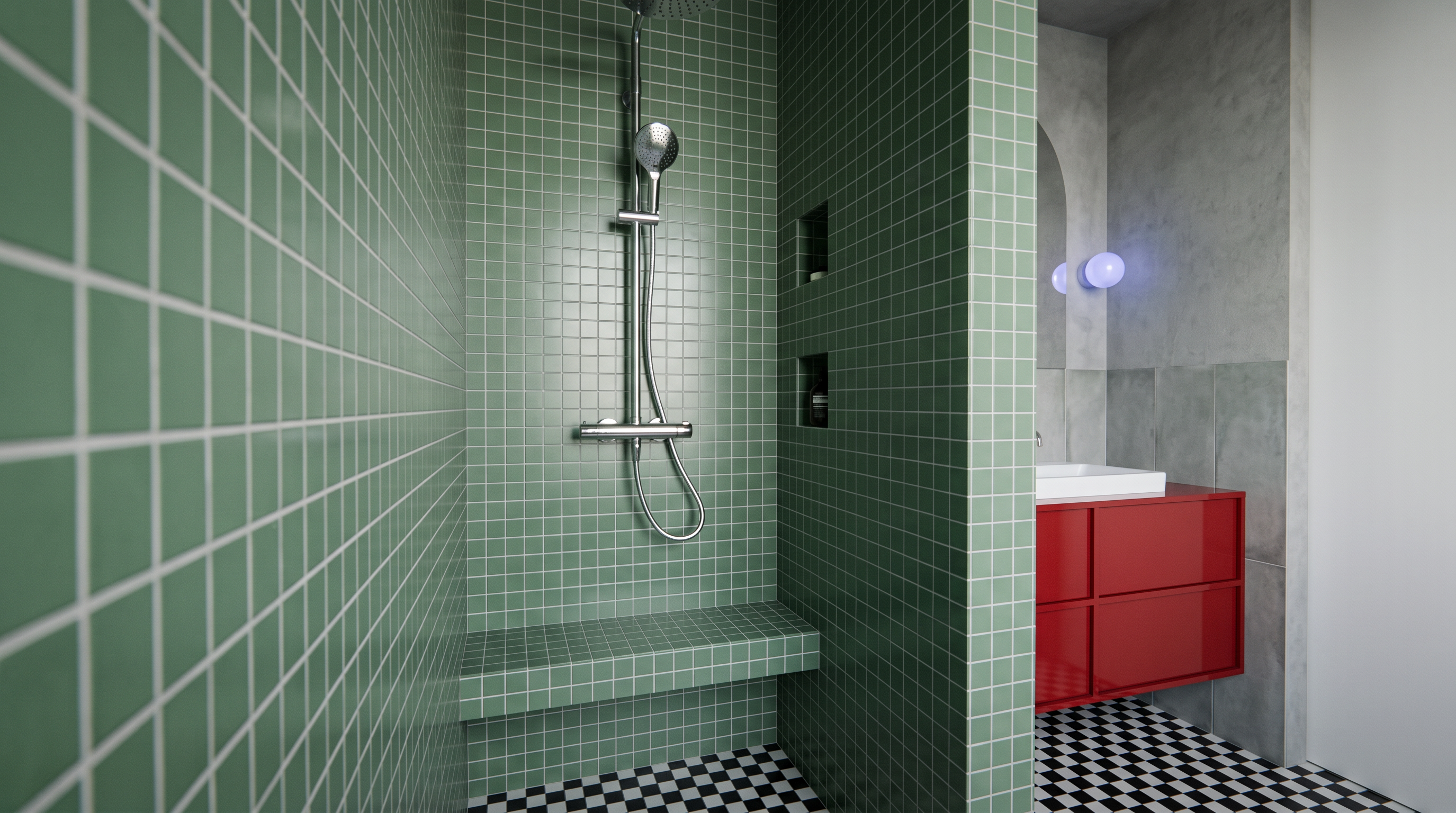
- Create a high-quality, photorealistic interior render based exactly on the attached reference image. Preserve the original geometry, layout, proportions, materials, textures, tile patterns, tile sizes, and colors exactly as shown. Use the same textures and tile formats as in the reference without any modifications. Do not add, remove, or replace any objects, furniture, fixtures, or decorative elements. Do not change the design, composition, lighting layout, or camera angle. Focus only on producing a realistic visualization with physically accurate materials, natural lighting, soft shadows, realistic reflections, and high-quality rendering while remaining 100% faithful to the original design.
- Created
- July 9, 2026