- Prompt
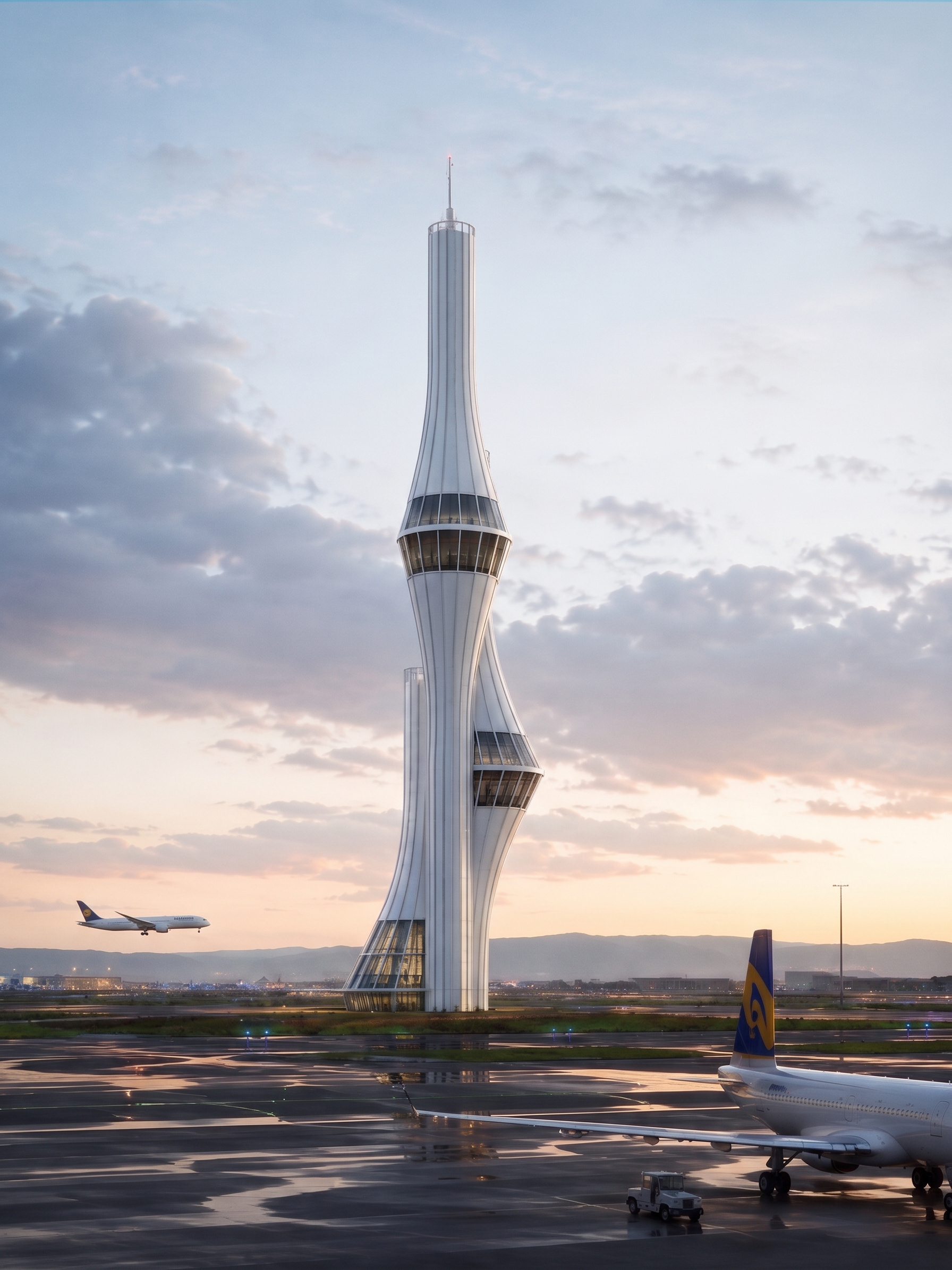
- Edit the building facade while preserving the original building form, proportions, perspective, and overall architectural design.
Make the facade divisions and panel lines much cleaner, more precise, realistic, and professionally detailed, with natural construction joints and believable material transitions.
Change the **lowest glazed section from 3 floors to exactly 2 floors**. Do not alter the rest of the building's floor proportions unnecessarily.
Replace the aircraft in the background with a **highly realistic, correctly proportioned airplane**, matching the perspective, lighting, scale, and atmospheric conditions of the scene. Make sure the airplane looks naturally integrated into the environment without distortion or artificial-looking details.
Use the **second reference image as the lighting reference**: make the overall scene slightly brighter, clearer, and more naturally illuminated while maintaining realistic shadows, reflections, and material textures.
Keep the facade clean, realistic, modern, and architecturally believable. Preserve the original composition and camera angle. Aim for a high-end professional architectural visualization with photorealistic materials, accurate glass reflections, realistic facade depth, and natural daylight.
- Created
- August 17, 2026