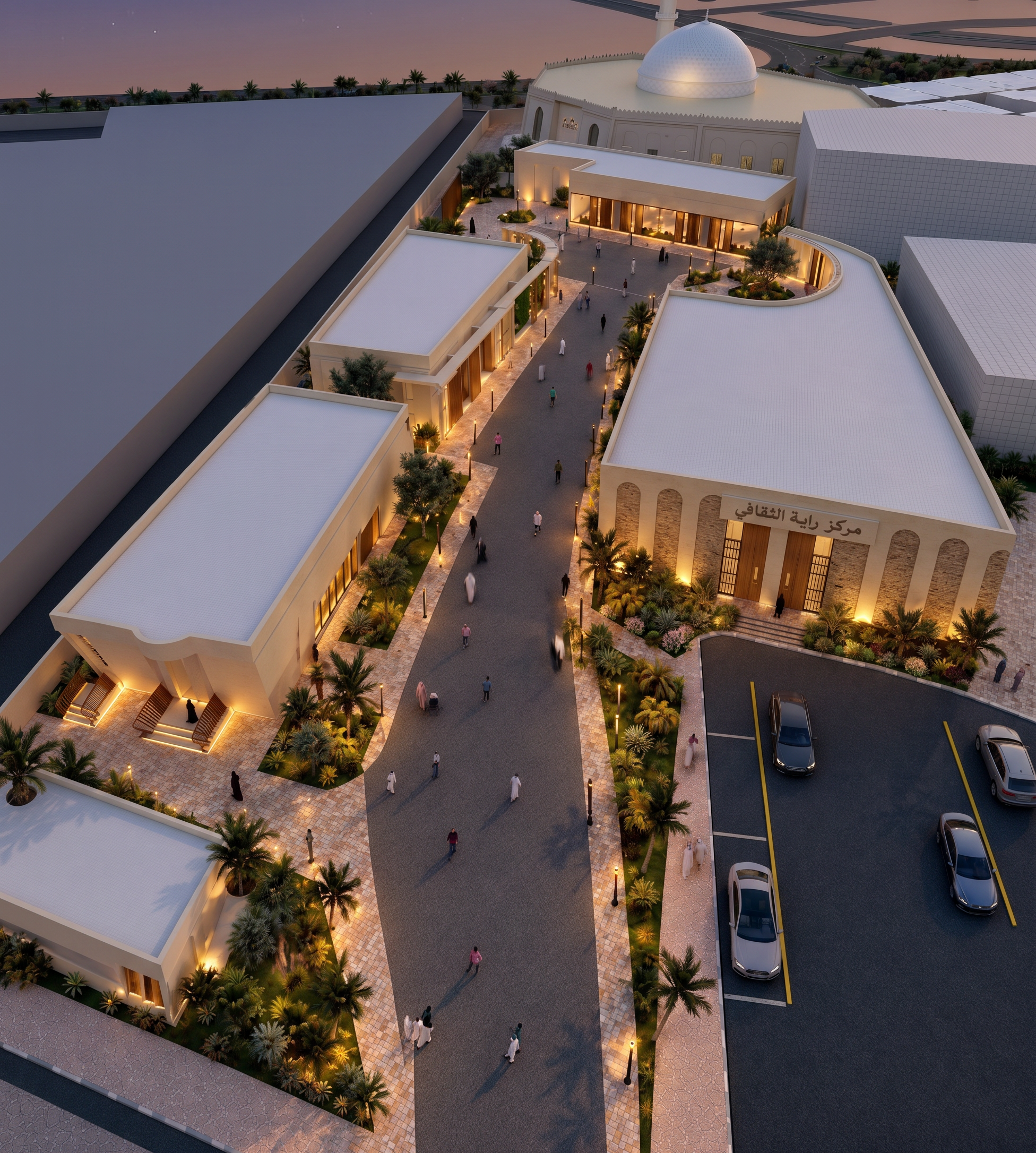
- Prompt
- Create a realistic high-quality architectural render of the main image, while keeping the exact building masses, proportions, layout, and camera angle unchanged. Use the reference photo as the guide for the overall rendering style, facade treatment, materials, greenery design, landscaping quality, lighting mood, and presentation style.
Apply facade details similar to the reference image, including the same level of refinement in materials, window treatment, cladding, color palette, and architectural expression. Also match the greenery and landscape style from the reference photo, including the trees, shrubs, planting density, softscape arrangement, and realistic outdoor environment.
The final result should look like a professional architectural brochure render, realistic and polished, with enhanced textures, natural shadows, balanced lighting, and a visually attractive atmosphere.
Do not change the building form, number of floors, site geometry, or composition of the original image — only upgrade the rendering style, facades, and greenery based on the reference photo. and remove greenery in the bottom left corner
- Created
- October 6, 2026