- Prompt
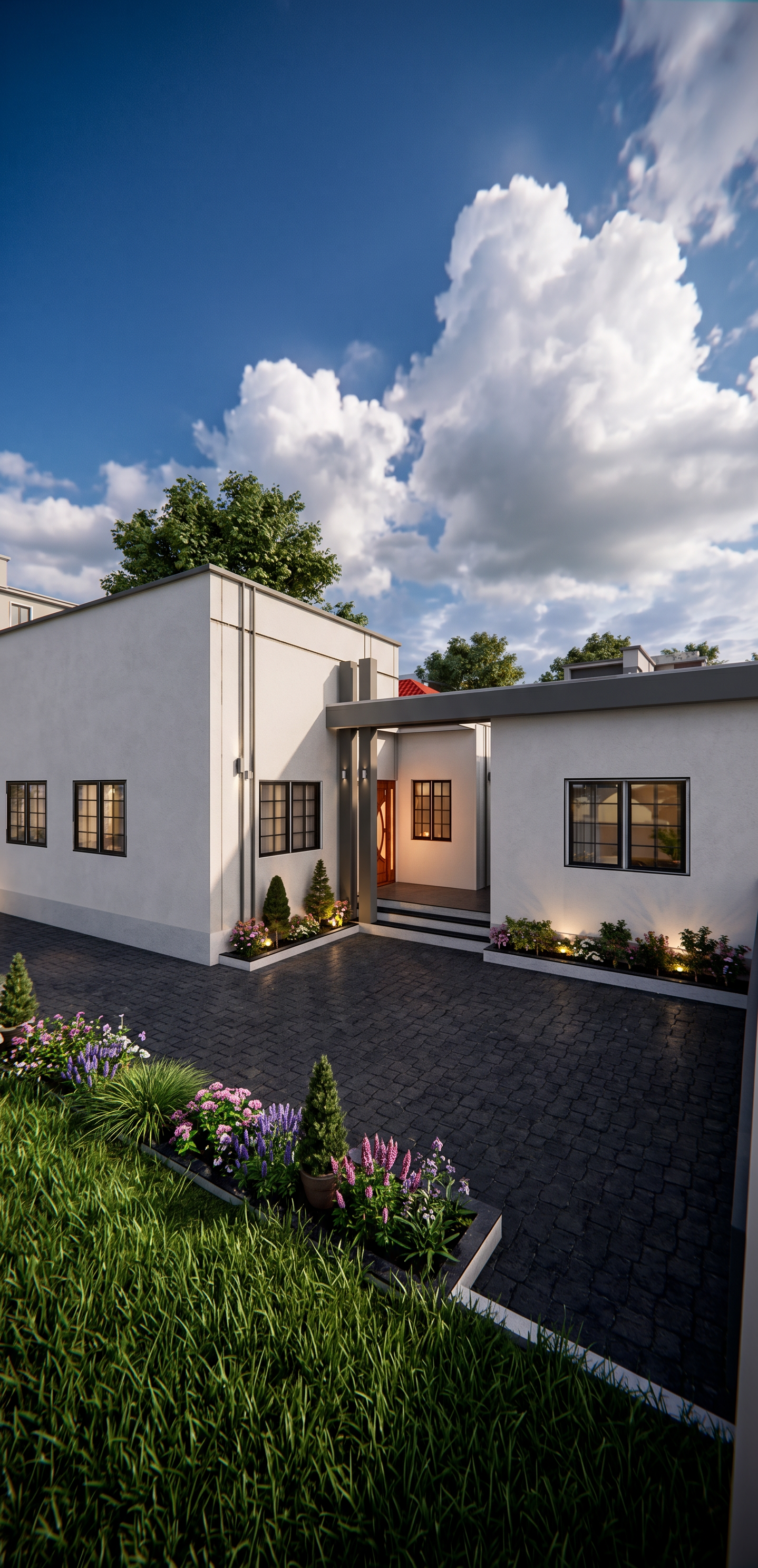
- Illuminate the scene with bright post-rain summer daylight beneath a deep blue sky and towering sunlit cumulus clouds, creating soft, balanced natural illumination with high dynamic range and realistic color richness. Cast soft-to-medium contrast shadows with subtle edge definition, while cool skylight fills shaded areas to preserve depth and detail. Glass surfaces display physically accurate reflections of the sky, clouds, and surrounding landscape with slight transparency into the interior. Interior spaces emit a subtle warm ambient glow that complements, rather than overpowers, the natural daylight. Materials exhibit realistic diffuse reflections, gentle specular highlights, and smooth tonal transitions. Surrounding vegetation produces soft dappled shadows and natural green bounce light, resulting editorial lighting scenario with realistic atmosphere, balanced exposure. Add surrounding buildings in the background that complement the scene and improve the sense of a real residential environment, but keep them no taller than the main building so they do not obstruct or reduce the visual beauty and architectural prominence of the main building. Add beautiful, realistic trees behind the main building to create an attractive natural background. Add architectural and landscape lighting exactly in the areas marked in the original SketchUp design. Add lush, beautiful green grass and highly attractive flowers to all designated garden areas. The original image is a basic SketchUp model screenshot; transform it into an extremely realistic, high-end architectural visualization while preserving the exact design, proportions, geometry, camera view, and composition of the original building. Make the final result look like a real photograph of a beautifully completed building, with realistic materials, vegetation, lighting, textures, shadows, reflections, and natural environmental details
- Created
- August 18, 2026
- Seed
- 2