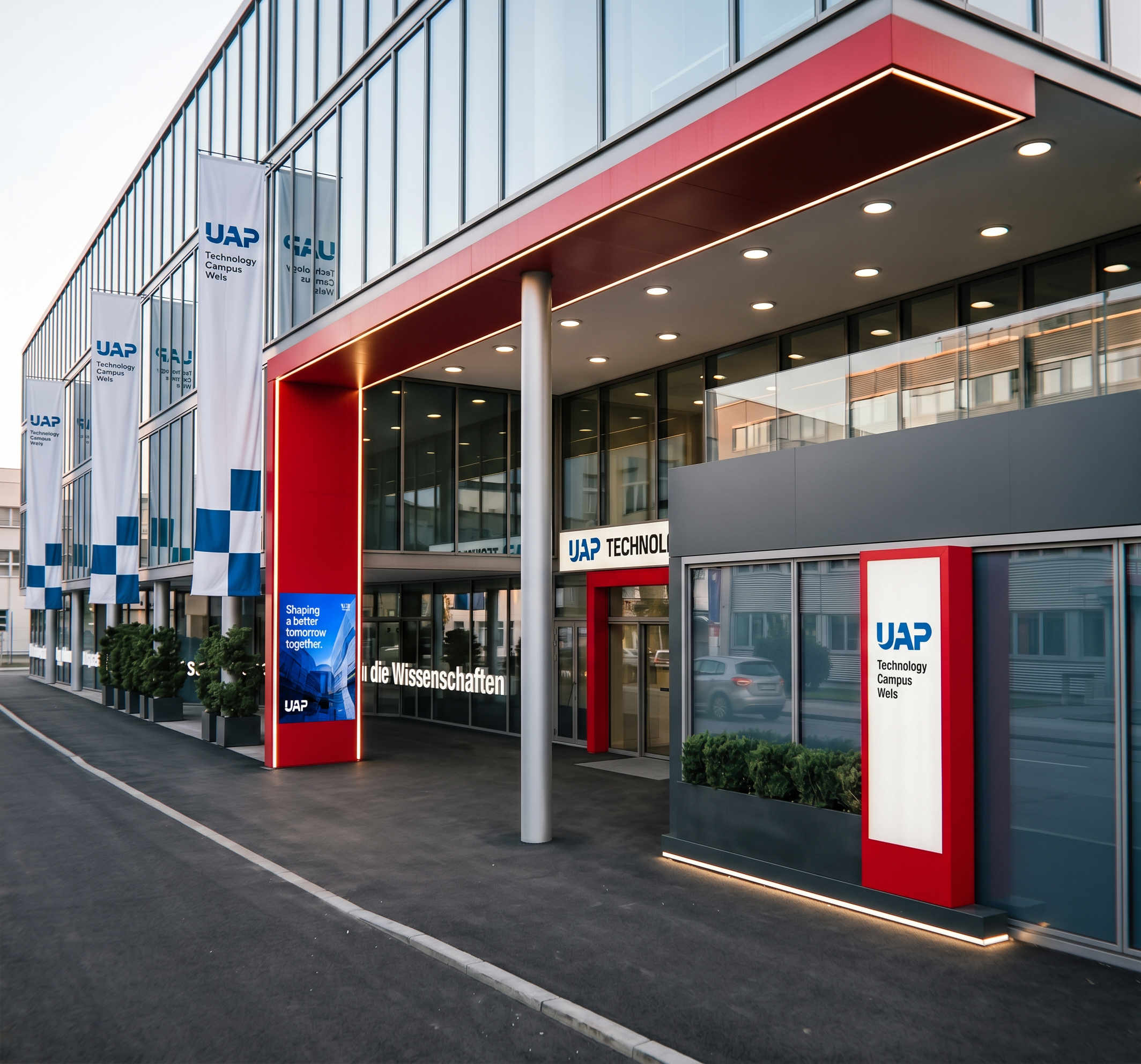
- Prompt
- Please improve the existing rendering while keeping it fundamentally exactly the same. Use the uploaded rendering as the fixed base image and do not redesign, reinterpret, add, remove, move, resize or alter any architectural elements, materials, objects, proportions, perspective, composition or existing details except for the three explicitly requested changes below.
ONLY THESE THREE CHANGES ARE ALLOWED:
1. Entrance paving:
The paved surface in the entrance area should extend only from the red frame of the entrance area. The paving must end exactly at the red frame. Behind the red entrance frame, behind the flags the ground surface must be asphalt. Do not extend the paving further into the area behind the entrance. Keep the existing geometry and boundaries unchanged and make the transition between paving and asphalt realistic and clean.
2. UAP screen:
Replace the white UAP sign currently located on the red entrance frame with the screen shown in Reference Image 1. The screen should be integrated naturally into the existing red frame, but should have the same size as the exiting white sign matching the size, proportions, position, appearance and visual quality shown in the reference. Do not change the red frame or any surrounding architecture. The screen is the only element that should replace the existing white UAP sign, in the left of the picture
3. LED lighting for the planter:
The planter/flower box located at the bottom right of the entrance should be illuminated with a subtle, continuous LED strip. The LED strip should be positioned naturally along/below the planter and create a realistic, soft architectural lighting effect on the planter and surrounding ground. Do not add any other new lighting.
IMPORTANT — EVERYTHING ELSE MUST REMAIN UNCHANGED:
Preserve the exact architecture, facade, windows, doors, entrance, red frame, materials, colours, signs, landscaping, objects, people, geometry, proportions, camera angle, perspective, framing, lighting and overall atmosphere of the original rendering. Do not make any additional changes or improvements beyond the three points above.
The final result should look like the exact same rendering with only these three carefully implemented modifications, maintaining a realistic, high-quality architectural visualisation.
- Created
- October 6, 2026