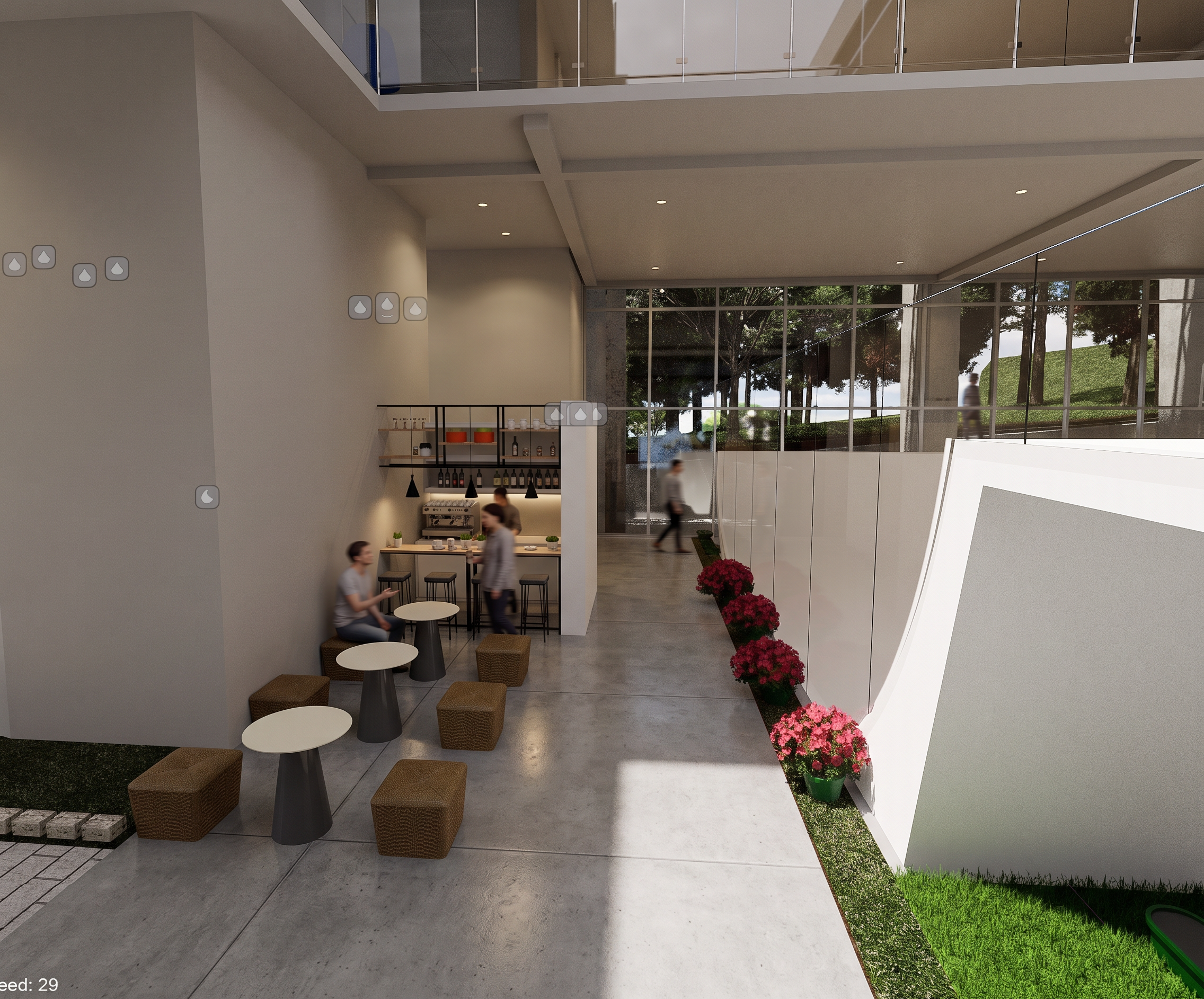
- Prompt
- Use the uploaded image as the exact architectural reference. Do not redesign, modify, add, remove, relocate, resize, or reinterpret any architectural elements. Preserve the geometry, proportions, layout, furniture placement, walls, openings, landscaping, circulation paths, structural elements, and all design decisions exactly as shown in the original image. Your task is only to transform the image into a realistic D5 Render-style architectural visualization. Improve material quality, concrete textures, glass reflections, lighting, shadows, global illumination, vegetation realism, ambient occlusion, and overall render quality while keeping the design unchanged. Do not add new furniture, people, artworks, signage, lighting fixtures, trees, plants, buildings, decorations, architectural features, or any objects that are not already present in the image. Do not alter the composition or camera angle. Maintain the exact viewpoint and spatial arrangement. Render it as a high-quality architecture student project produced in D5 Render, with realistic daylight, believable materials, subtle reflections, soft shadows, moderate realism, minimal post-processing, and presentation-board quality. The objective is enhancement, not redesign. Every visible element must remain in the same position as the original image.Change the entire exposed concrete ceiling soffit to a smooth painted gypsum board ceiling. Use a clean white or light warm-gray gypsum finish with subtle joints and realistic gypsum texture. Maintain the exact ceiling height, shape, edges, beams, and architectural geometry shown in the original image. Do not introduce any new ceiling features unless they already exist in the image. Change the floor finish to polished cast-in-place concrete flooring. The concrete floor should have a smooth matte finish with subtle texture variation, realistic joints, and slight reflectivity typical of architectural concrete floors. Preserve all floor levels, dimensions, slopes, and circulation paths exactly as shown. Do not change any other materials unless necessary for realistic rendering.
- Created
- June 6, 2026