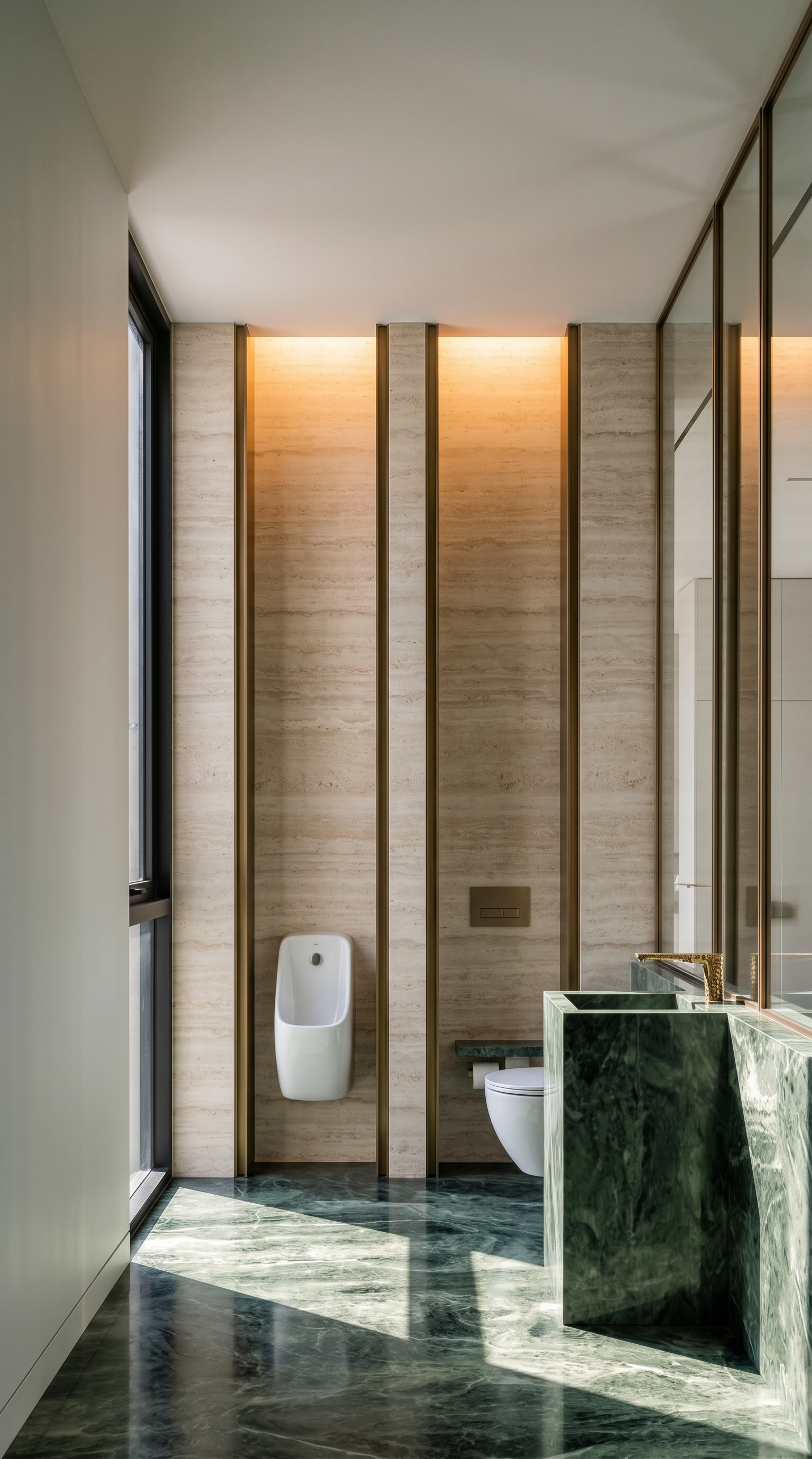
- Prompt
- Render the existing image into an ultra-photorealistic, high-end interior photograph.
STRICTLY PRESERVE THE ORIGINAL DESIGN. Do not change, redesign, modify, replace, remove, or add anything. Preserve the exact original camera angle, perspective, composition, layout, architecture, proportions, ceiling, walls, floor, furniture, built-in elements, materials, colors, objects, openings, and all existing design details exactly as they are.
Only enhance the rendering quality, lighting, material realism, reflections, and photographic appearance.
Strong natural sunlight must enter ONLY through the existing glass windows and openings on the LEFT SIDE of the image. The RIGHT SIDE HAS NO WINDOWS. Do not create, add, or imply any window, opening, or light source on the right side.
Create strong, directional sunlight with crisp, clearly defined shadows and sharp highlights. Keep the light clean, focused, and high-definition. Enhance realistic specular reflections and elegant sparkling highlights on existing stone, marble, travertine, glass, metal, polished surfaces, and other reflective materials wherever the sunlight naturally hits. Reflections and highlights must follow the actual geometry, surface properties, viewing angle, and direction of the light.
Make the materials physically accurate with realistic gloss, roughness, Fresnel reflections, micro-reflections, and sharp light-catching details. Keep matte materials matte and reflective materials realistically reflective. Do not make every surface glossy.
Overall image should feel bright, luxurious, sharp, crisp, and dazzling while remaining completely photorealistic and physically believable.
NO DIFFUSE LIGHT.
NO HAZY LIGHT.
NO FOG.
NO SOFT GLOW.
NO BLOOM.
NO LIGHT FROM THE RIGHT SIDE.
NO ARTIFICIAL LIGHT RAYS.
NO OVEREXPOSURE.
NO PLASTIC-LOOKING MATERIALS.
NO CGI LOOK.
NO DESIGN CHANGES.
NO NEW ELEMENTS
- Created
- October 6, 2026