- Prompt
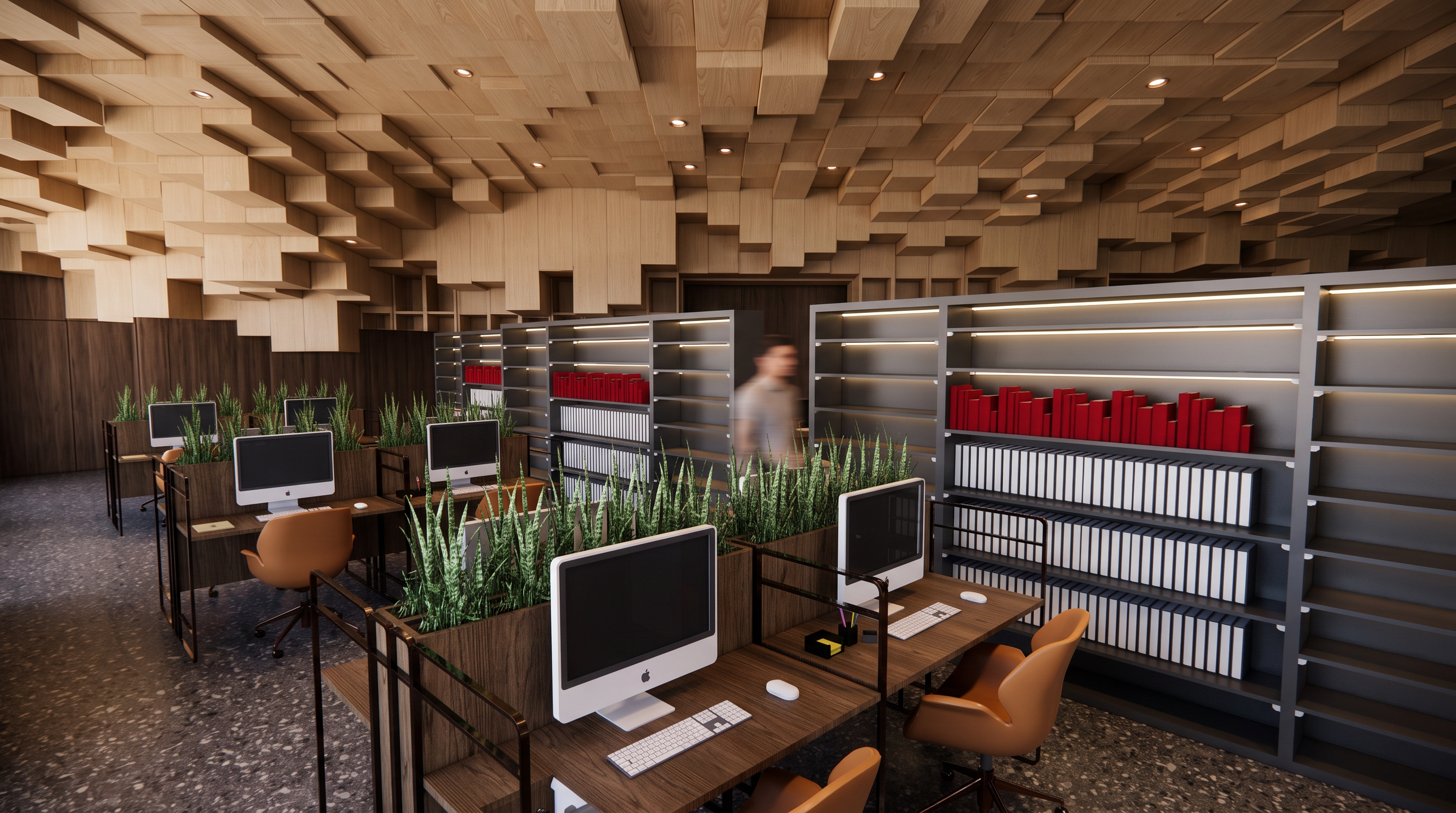
- Use my original library image as the exact base. **Do not change, redesign, reshape, or reinterpret my architecture in any way.** Preserve the exact geometry, walls, openings, columns, furniture placement, proportions, spatial layout, camera angle, perspective, and composition.
**Reference Image 1:** Use ONLY as a reference for the **ceiling design**. Apply its ceiling form, pattern, material language, and lighting integration to my existing ceiling, without changing the architecture.
**Reference Image 2:** Use ONLY as a reference for **materials, colors, lighting, atmosphere, and overall mood**. Transfer its material palette, textures, color tones, lighting quality, shadows, highlights, and ambience to my library.
The final result must look like **my exact original library**, realistically rendered with the visual character of the two references. Do not copy their architecture, layout, furniture, or proportions.
**IMPORTANT:** Preserve the exact original image orientation, dimensions, aspect ratio, framing, and camera view. If my original image is portrait/vertical, the output MUST remain portrait/vertical. If it is landscape/horizontal, keep it landscape. **Do not rotate, crop, stretch, resize, reframe, or change the proportions of the image.**
No architectural redesign. No added or removed walls, openings, columns, furniture, or spatial elements. **Change ONLY the ceiling design according to Reference 1 and the materials, colors, lighting, and atmosphere according to Reference 2.**
- Created
- August 10, 2026