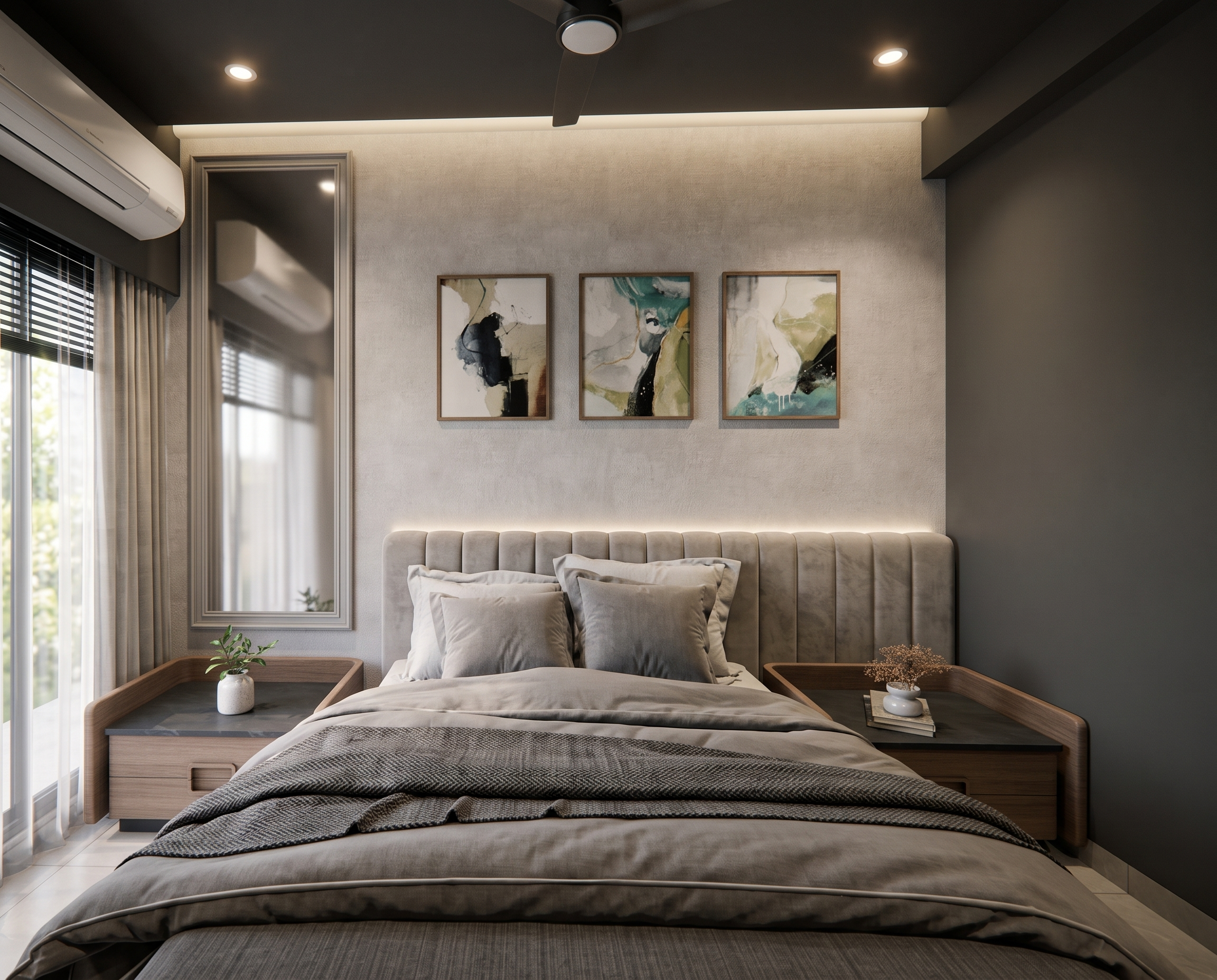
- Prompt
- Convert the **SketchUp view into a highly realistic interior render** while keeping the **exact same camera angle, perspective, layout, furniture, wall design, flooring, ceiling, materials, colors, and all existing elements** from the SketchUp image.
Add **realistic ceiling lights and a ceiling fan** in the appropriate positions, integrated naturally into the existing ceiling design. The ceiling lights should provide warm, balanced illumination without changing the overall lighting theme.
Maintain the **same flooring and ceiling materials and finishes** exactly as shown in the SketchUp view. Do not redesign, remove, replace, or reposition any existing element.
Create a **photorealistic architectural visualization** with realistic textures, accurate material reflections, natural shadows, soft ambient lighting, proper light falloff, and high-quality details.
**Important:** Do not change the SketchUp camera/view. The final render must look like the **same SketchUp view converted into a realistic photograph**, with only realistic ceiling lights and fan added.
- Created
- August 25, 2026