Skip to content
Render tools
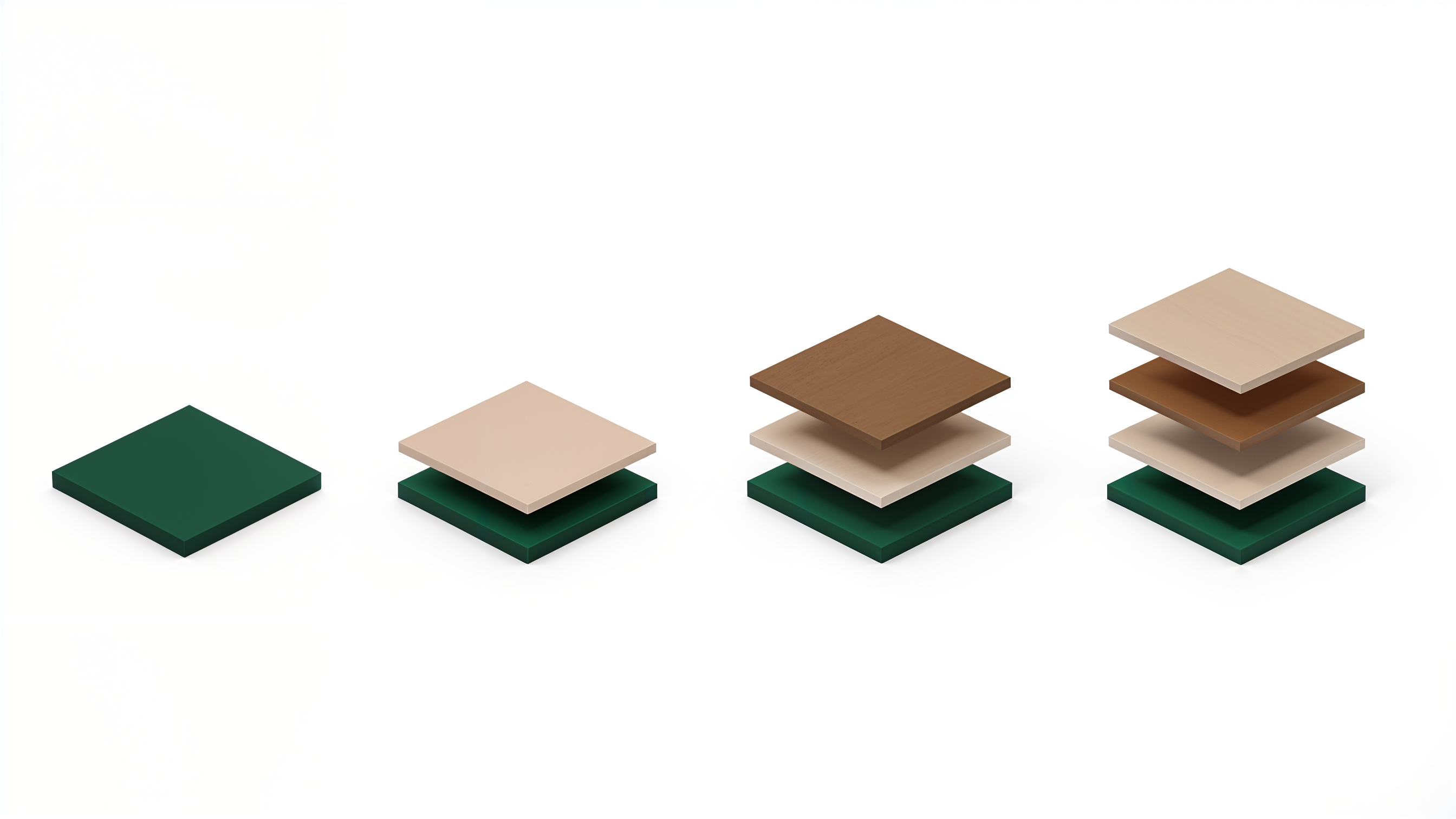
Enhance this graphic into a premium architectural editorial render while preserving the geometry exactly.

Preserve Exactly
Do NOT change the composition.
Do NOT change the proportions.
Do NOT change the layer count.
Do NOT change the spacing.
Do NOT change the colors.
Do NOT change the camera angle.
Do NOT rotate or offset any layer.

The geometry is already approved.

Rendering Quality

Elevate it to museum-quality architectural graphics.

The layers should feel like precision-machined architectural objects rather than simple 3D shapes.

Use:

Ultra-clean edges
Perfect anti-aliasing
Matte premium finish
Soft studio lighting
Refined ambient occlusion
Crisp contact shadows
Soft floating shadows between layers
High-end product visualization quality
Material Feel

Keep the surfaces completely smooth.

No textures.

No concrete.

No wood grain.

No stone.

No noise.

No glossy reflections.

Only elegant matte architectural surfaces.

Very subtle micro-surface softness is acceptable.

Lighting

Soft daylight studio lighting.

Large soft light source.

Beautiful ambient light.

Soft contact shadows.

Natural shadow gradient.

No dramatic contrast.

No HDR look.

Style

Minimal.

Swiss Design.

Apple Industrial Design.

Dieter Rams.

Architectural Editorial.

BIG.

OMA.

MVRDV.

High-end design guideline graphics.

Museum-quality infographic.

Color

Keep exactly the same palette.

Deep Architectural Green.

Warm Sandstone.

Warm Brown.

Do not shift the colors.

Do not increase saturation.

Maintain a refined, muted palette.

Background

Pure white.

Large negative space.

No gradients.

No textures.

No additional elements.

Quality Target

The final image should look like a luxury architectural presentation graphic created for a Saudi government executive design guideline.

It should feel closer to an Apple keynote visual or a premium architectural publication than a typical 3D render.

Negative Prompt

Do not redesign the composition. Do not change the dimensions, spacing, layer thickness, colors, perspective, or camera. Do not add bevels, rounded edges, chamfers, reflections, textures, patterns, logos, text, symbols, extra objects, or decorative details. Only enhance the rendering quality and visual refinement while preserving the design exactly.

Create renders like this

Turn any photo, sketch, or floor plan into a photoreal render in seconds.