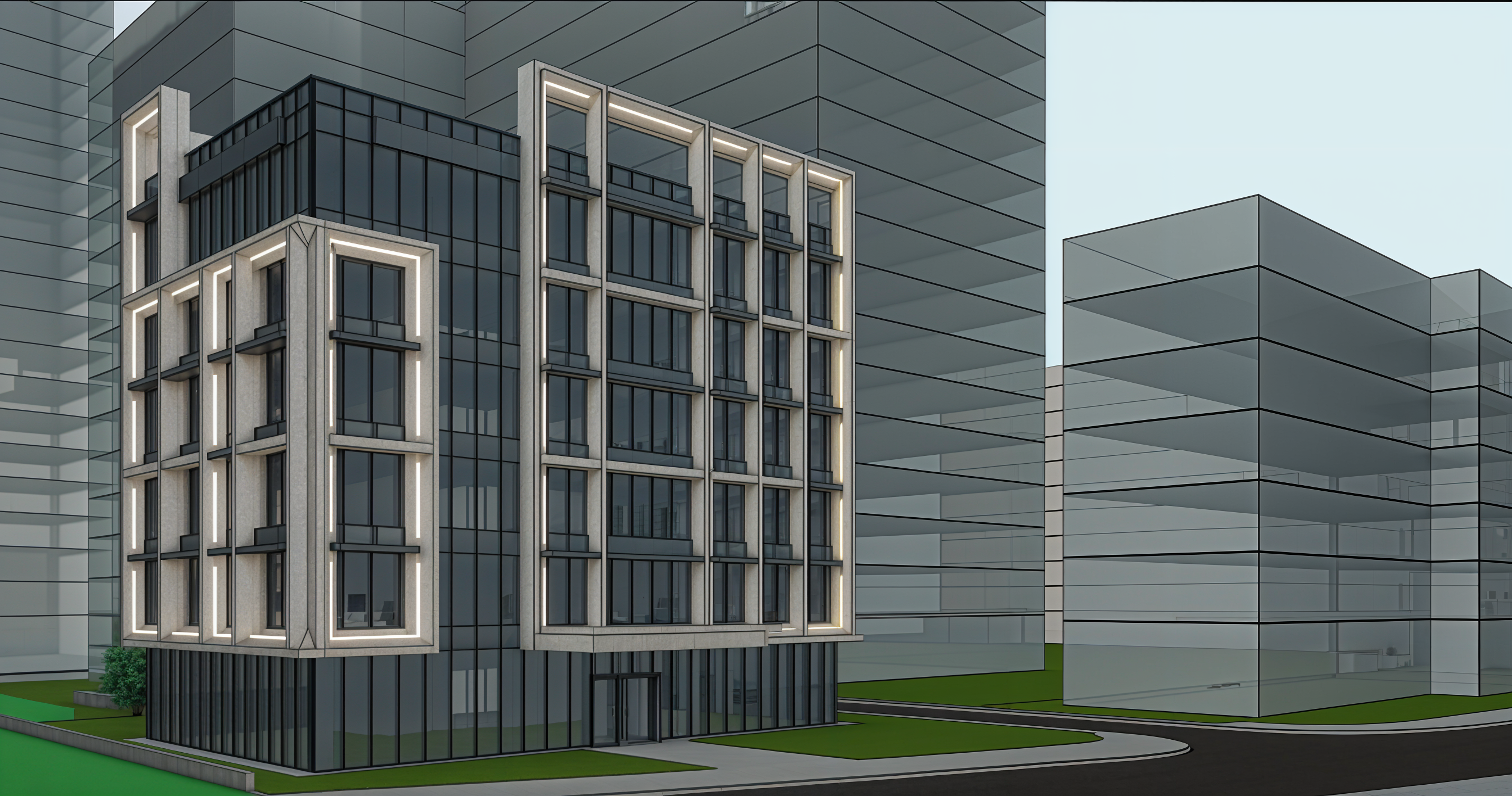
- Prompt
- Transform the uploaded 3D model into a high-end photorealistic architectural photograph.
Preserve the exact geometry, proportions, façade design, window positions, floor heights, massing, camera angle and composition. Do not redesign or alter the building.
Replace the basic model materials with realistic PBR stone/concrete, dark aluminium frames, tinted reflective glass and graphite metal fins. Keep the integrated façade LED strips and make them subtle, warm-white and realistic.
Add realistic landscaping: mature trees, grass, shrubs, hedges and high-quality paving. Add a few natural pedestrians and premium cars. Replace the simple surrounding buildings with realistic contemporary office buildings while keeping the same spatial context.
Use soft natural daylight / late afternoon light, realistic shadows, reflections, global illumination and atmospheric depth.
Final image should look like a professional architectural photograph, with natural colors, realistic textures, materials and imperfections. No CGI look, no stylization, no geometry changes, no exaggerated HDR or bloom.
- Created
- October 8, 2026
- Seed
- 1