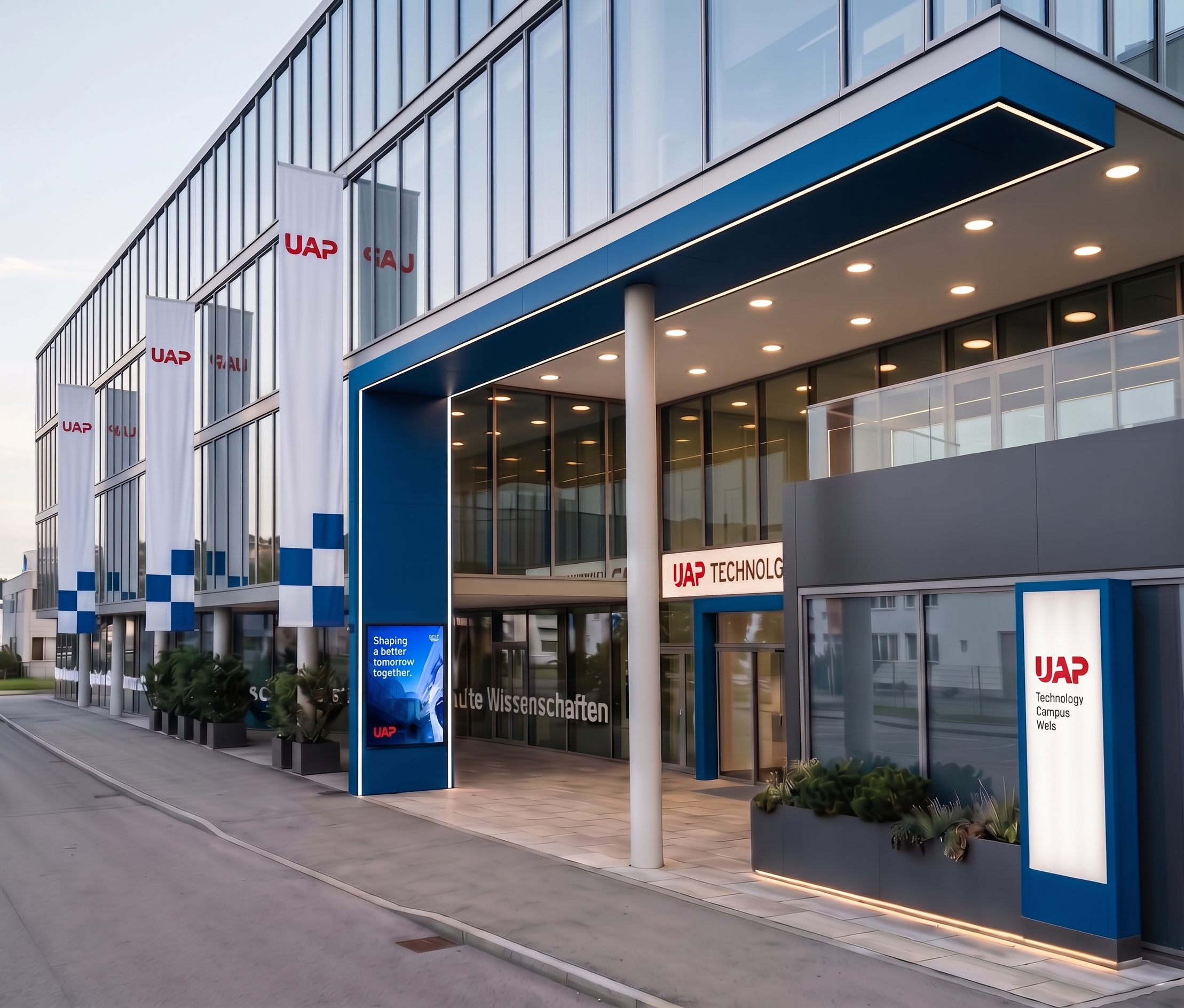
- Prompt
- Please keep the uploaded rendering exactly as it is. Use the existing image as the fixed base image.
ONLY ONE CHANGE IS ALLOWED:
UAP lettering:
Change all existing “UAP” lettering and UAP text elements in the image to the exact red colour RGB (228, 7, 38).
The UAP lettering must keep its exact original shape, font, size, position, material, texture, lighting, shadows and perspective. Only the colour may change.
IMPORTANT — EVERYTHING ELSE MUST REMAIN COMPLETELY UNCHANGED:
Do not change, add, remove, move, resize or redesign anything else in the image.
Do not alter the architecture, facade, windows, doors, frames, signs, flags, ground, landscaping, lighting, reflections, materials, geometry, proportions, camera angle, perspective, framing or composition.
Only the existing UAP lettering may change colour to RGB (228, 7, 38).
The final result must look exactly like the original rendering, with the sole modification that all UAP lettering is red in RGB (228, 7, 38).
- Created
- October 7, 2026