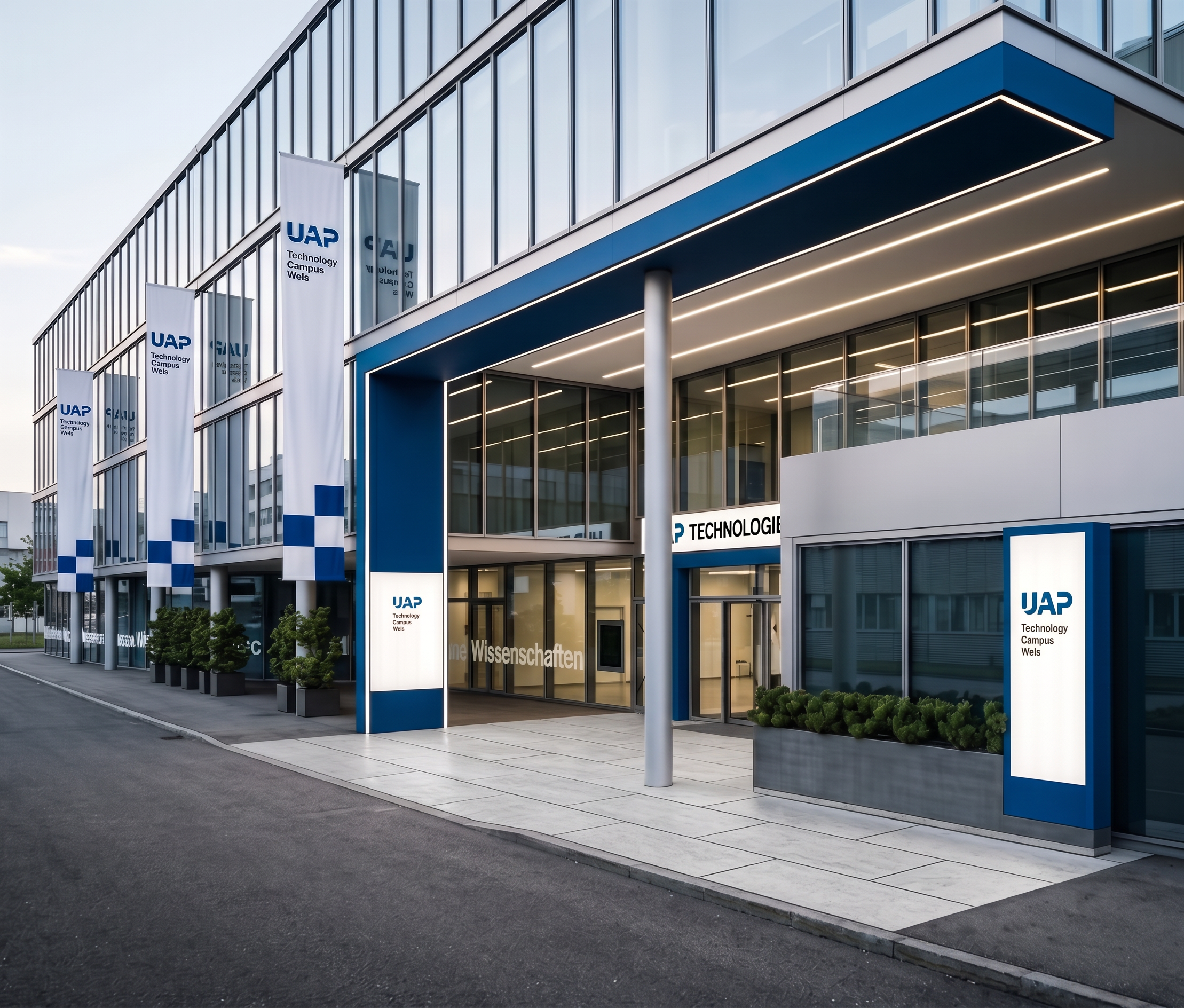
- Prompt
- Please improve the existing rendering while keeping it fundamentally exactly the same. Use the uploaded rendering as the fixed base image. Use the reference image only for the ground/paving appearance.
ONLY ONE CHANGE IS ALLOWED:
Ground / paving at the entrance:
Change the ground surface so that it matches the paved surface shown in the reference image.
The paving must be used only underneath the illuminated entrance area, directly within the covered entrance zone. The paved area must follow the existing boundaries of the entrance and end precisely at the edge of the illuminated entrance area.
All other ground surfaces must remain asphalt, exactly as in the original rendering. Do not extend the paving beyond the illuminated entrance area or into the surrounding sidewalk/ground.
The paving should look realistic, with natural materials, texture, scale and perspective matching the reference image.
IMPORTANT — EVERYTHING ELSE MUST REMAIN COMPLETELY UNCHANGED:
Do not redesign, reinterpret, add, remove, move, resize or alter any architectural elements, materials, objects, landscaping, windows, doors, facade, entrance, frames, signs, flags, lighting, geometry, proportions, camera angle, perspective, framing or composition.
The reference image must only be used as a reference for the paving.
No other changes or improvements are allowed. The final result must look like the exact same original rendering with only the ground underneath the illuminated entrance changed to paving, while all surrounding areas remain asphalt. keep everthing else exactly as it is now !!!!
- Created
- October 6, 2026