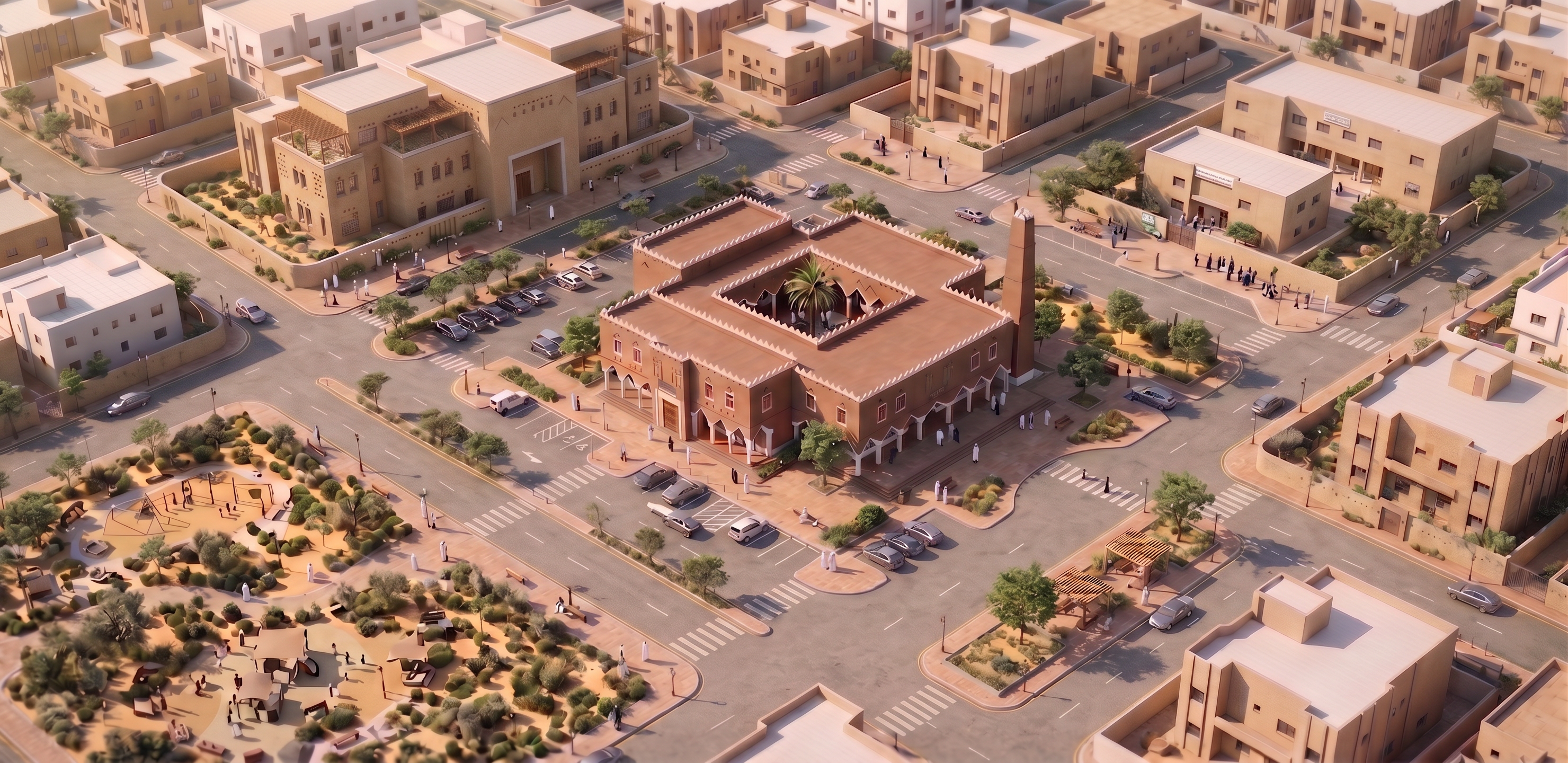
- Prompt
- Use the attached reference image as the EXACT color and material reference for the mosque.
Change ONLY the mosque wall color in the target image to precisely match the mosque façade color shown in this reference.
IMPORTANT: Do NOT make the mosque beige, cream, pale sand, light tan, or whitewashed.
The required color is a medium warm earthy Najdi mud-plaster tone: muted terracotta-brown with subtle reddish and clay undertones, exactly like the attached reference image.
Match the reference visually, including:
- same wall hue
- same saturation
- same brightness/value
- same warm reddish-brown clay undertone
- same natural earthen plaster texture
- same contrast between sunlit and shaded surfaces
The walls must remain clearly warm brown/terracotta even under direct sunlight. Do NOT brighten the material toward beige or white.
Preserve the white Najdi trims, columns, decorative elements and window frames exactly as they are.
Do NOT change any architecture, geometry, façade details, minaret, openings, roof, courtyard, parking, landscape, roads, people, cars, camera angle, lighting direction or composition.
REFERENCE IMAGE = COLOR AND MATERIAL SOURCE ONLY.
EXACT COLOR MATCH ONLY. KEEP EVERYTHING ELSE IDENTICAL.
- Created
- August 25, 2026