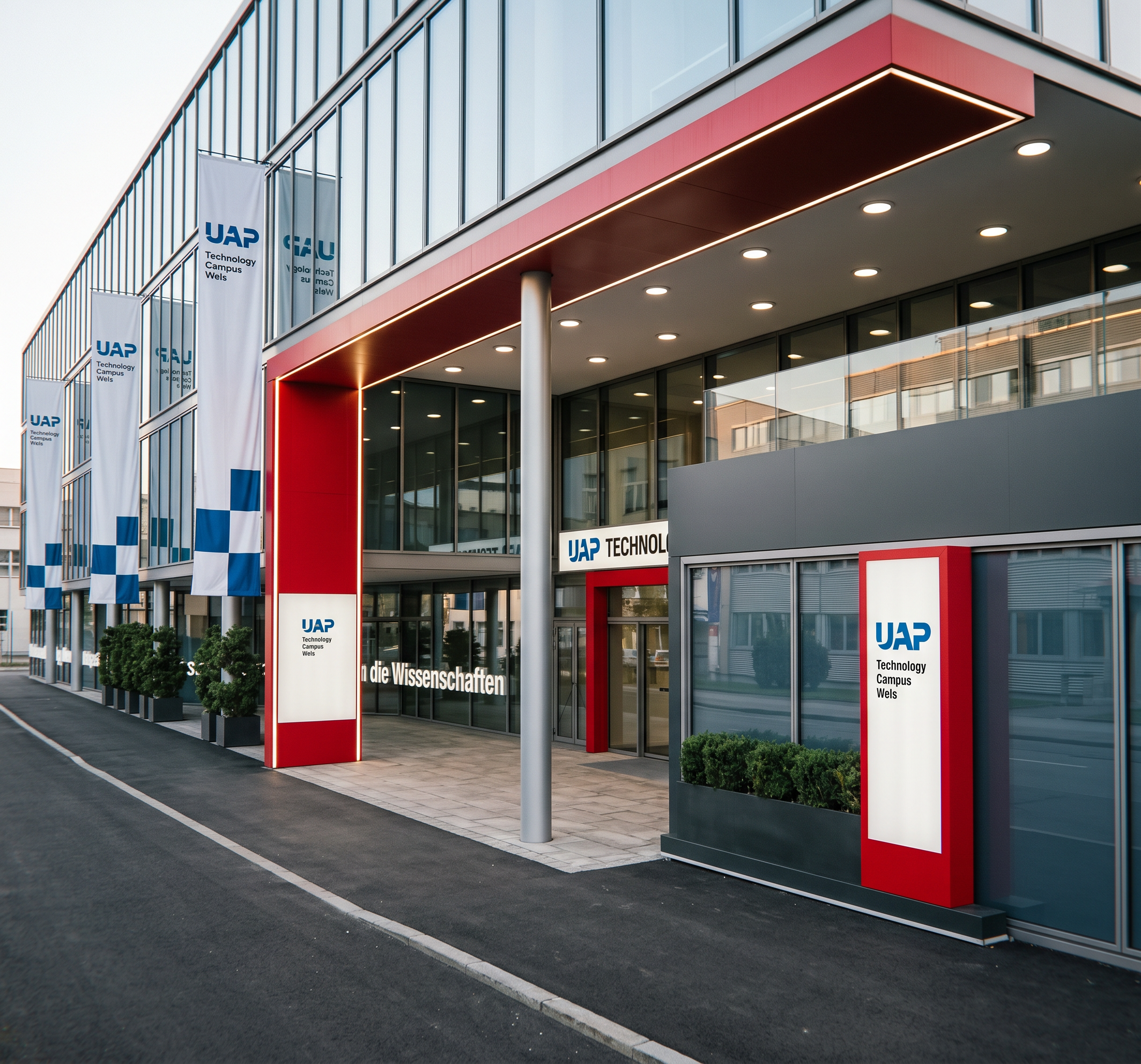
- Prompt
- PRESERVE THE ORIGINAL. Use the uploaded main image as the exact, fixed base image. The final result must remain the SAME building, SAME scene and SAME photograph. DO NOT redesign, reinterpret, add, remove, move, duplicate, replace, resize or invent anything already visible.
PRESERVE EXACTLY: all windows, doors, walls, ceilings, roofs, facades, columns, structural elements, openings, existing signs and lettering, flags and flagpoles, visible objects, geometry, proportions, dimensions, camera angle, perspective, framing and composition.
CRITICAL RULE: If an element is not visible in the original image, DO NOT invent or add it. NEVER add extra windows, doors, signs, buildings, structures, objects, flags or flagpoles. NEVER move, duplicate or remove existing elements. Reference images may ONLY be used for atmosphere, materials, paving, lighting and the appearance of existing flags. NEVER copy architecture or objects from reference images into the main image. If references conflict with the main image, ALWAYS follow the main image.
REALISM: Create a natural, sophisticated, photorealistic architectural atmosphere. Use realistic daylight, shadows, reflections, textures and physically accurate lighting. Avoid CGI appearance, artificial colours, excessive HDR, oversaturation and excessive contrast.
ENTRANCE LIGHTS — ABSOLUTE RULE: Keep the lighting EXACTLY as shown in the uploaded main image. The existing round/circular ceiling lights must remain in their original positions, with the same number, size, shape and appearance. DO NOT replace them with linear LED strips or add any new lights. EXCEPTION: The existing linear/strip lighting in the red part of the entrance area must remain exactly as shown in the original image. Do not remove, move, duplicate or redesign it.
COLORS: Every UAP logo should be blue: RGB 0, 75, 150. Red elements should use RGB 228, 7, 38.
FLAGS — ABSOLUTE RULE: DO NOT ADD ANY NEW FLAGS. Only flags already visible in the original image may appear. Every existing flag must remain in its EXACT original position, with the same number, placement, orientation, size and proportions. DO NOT move, duplicate, remove or relocate flags or create new flagpoles. If no flag is visible in an area of the original image, there MUST NOT be a flag there in the final image.
PAVED GROUND: The general ground surface must remain asphalt. The ONLY exception is the clearly defined white area directly underneath the covered entrance canopy. This white area must be changed to realistic paving stones. The paving must be strictly limited to this existing white area and MUST NOT extend beyond the canopy. All other ground areas, especially the entire sidewalk, must remain asphalt. Use realistic paving stones, joints, texture, scale, colour variation and natural wear. DO NOT change ground geometry, layout or boundaries.
ONLY THESE CHANGES ARE ALLOWED:
1. Keep the existing round ceiling lights exactly as shown.
2. Keep the existing strip lighting in the red entrance area exactly as shown.
3. Apply the specified blue and red colours.
4. Change only the white area under the entrance canopy to paving.
5. Improve realistic lighting, atmosphere and photographic quality.
EVERYTHING ELSE MUST REMAIN UNCHANGED. The final image must look like the original photograph with only these explicitly authorized visual enhancements.
- Created
- October 6, 2026