- Prompt
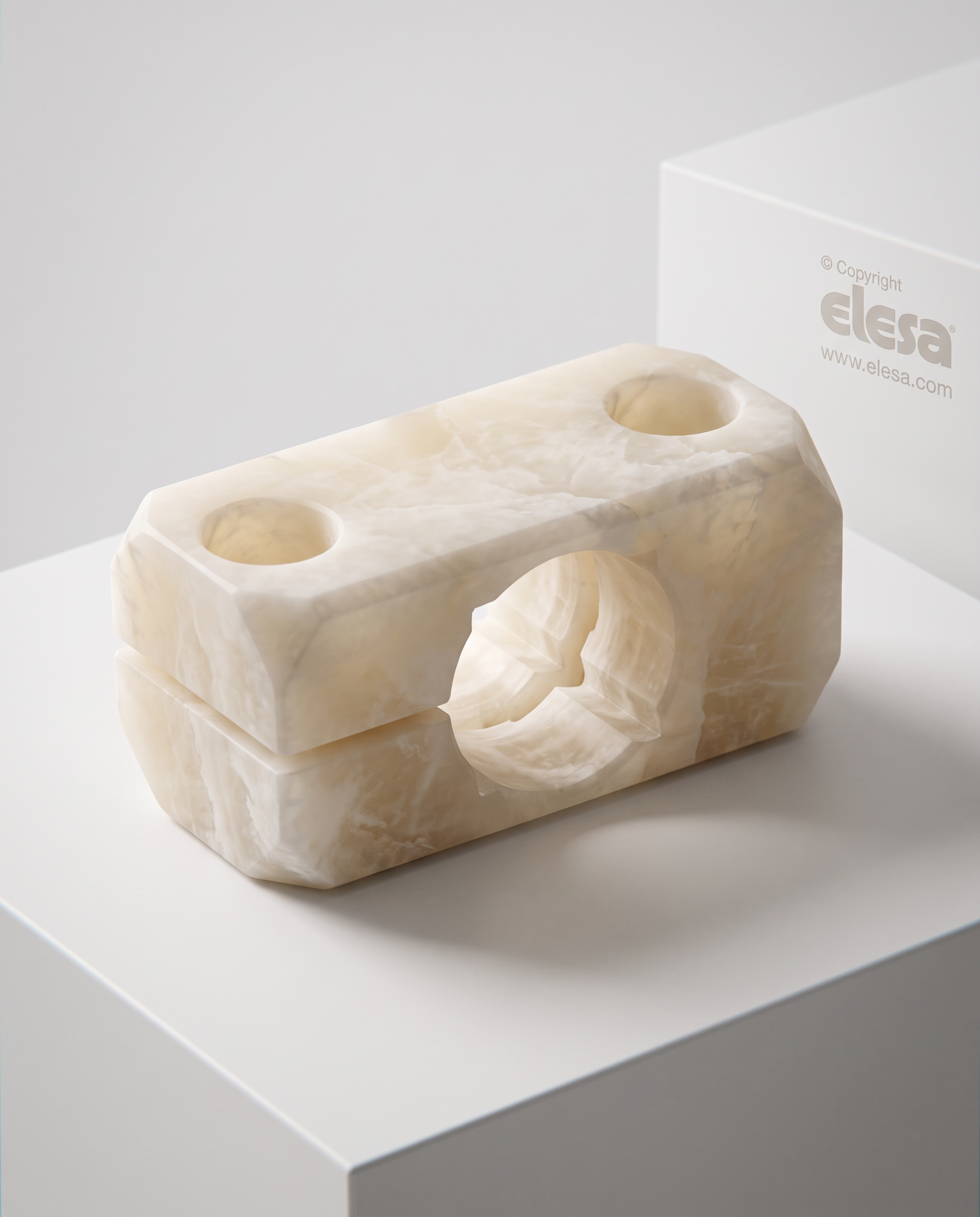
- Create a highly photorealistic render of the object shown in the reference image. Do not modify the design in any way. Preserve the geometry, proportions, dimensions, wall thicknesses, edges, curves, details, and overall silhouette exactly as they appear in the original image. The object must remain an exact replica of the reference with no alterations whatsoever. The only modification is the material. Replace the original material with semi-translucent natural alabaster identical to the reference material image. The alabaster should display realistic internal light diffusion, subtle tonal variations ranging from warm ivory to creamy white, delicate natural veining, and the characteristic depth and translucency of genuine carved alabaster. Do not change the shape, scale, proportions, surface modeling, or any design detail. Keep every aspect of the object identical to the original reference. Place the object on a clean, minimal, neutral white pedestal or flat surface with a refined architectural aesthetic. The environment should be simple and unobtrusive, white and minimal, designed only to enhance the material through elegant shadows, soft reflections, and controlled indirect lighting. Use museum-quality studio lighting with soft directional light that emphasizes the translucency, depth, and natural beauty of the alabaster without distracting from the object. Ultra-photorealistic, physically accurate materials, ray-traced global illumination, high dynamic range lighting, realistic soft shadows, subtle reflections, extremely high detail, premium product photography, 8K resolution. Preserve the original camera angle and framing unless otherwise specified.
- Created
- July 16, 2026