- Prompt
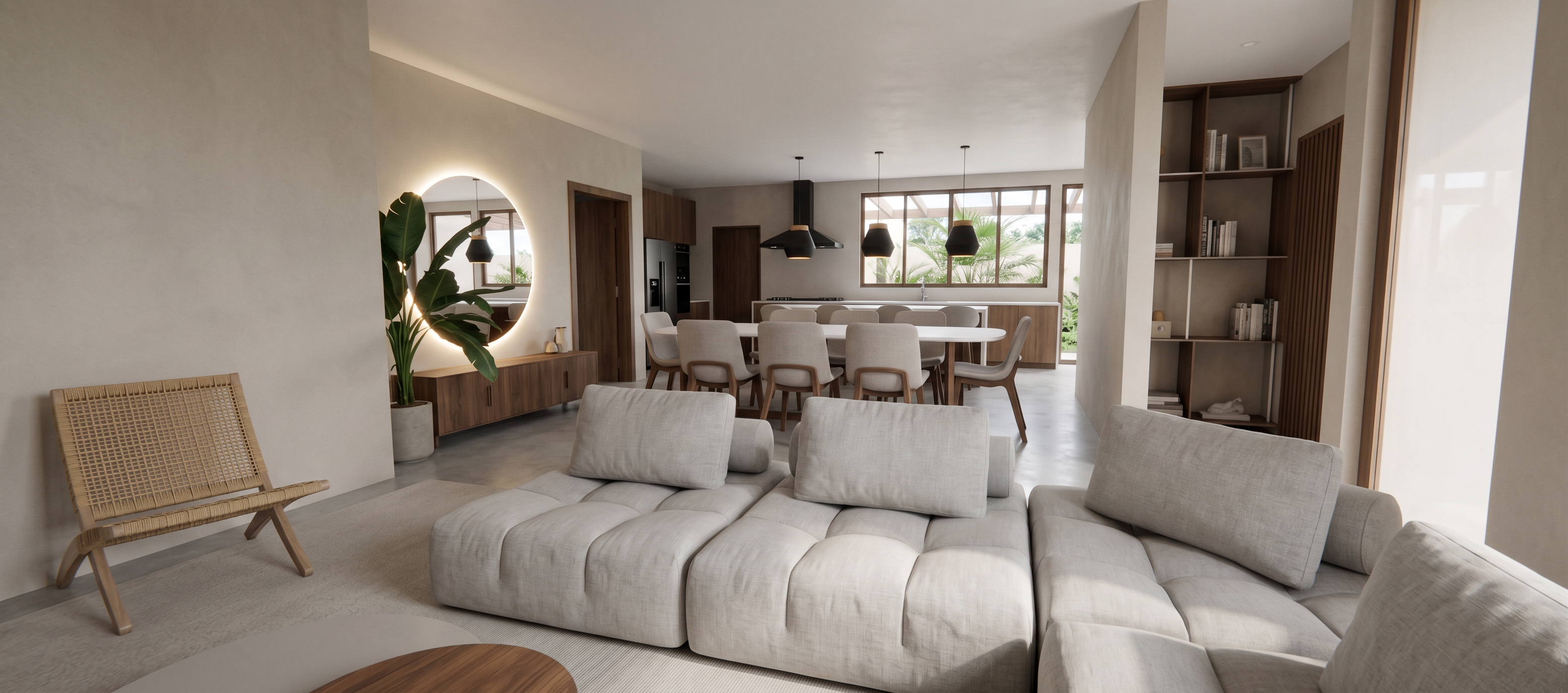
- Turn this interior screenshot into a realistic Japandi‑style render. Do not modify, add, remove, or alter any architectural or furniture geometry. Every element visible in the screenshot must remain exactly in the same position, scale, and form — including the carpet, furniture pieces, shelving, windows, lighting fixtures, and wall openings. No new columns, beams, or decorative objects should appear.
Enhance realism only through materials, lighting, and textures. Use abundant natural light coming from the existing windows, keeping the direction and intensity consistent with the scene.
Apply Japandi material qualities to the existing elements:
Soft, matte, neutral‑tone wall finishes
seimi-dark wood textures with subtle grain for furniture and built‑ins
Natural fabrics for the sofa, chairs, and carpet (linen, cotton, wool)
Minimalist, warm‑tone accents
Organic, realistic vegetation with soft shadows
Smooth stone or ceramic textures where applicable with less marbling to make it more minimalist and clean
Clean, uncluttered surfaces with a calm aesthetic
the round mirror on the left wall is clean and backlit
The ceiling must remain white and smooth. Preserve all existing lighting fixtures, but make their materials more realistic (matte black, brushed metal, or natural wood depending on the reference). Improve reflections and shadows subtly without altering the structure.
The chair in the corner is wooden with a woven like, tan yarn pattern mesh.
Overall, increase photorealism while maintaining the exact layout, proportions, and objects from the screenshot. No geometry changes of any kind.
- Created
- September 11, 2026