Skip to content
Render tools
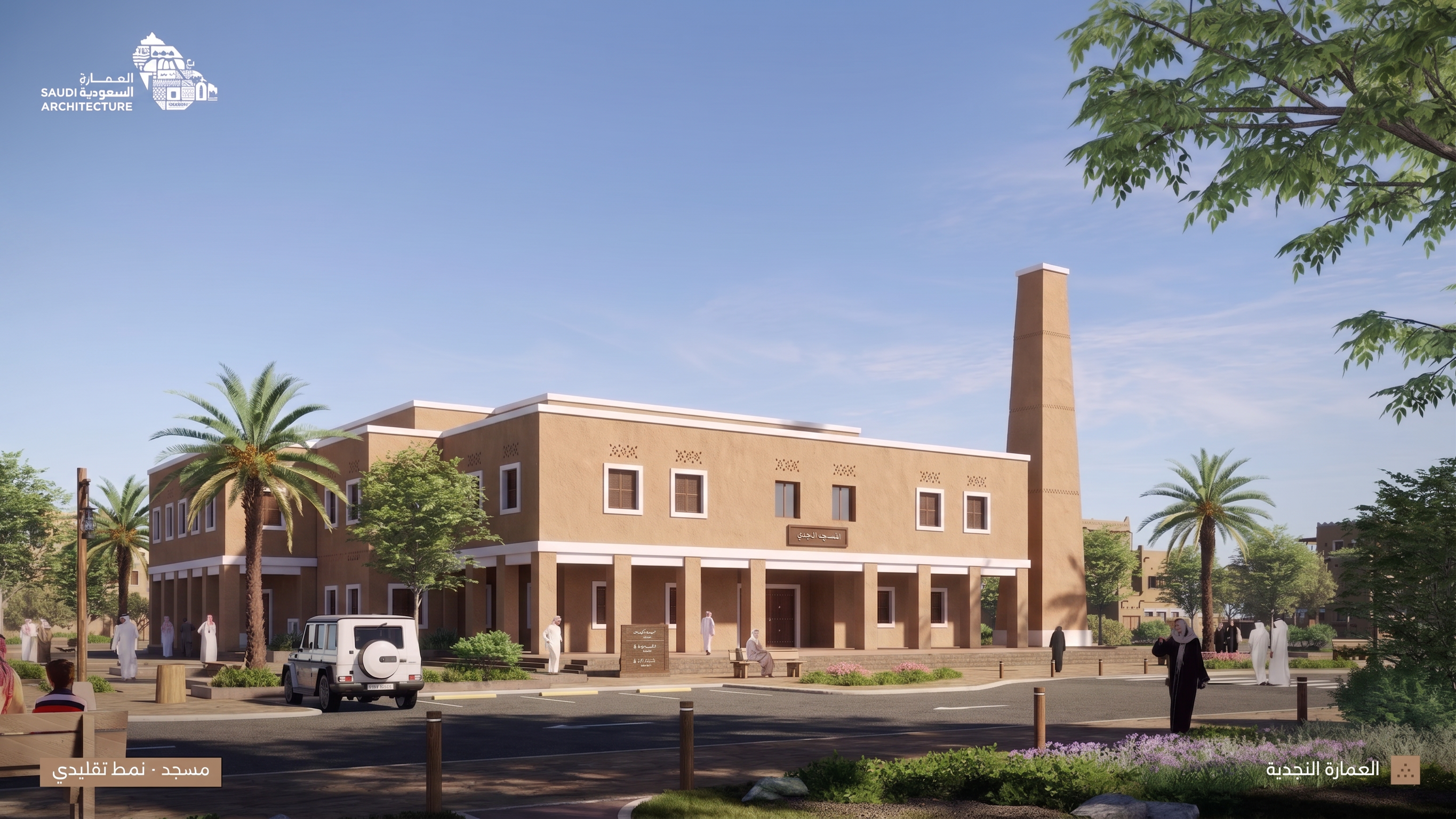
Use the FIRST image as the exact architectural design reference for the Transitional Najdi mosque.

Use the SECOND image ONLY as the reference for camera angle, perspective, framing, composition, and viewing distance.

Transform the FIRST image from a straight front elevation into the SAME three-quarter perspective view shown in the SECOND image.

CRITICAL:
Do NOT redesign the Transitional mosque.
Do NOT convert it back to Traditional Najdi style.

Preserve exactly from the FIRST image:
- building massing and proportions
- Transitional Najdi architectural style
- façade design
- flat clean roofline and white horizontal bands
- rectangular openings and windows
- simplified colonnade
- entrance position and design
- façade motifs
- materials and colors
- minaret design, height, proportions and location

The ONLY major change should be the CAMERA VIEW.

CAMERA:
Match the SECOND reference image as closely as possible:
- same three-quarter architectural perspective
- same viewing direction
- same eye-level camera height
- same focal length feeling
- same amount of side façade visible
- same building scale within the frame
- same foreground depth
- same relationship between mosque, minaret and street

Reveal the side façade naturally based on the existing Transitional design. Do not invent a different architectural language.

Maintain the photorealistic Riyadh environment with blue sky, palms, trees, landscaping, pedestrians, street and a few vehicles.

Match the overall daylight, realistic shadows and presentation quality of the SECOND reference.

IMPORTANT:
IMAGE 1 = ARCHITECTURE
IMAGE 2 = CAMERA ANGLE ONLY

Do not copy the traditional façade, pointed arches, crenellations or traditional decorative details from Image 2.

Final result:
The EXACT Transitional Najdi mosque from Image 1, viewed from the SAME three-quarter perspective and composition as the Traditional mosque in Image 2.

Create renders like this

Turn any photo, sketch, or floor plan into a photoreal render in seconds.