- Prompt
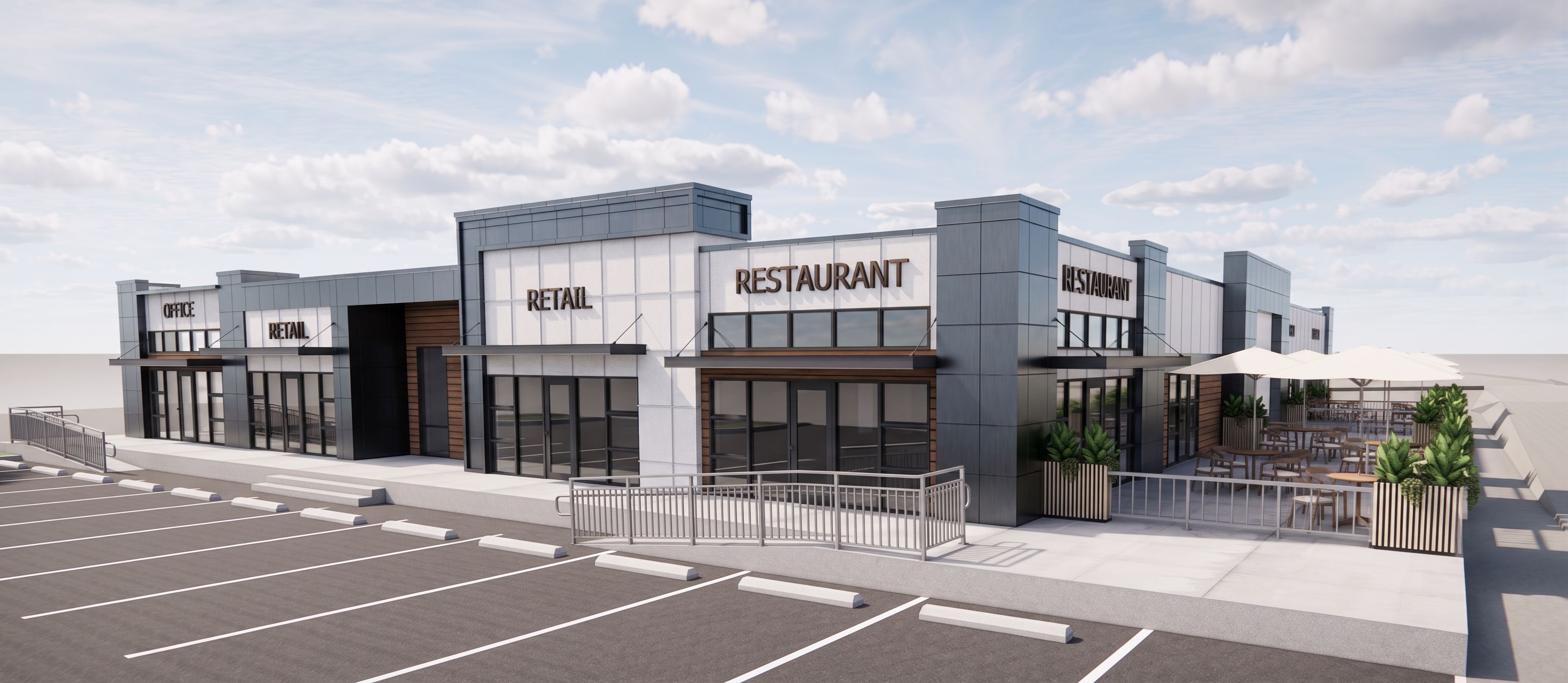
- Create a detailed, ultra-realistic high-quality architectural render of the provided image/model. Preserve the design exactly as shown without changing, redesigning, removing, or adding any architectural elements, materials, dimensions, layout, landscaping, furniture, or composition. Important: Do not add any new objects, features, greenery, people, or design elements. Do not modify the layout, geometry, proportions, camera angle, or perspective. Keep all materials and finishes exactly as shown in the original model. The white finish should remain white stucco panels exactly as shown, with realistic texture, clean panel joints, and subtle material variation. Enhance the image quality only by improving: Photorealistic daylight lighting and soft natural shadows High-resolution textures and material realism Sharpness, depth, reflections, and contrast Realistic glass, metal, concrete, and stucco panel appearance Clean, polished, presentation-quality visualization Make the render crisp, professional, and visually appealing while keeping the original design 100% unchanged., keep exact camera angle
- Created
- May 20, 2026